- Product SuitesPlatformSPOTLIGHT
Sprinklr named a Leader in The Forrester Wave™: Social Suites, Q4 2024
Read full reportSprinklr named a Strong Performer in The Forrester Wave™: CCaaS Platforms, Q2 2025
Read full report - SPOTLIGHT
Aramex delivers world-class CX with AI-powered CCaaS and 24/7 customer care
Read full storyAcer streamlines workflows across global markets and transforms the customer experience
Read full story - SPOTLIGHT
Check your AI maturity in minutes and get a free report with strategies to improve your AI readiness
Get startedNorthwestern Mutual uses Sprinklr AI to power its most successful social campaign ever
Read full story - SPOTLIGHT
Uber achieves industry-leading SLA and response times
Read full storyDeutsche Telekom rings in the future of CX with AI-powered CCaaS
Read full story - SPOTLIGHT
Sprinklr wins Cloud-Based CX Solution of the Year at the 2025 CCW Excellence Awards
Learn moreJoin a culture where kindness and customer obsession defines everything we do
Learn more Latest release
Release library
SPOTLIGHTAramex delivers world-class CX with AI-powered CCaaS and 24/7 customer care
Read full storyAcer streamlines workflows across global markets and transforms the customer experience
Read full story
Sprinklr Insights Glossary
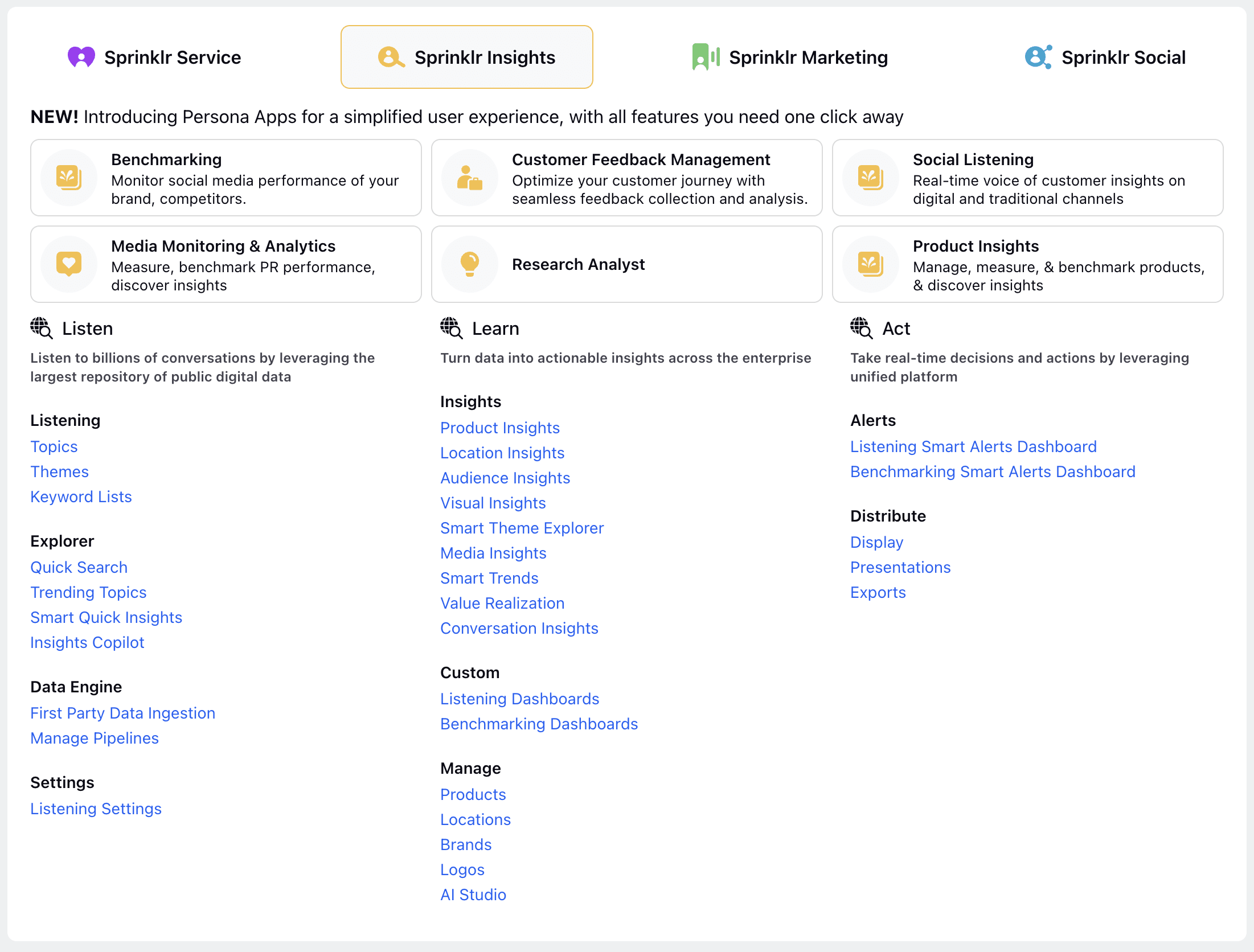
If you are new to Sprinklr, before starting with Sprinklr Insights, it might be beneficial to look at the basic constructs of Sprinklr. Let’s examine the two important constructs - Understanding the Data Scope and User Management Permissions.
Understanding the Data Scope
Brands want to listen to the customers & media publications from all possible sources to have a 360-degree view of the Voice of Consumers (VOC). To have a basic understanding of what sources are supported within Sprinklr Insights, it is beneficial to get a broad overview of supported data sources for different Sprinklr Insights SKUs.
User Management Permissions
Sprinklr has Enterprise grade user management and permissions. Users added in Sprinklr are automatically added to dynamic user groups and provisioned with appropriate roles and permissions.
Getting Started with Sprinklr Insights
Reference Guide for Sprinklr Insights
Sprinklr Insights Glossary
Roles & Permissions
Customer Feedback Management
LLM Insights
Social Listening
Media Monitoring & Analytics
Product Insights
Location Insights
Audience Insights
Competitive Insights & Benchmarking
Visual Insights
Conversation Insights
AI Studio
Alerts
Reporting & Analytics
Data Sources & Channels
Sprinklr AI+
Video Intelligence
English (US)

Sprinklr Help Center