Disable Grabbing Private Messages for Accounts
Updated
Sprinklr provides you with the capability to disable grabbing of Direct Messages for your Facebook pages and X (formerly Twitter) Accounts. This capability will help you improve privacy for your brands.
To Disable Grabbing Private Messages for Accounts
Click Launchpad
 or New Tab
 . Under Platform Modules, select All Settings within Settings.
From the left pane, expand Account Management and then select Accounts.
In the top right corner of the Accounts (Settings) window, click Add Account.
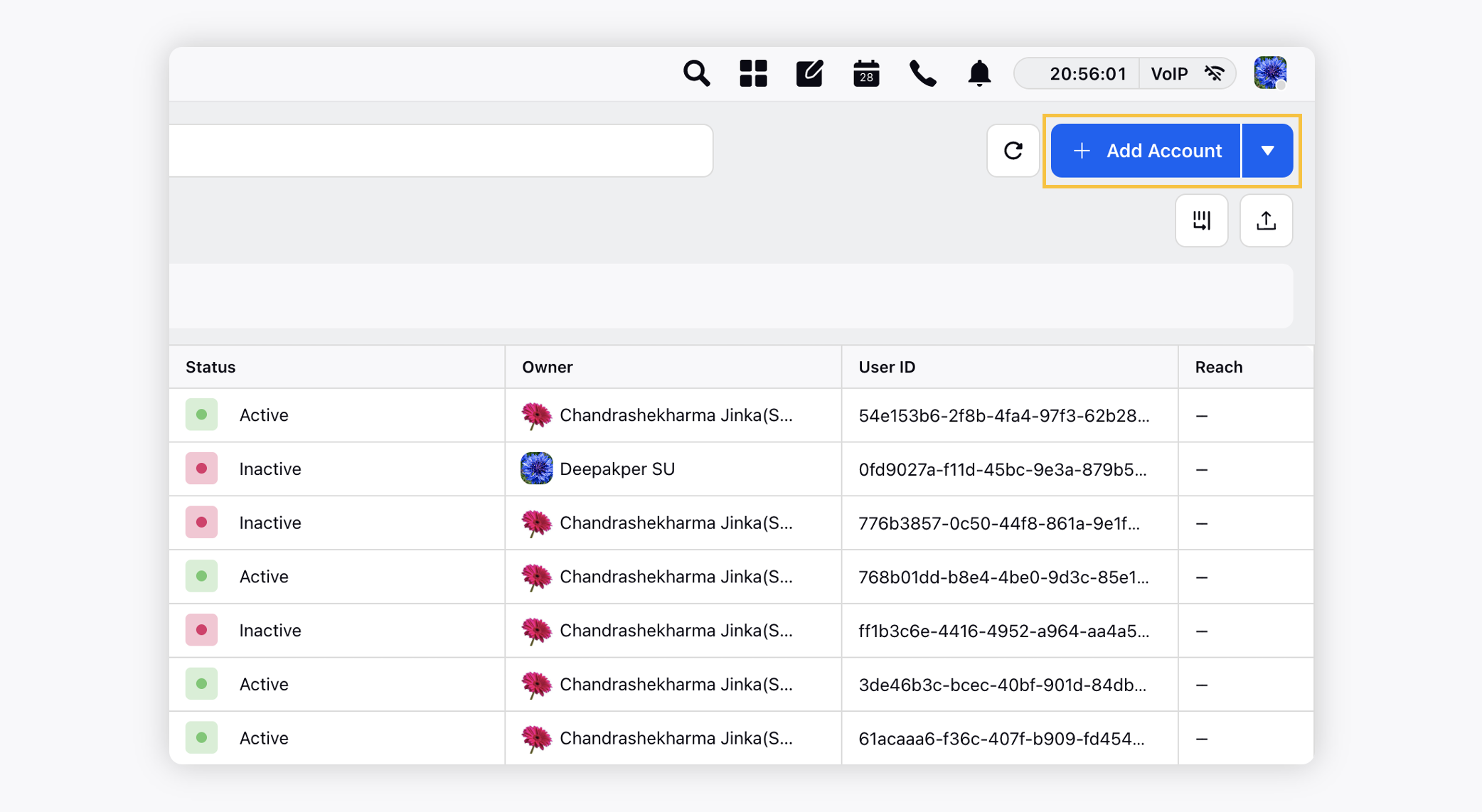
On the Add Account window, search and select desired social channel from the list of channels.
 Note: The capability to disable grabbing Direct Messages is applicable for Facebook pages and X (formerly Twitter) Accounts.
In the pop up window, toggle on the Disable Private Messages option.
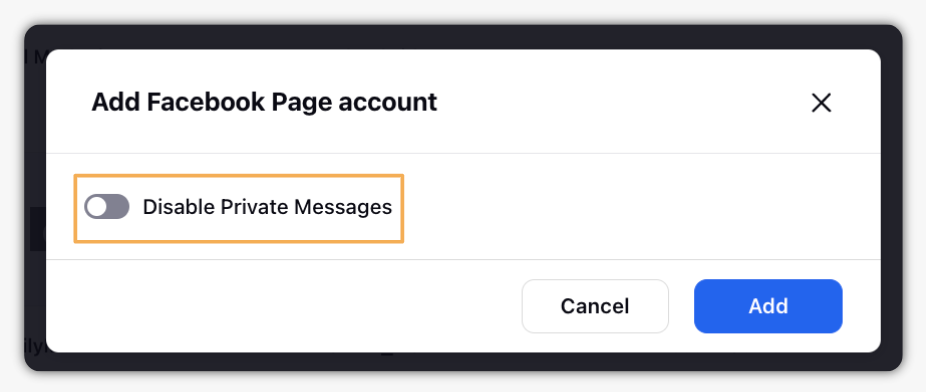
Click Add in the bottom right corner of the pop up window.