Bulk Resend User Activation Links
Updated
Admins have the ability to bulk trigger activation links for users from the User (Settings) window. Note that this capability only appears when any particular users have not logged into the Sprinklr platform even once.
To Bulk Resend User Activation Links to the Users
Click Launchpad
 or New Tab
 . Under Platform Modules, select All Settings within Settings.
From the left pane, expand User Management and then select Users.
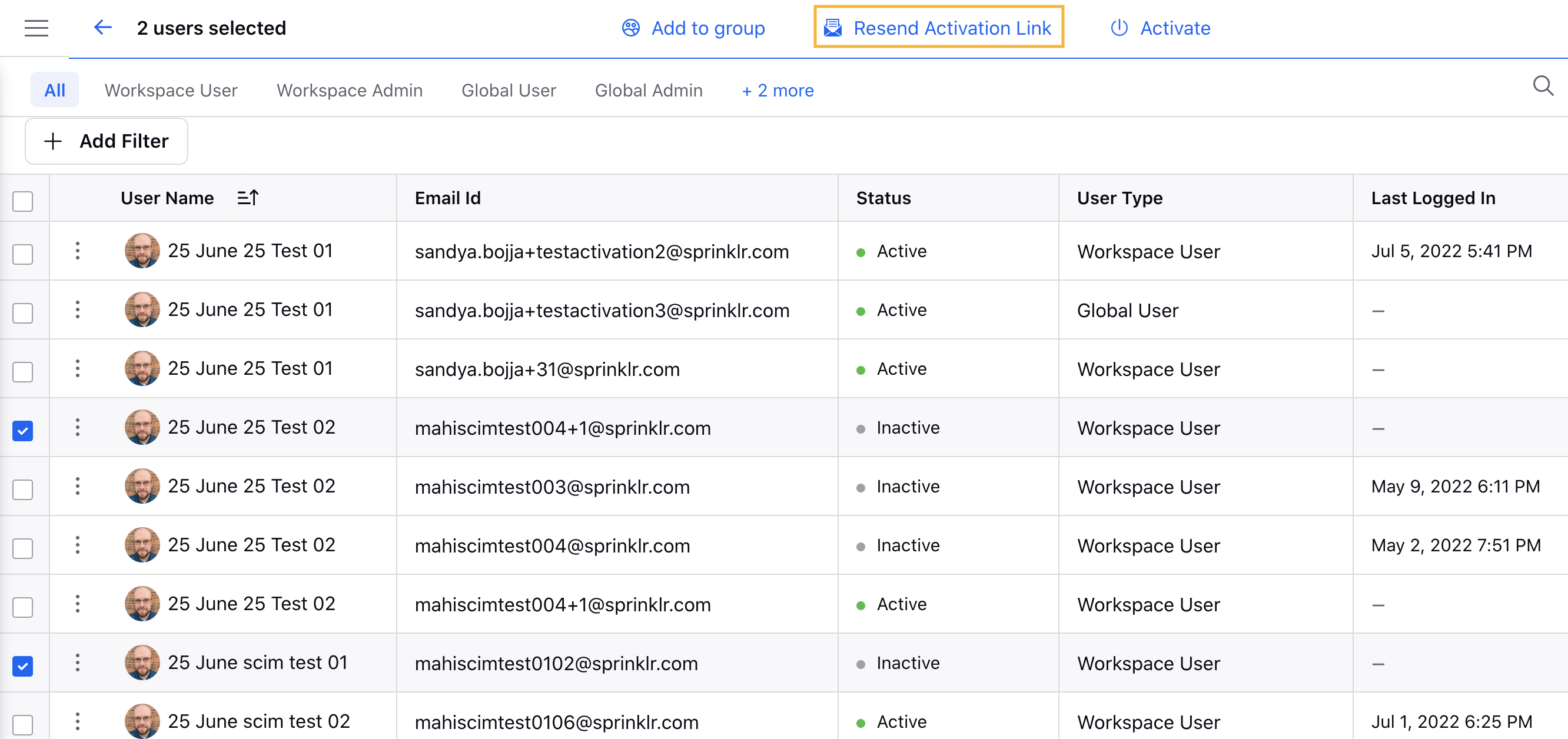
In the Users page, select the checkbox at the far right next to the User Name for all Inactive users.
Next, click Resend Activation Link in the top center of the Users (Settings) window.