Add AppsFlyer URL Shortener in Sprinklr
Updated
Sprinklr allows you to shorten a web URL from within the publisher window. A shortened URL is the contraction of a long URL and it still directs you to the required page. Adding AppsFlyer as a URL shortener helps you to create your customized shortened link, which can be shared on Twitter, Facebook, and other social media websites.
Before You Begin
Ensure that you have an AppsFlyer account.
To Add a AppsFlyer URL Shortener
Click Launchpad
 or New Tab
 . Under Platform Modules, select All Settings within Settings.
From the left pane, select General Settings and then URL Shorteners from the list of options to open the URL Shortener page. You can also search for it in the search bar above.
In the top-right corner of the URL Shortener window, click Add URL Shortener.
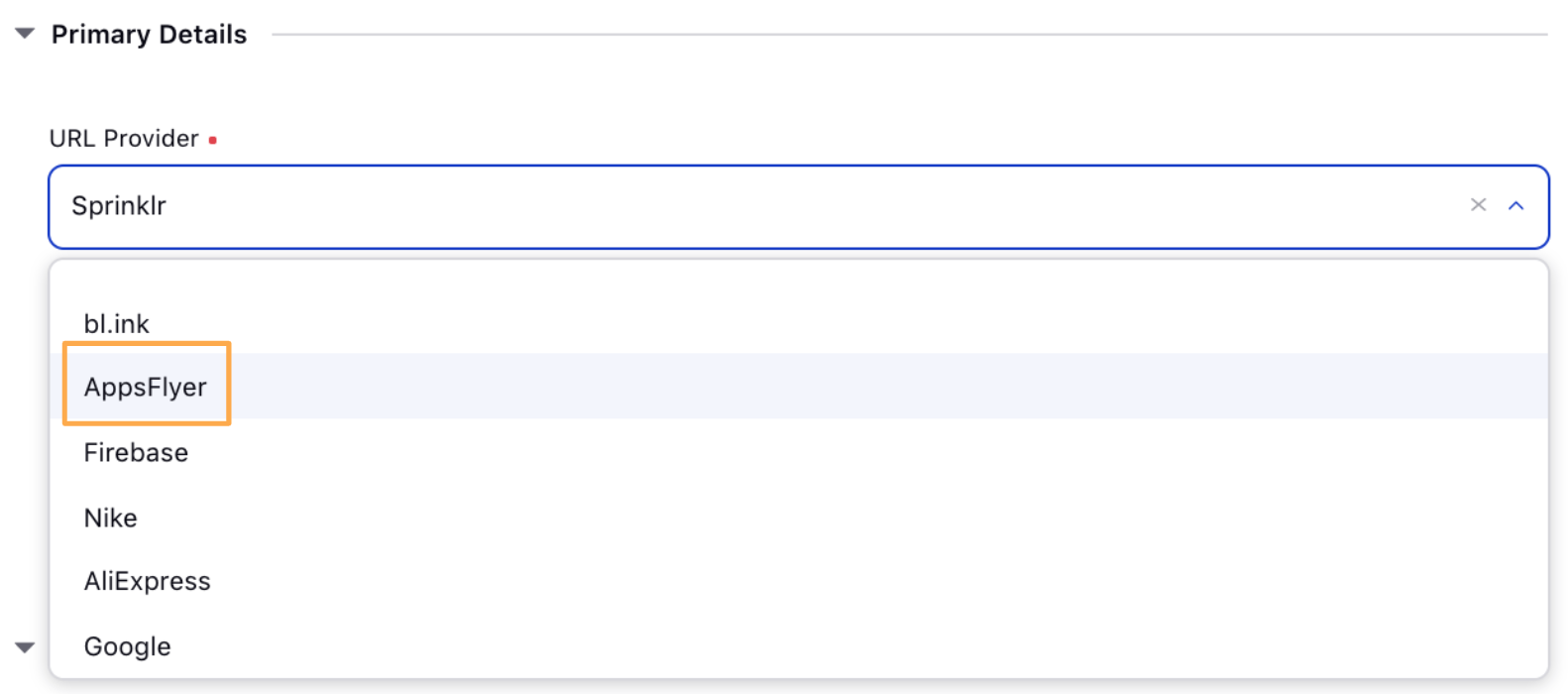
In the Create URL Shortener window, select AppsFlyer as the URL Provider from the drop-down menu under Primary Details.
Enter the URL Name in the given field.
Under Provider Settings, enter URL API Key.
Click Save in the bottom right corner.