How to Take Actions based on AI Creative Insights using Rules
Updated
Users can now pause ads containing unenriched creative that is not brand-compliant using the Rule Engine.
This feature utilizes a new field called 'Enrichment Status', which includes two parameters at the ad variant level:
Creative Insights: Logo Present
Creative Insights: Brand Present
The 'Enrichment Status' field can take on values of True or False, indicating whether the creatives in the ad variant are enriched.
 Note: Data enrichment involves merging authoritative, externally sourced third-party data with information from an existing first-party customer database.
Note: Before rules can be applied to take action, it is imperative to train a set of logos. Without this training, all creatives will be classified as undetected, leading to the automatic pausing of all ads.
To see the "Enrichment Status" option in a rule, follow this procedure:
1. Click the New Tab icon. Under Sprinklr Marketing, navigate to Advertisement.
2. Under the Rule Engine, click Manage Rules.
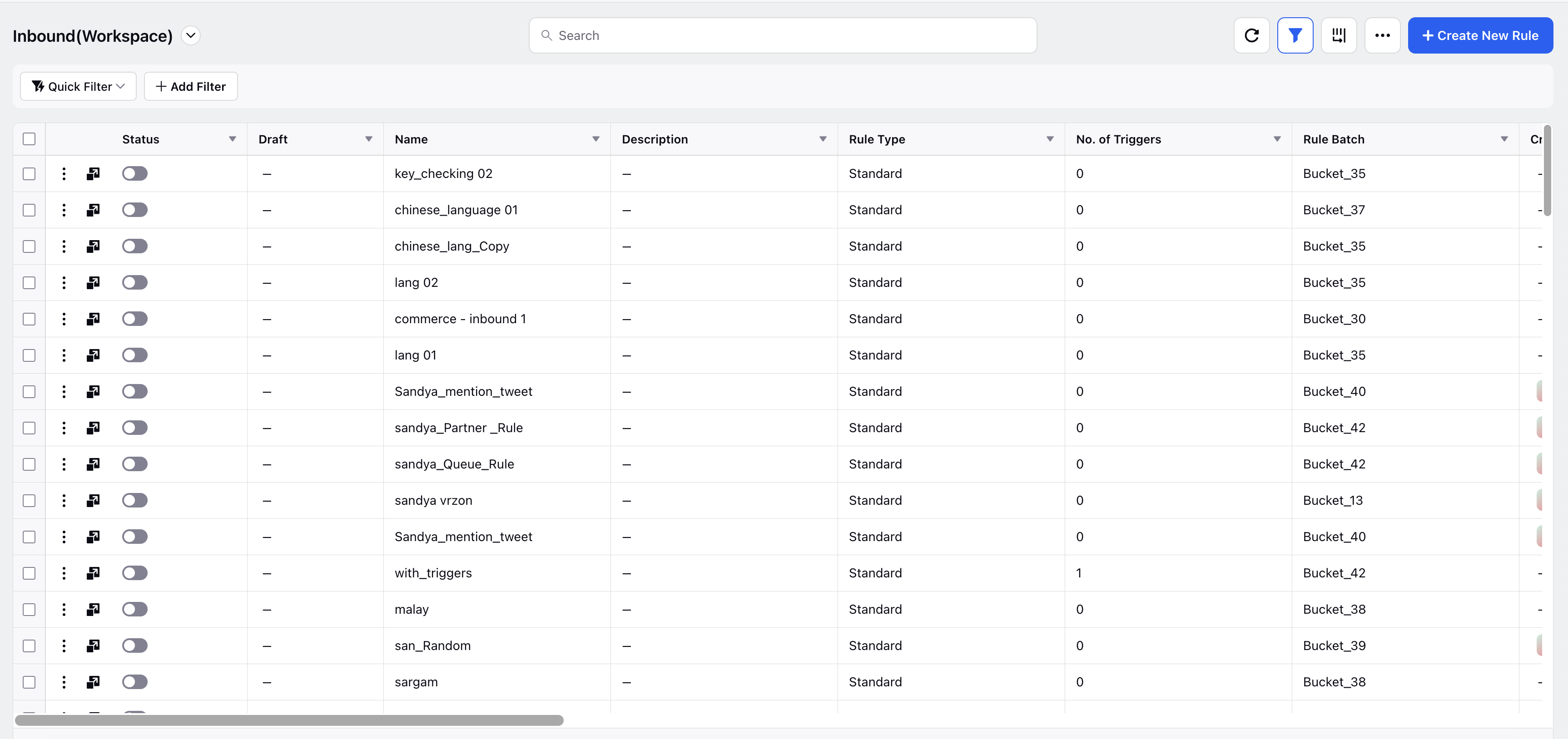
3. Click on Create New Rule tab, and fill the necessary details. While creating a new rule, select scope as “Customer” and context as “Paid”.
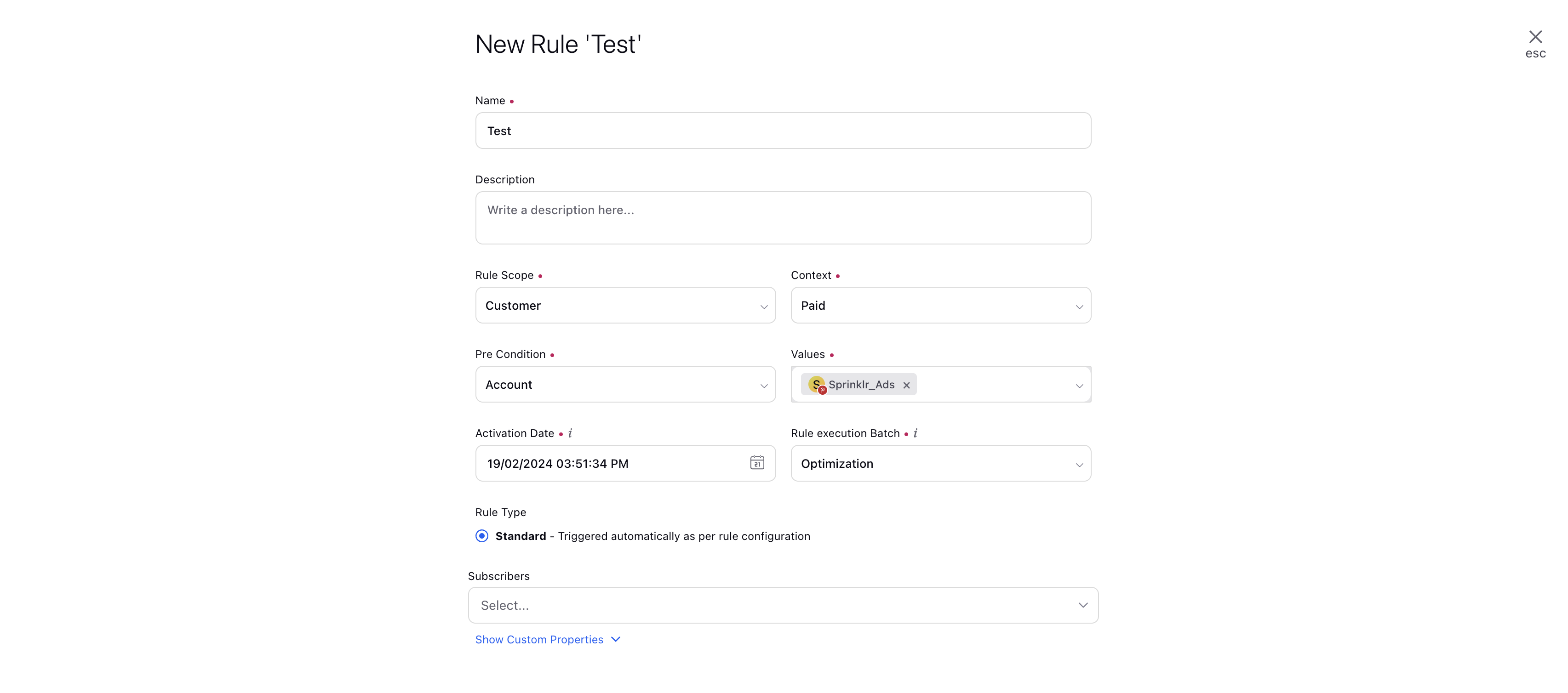
4. Select Add Condition option and navigate to "Conditions Applies To Creative Insights Conditions".
5. Under "Conditions Applies To Creative Insights Conditions", "Enrichment Status" option is available which takes two values: "Yes" or "No".
6. Following this, "Creative Insights: Logo Present" and "Creative Insights: Brand Present" option will be available when "Add another condition" is selected.

7. User can use multiple combinations of this condition to pause ads without enrichment, without logos and much more.