How to Approve Intent Model Feedback?
Updated
Steps to Approve Intent Model Feedback
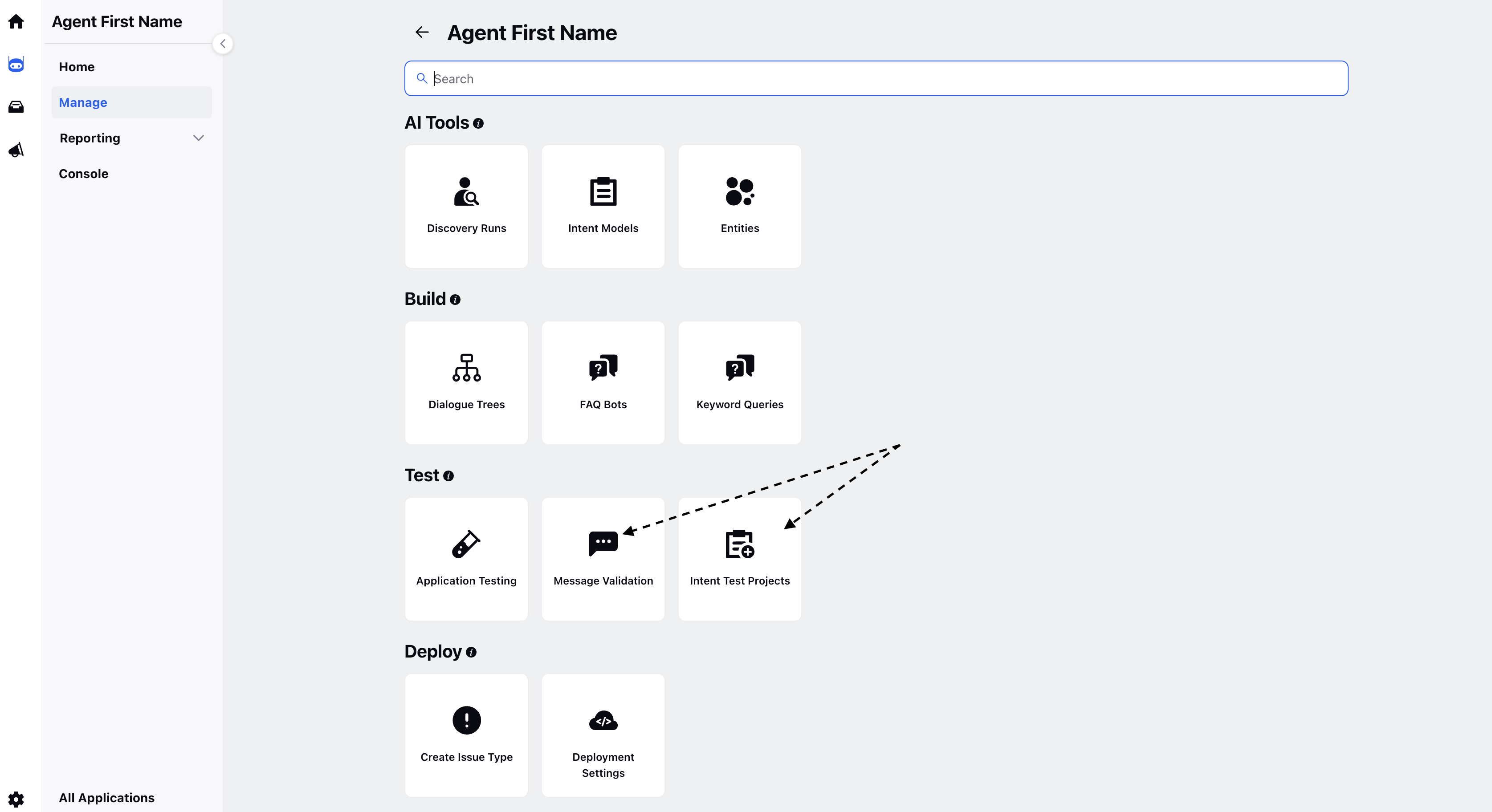
Open the Conversational AI Persona App and go to "Test". Click Message Validation OR Intent Test Projects.
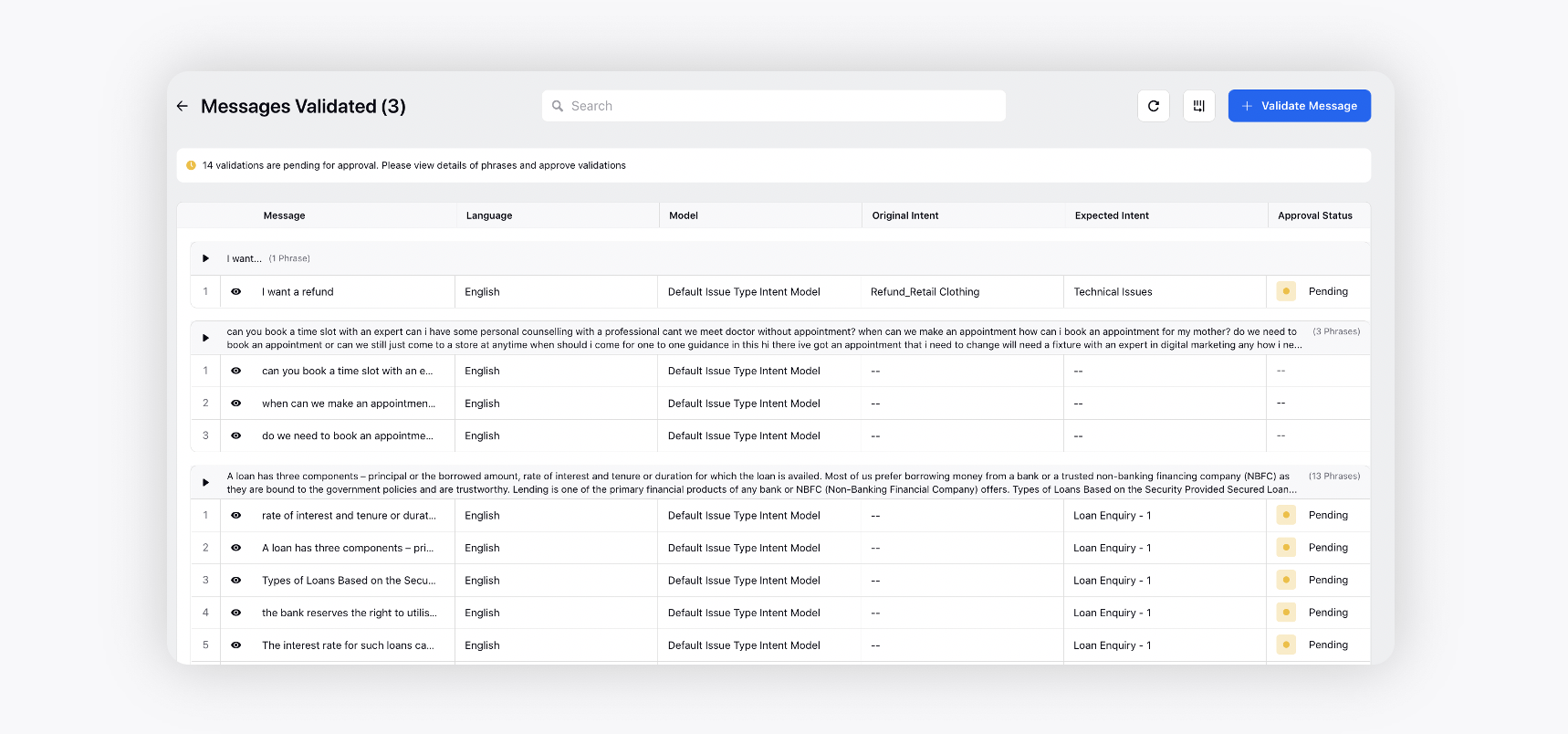
In the "Message Validated" window, a user will be able to view all validated phrases along with their expected intent.
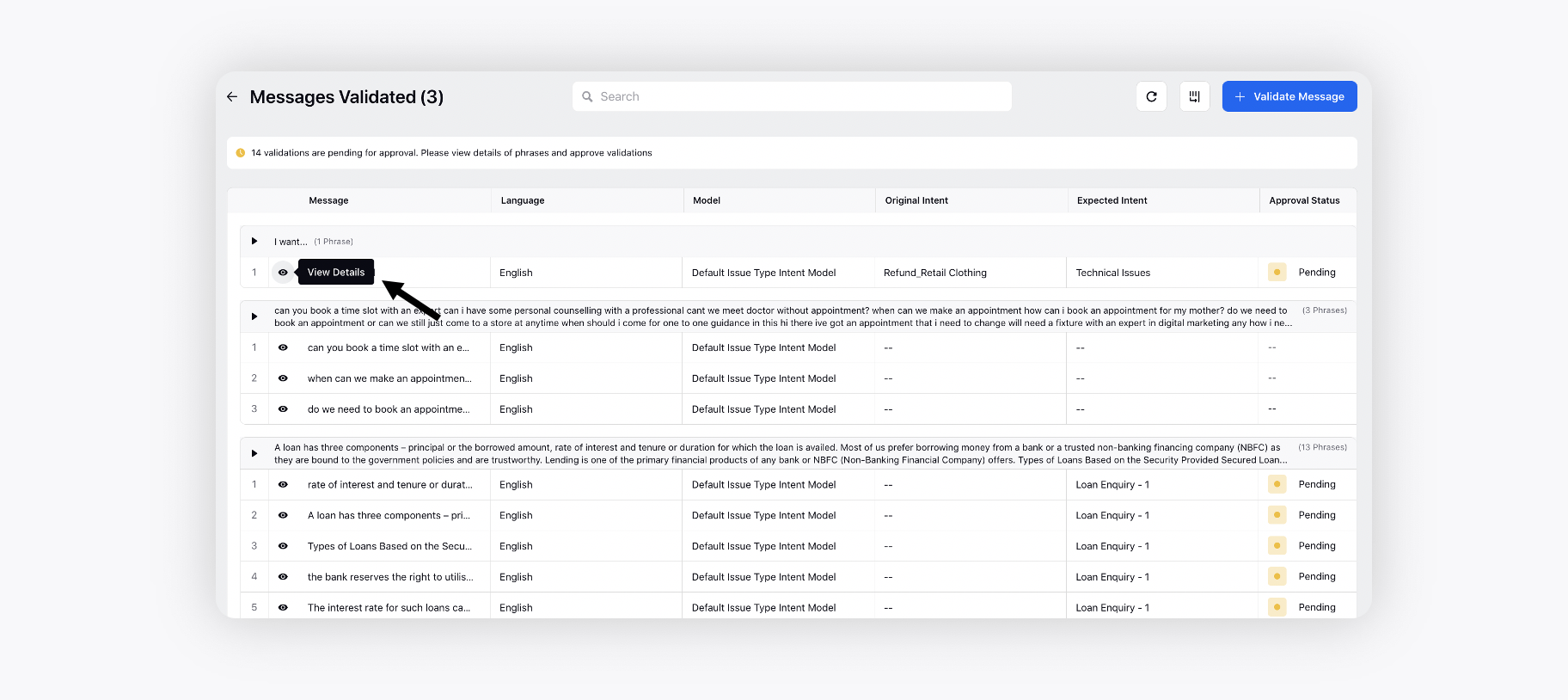
Click the Eye icon next to the phrase to open the details in the third pane.
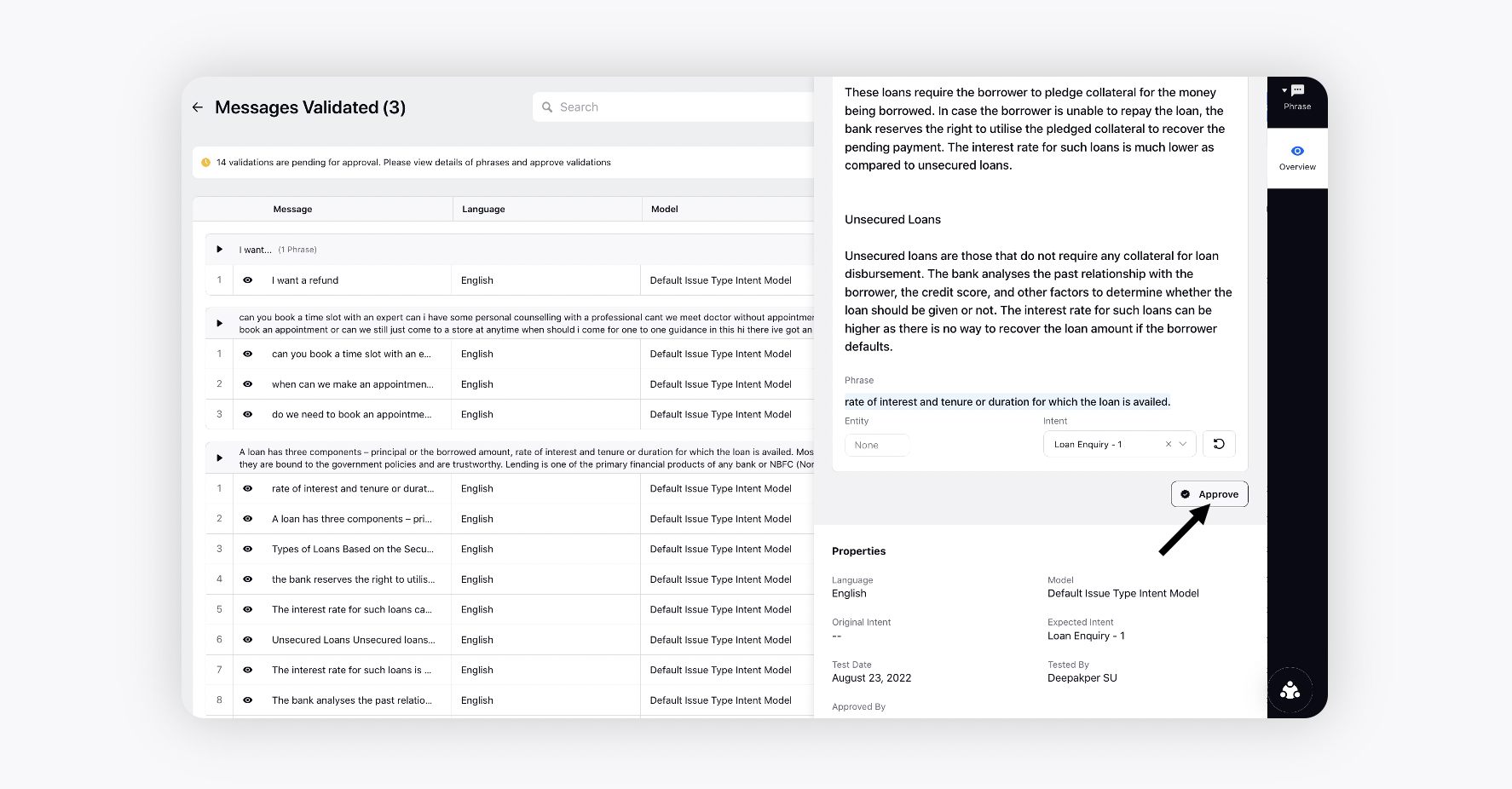
Review all the suggested changes and approve them.