Insight Detailed View
Updated
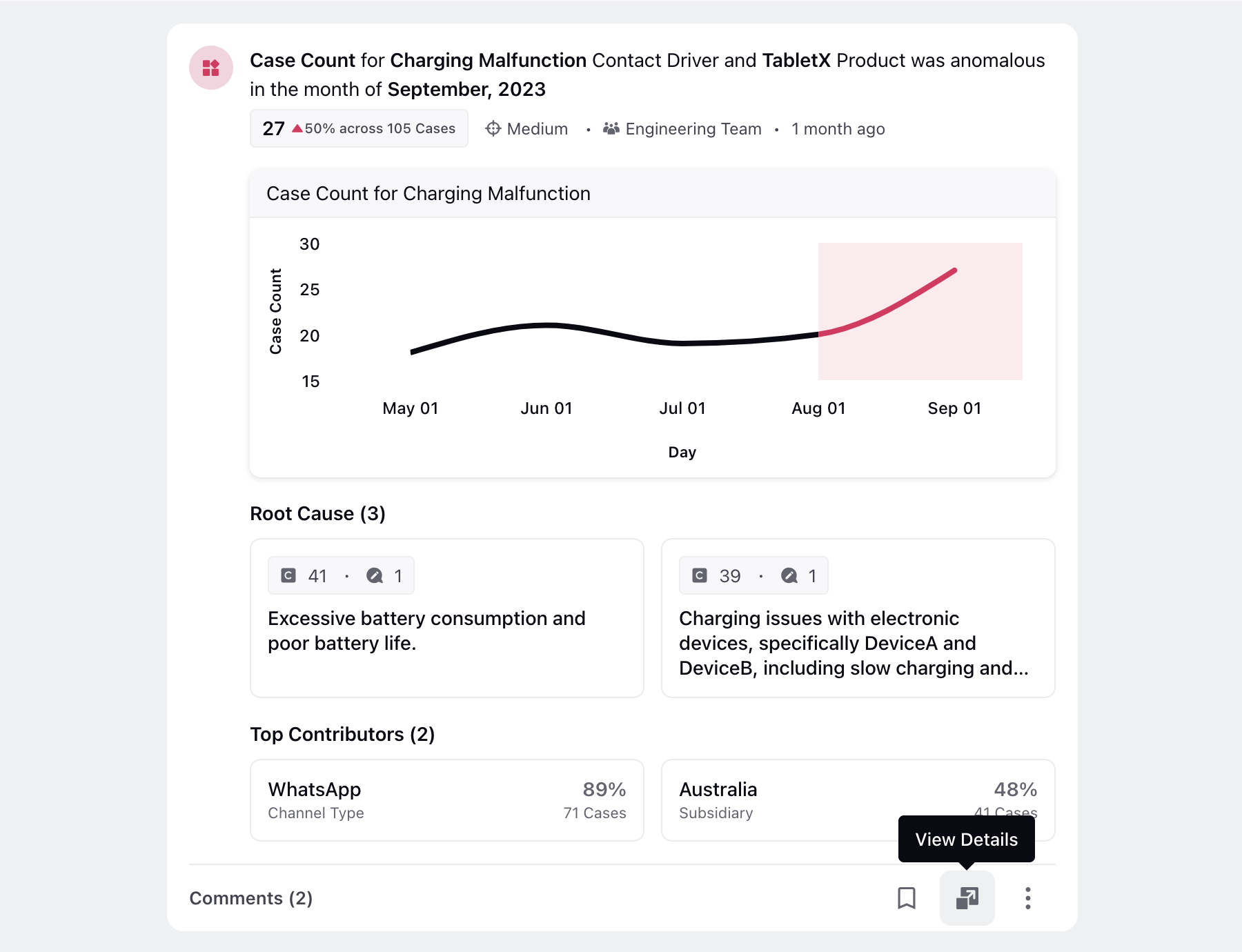
The detailed exploration in the third pane allows users to gain a thorough understanding of the insight, its contributors, root causes, associated cases, and any collaborative comments made by team members.
Click View Details at the bottom of the insight card to open the third pane.
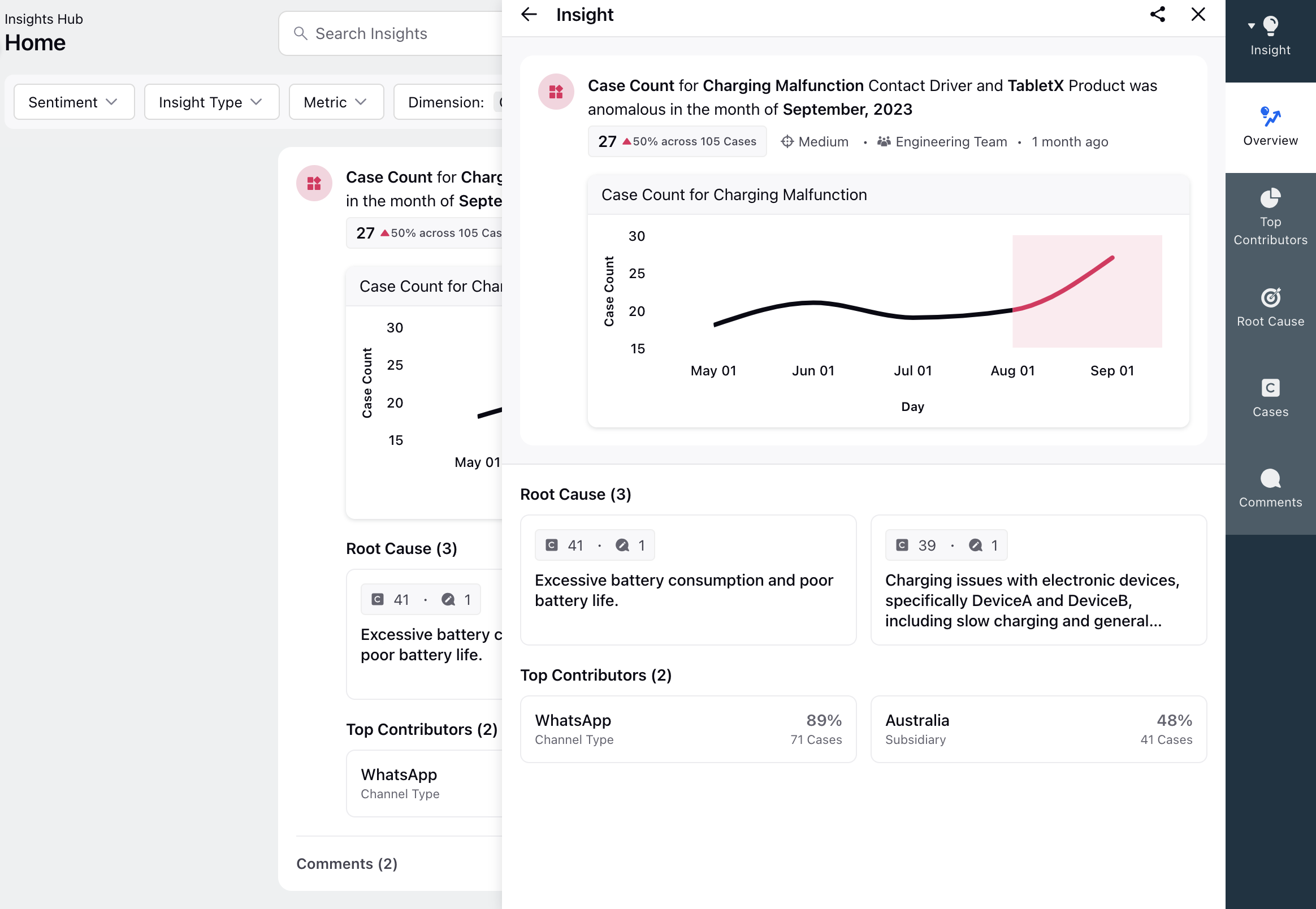
Overview Tab
Presents a concise overview of the insight, providing essential details.
Top Contributors Tab
Displays the top contributors related to the insight.
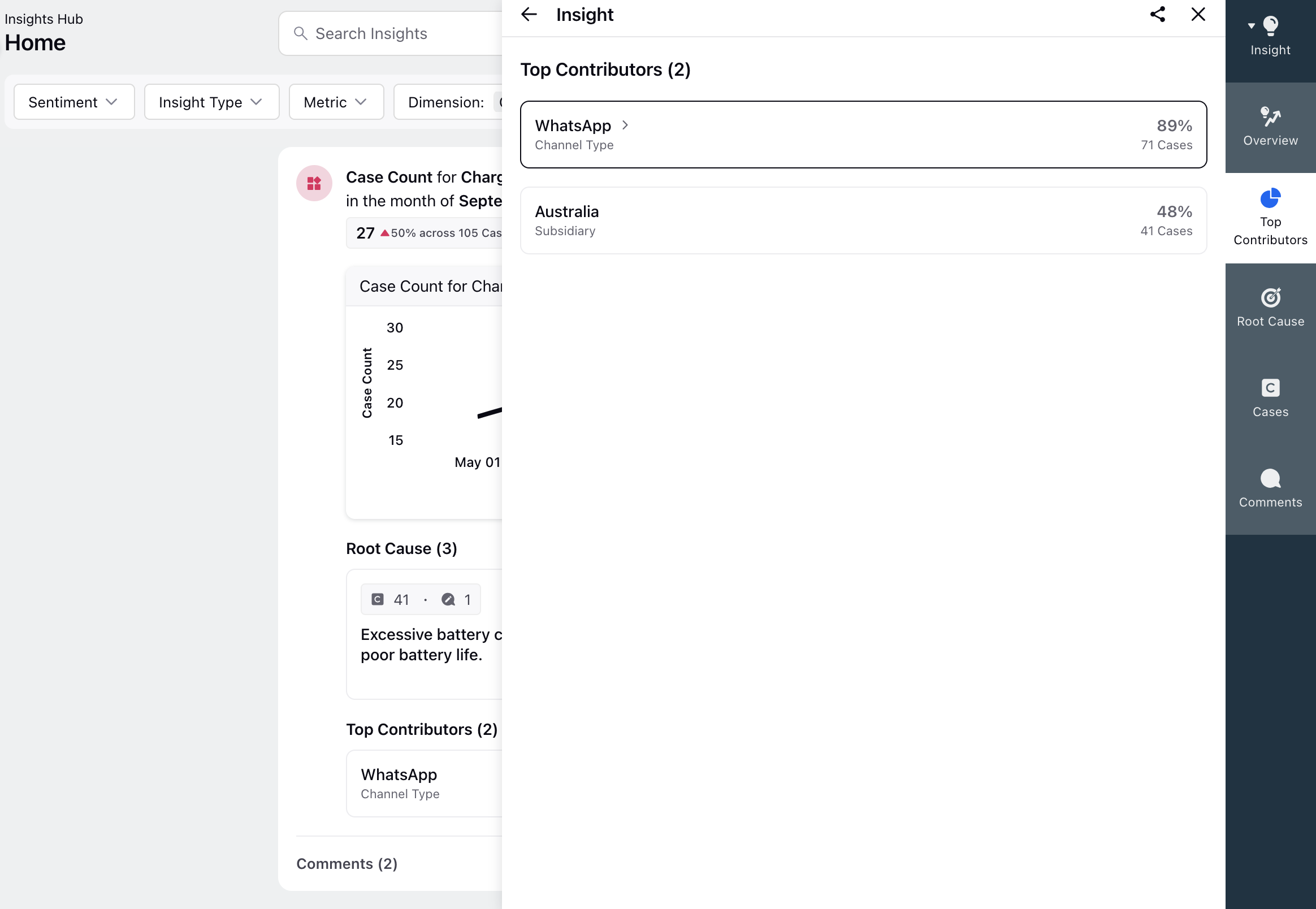
Clicking on a contributor reveals the associated cases.
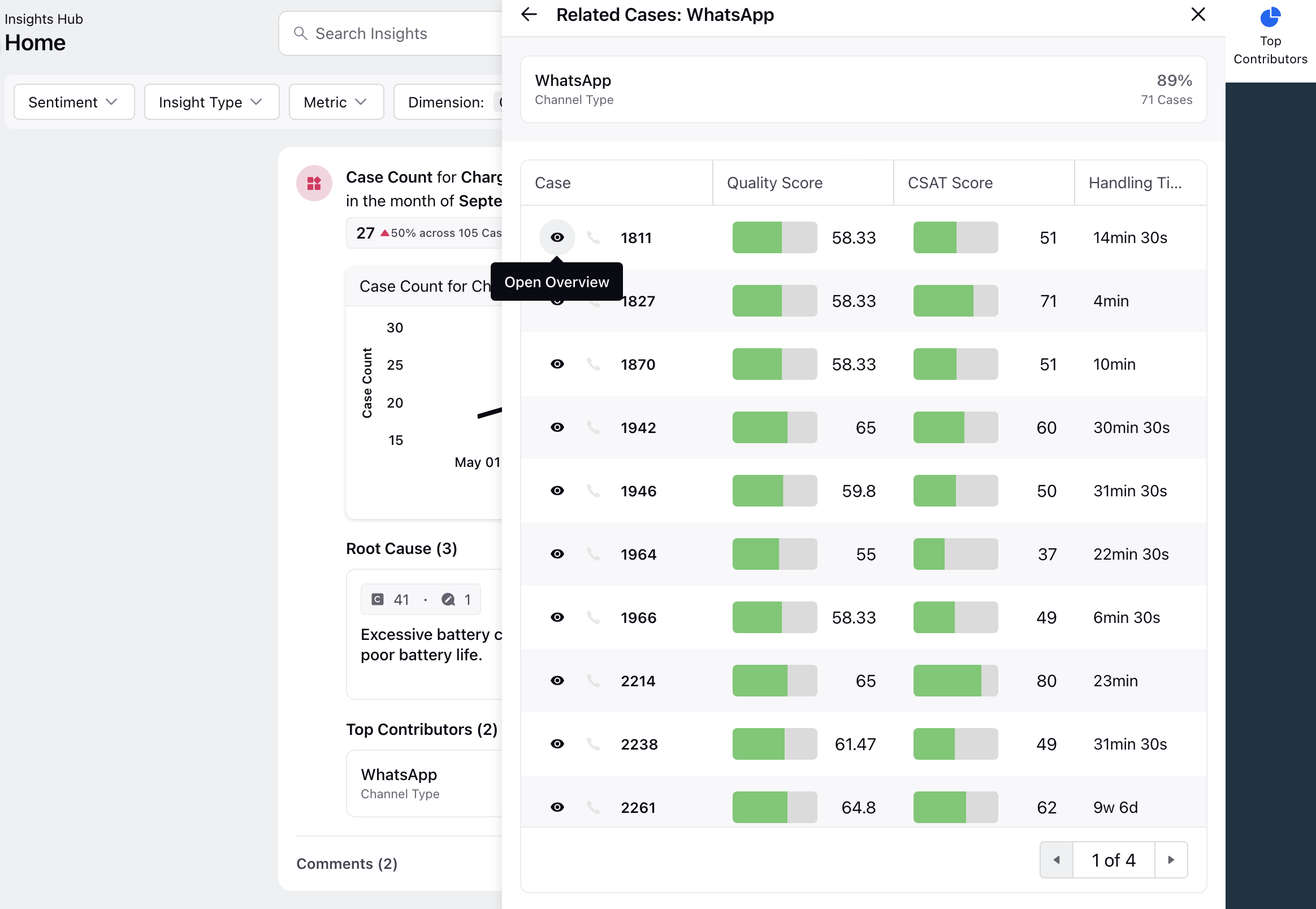
Root Cause Tab
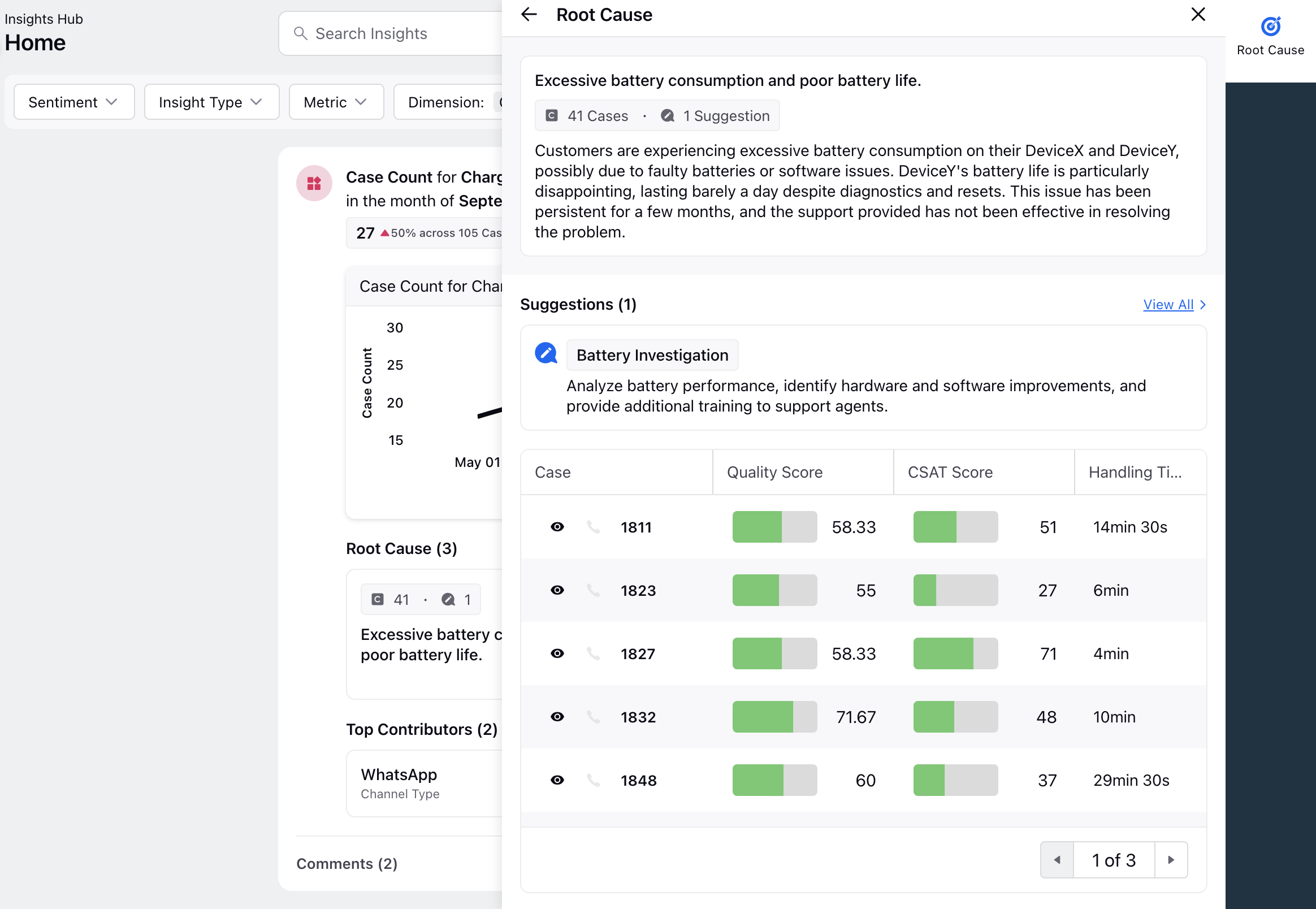
Offers insights into the root causes of the identified issue. In the Root Cause third pane, users have the option to sort the root causes based on latest associated case, duration and case count.

Clicking on a root cause provides suggestions and reveals associated cases related to that specific root cause. Suggestions refers to recommendations provided by the Sprinklr AI model on how a particular issue should typically be resolved. Unlike root causes derived directly from conversations, suggestions are generated based on the AI model's understanding of common or standard resolutions for specific issues. These recommendations aim to offer guidance on how to address a given problem or situation, drawing from a broader knowledge base and predefined resolution strategies rather than being directly extracted from individual conversations.
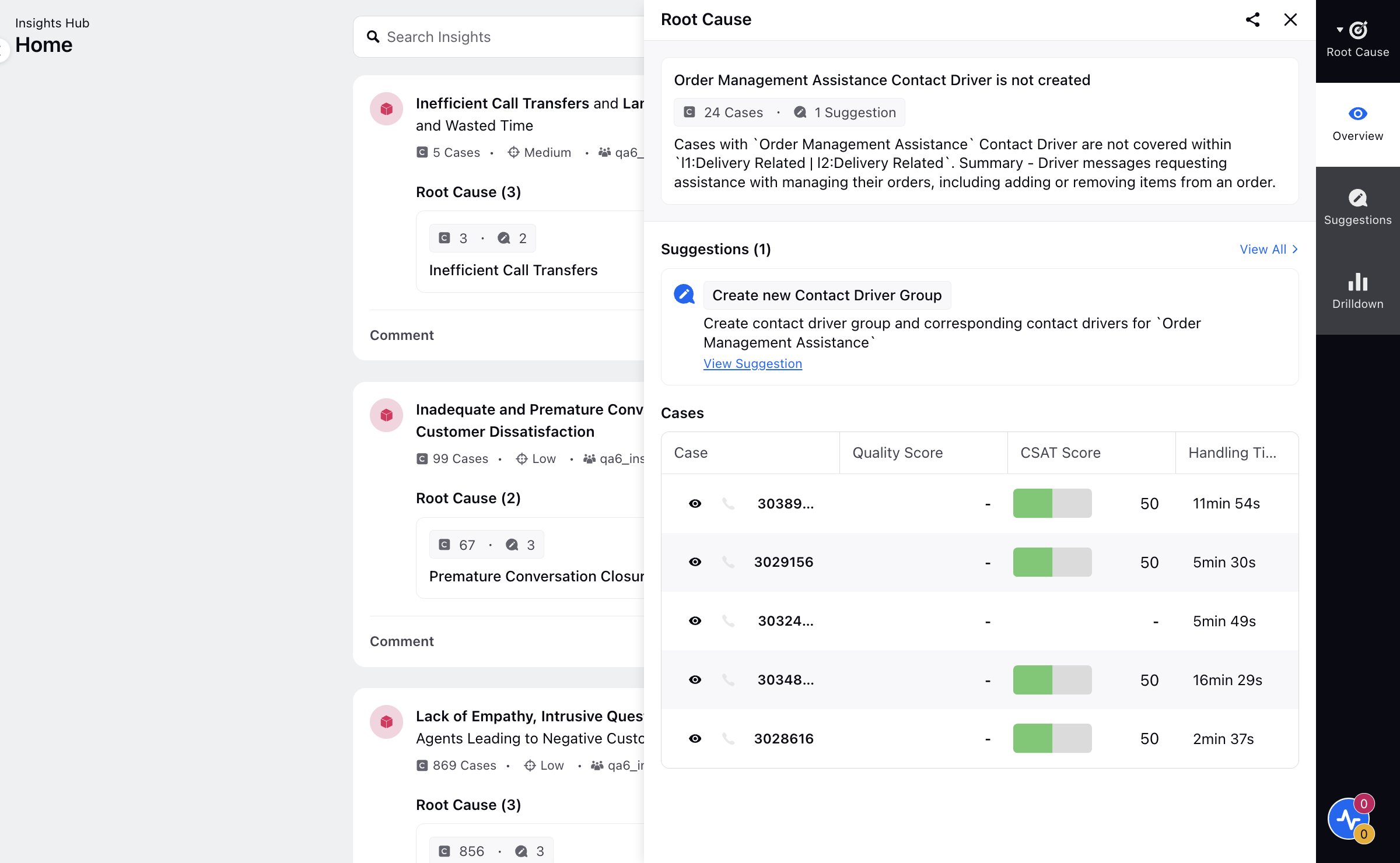
For a Contact Driver Insight Type, you'll have the option to view suggestion. You can take further action by clicking "View All Suggestions" and navigating to the contact driver models.
For a Knowledge Base Insight Type, you'll be presented with the option to either update an existing article or create a new article. Clicking on the suggestion will navigate you to the Knowledge Base Builder.
Drilldown Tab
The Drilldown tab displays all data related to the associated insight cases through configurable widgets. Each widget provides detailed information for the selected insight. You can export widget data using the Export option on the tab. Supported export formats include PDF, PNG, Excel, and CSV.

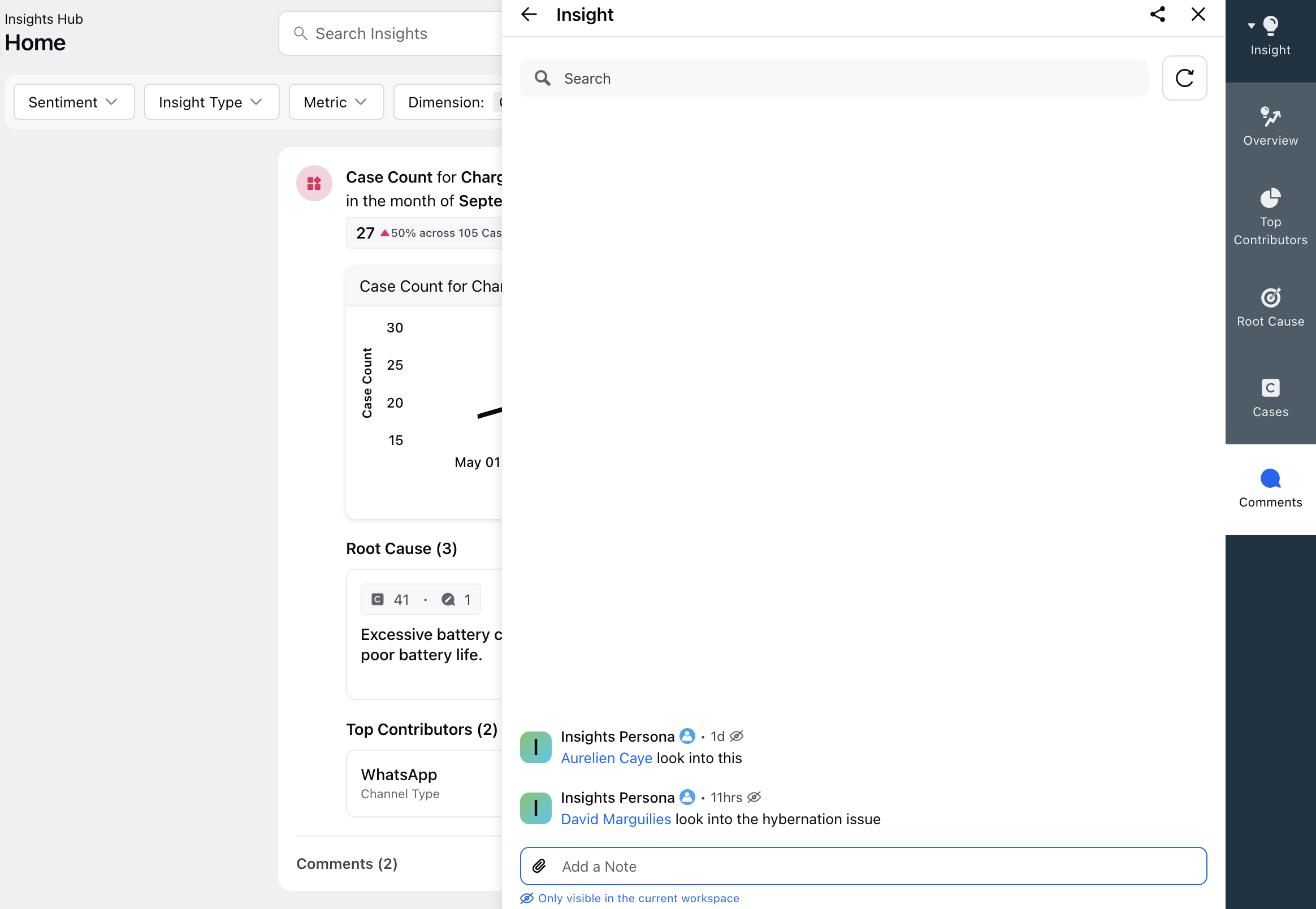
Comments Tab
Enables users to view existing comments, as well as add new comments and tag relevant individuals.