Multi-Channel Messages in the Editorial Calendar
Updated
For multi-channel messages in Draft status, the Day and Week views in the Editorial Calendar display details from the channels associated with the post. When Post Card Properties are enabled from More Options, message cards surface key channel-specific information directly on the card, making it easier to review and manage multi-channel content without opening the message details.
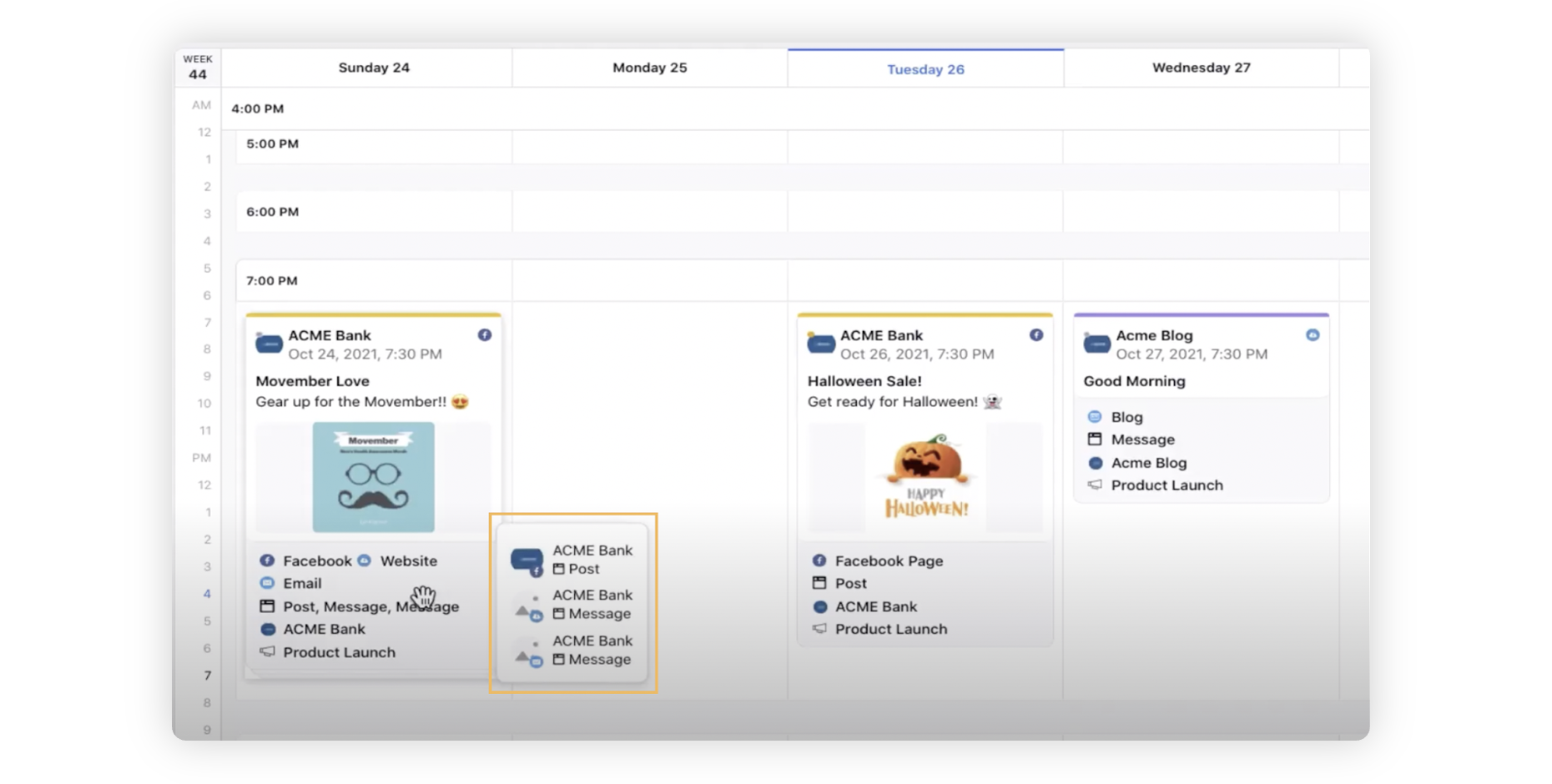
Clicking on one of the posts opens the third pane with the respective channel tab. For example, clicking on Instagram opens the third pane with the Instagram tab. All the associated accounts will show in the properties section. Account name at the top of the card is for the channel post which is being displayed.