How to Create a Custom Field
Updated
To Create a Custom Field
Click the New Tab icon and go to All Settings. Under Manage Workspace, click on Custom Fields.
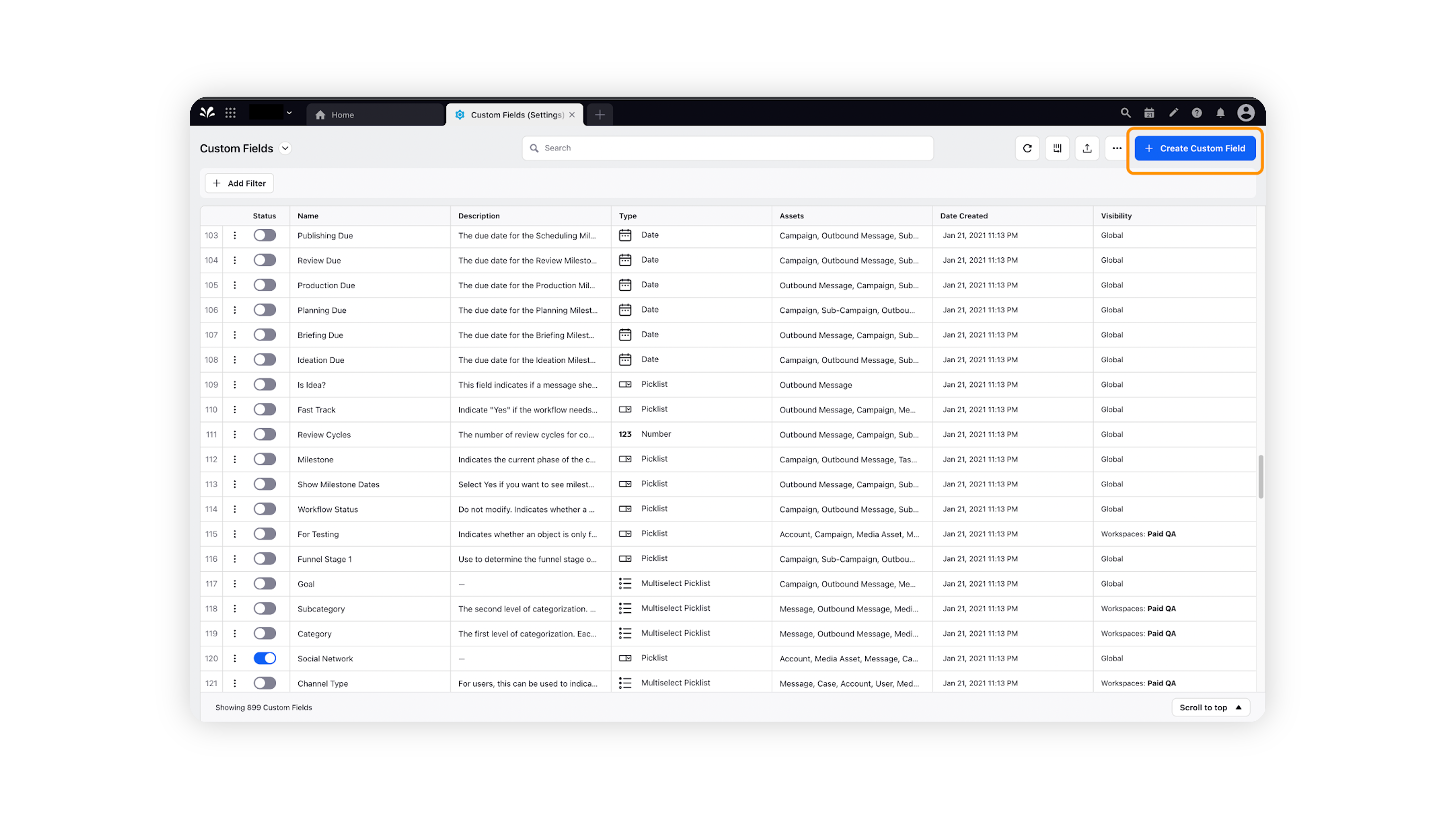
On the top-right corner of the screen, click on Create Custom Field.
The New Custom Field form should open. Fill in the relevant fields, such as the type of the Custom Field, Name, Values, Visibility etc.
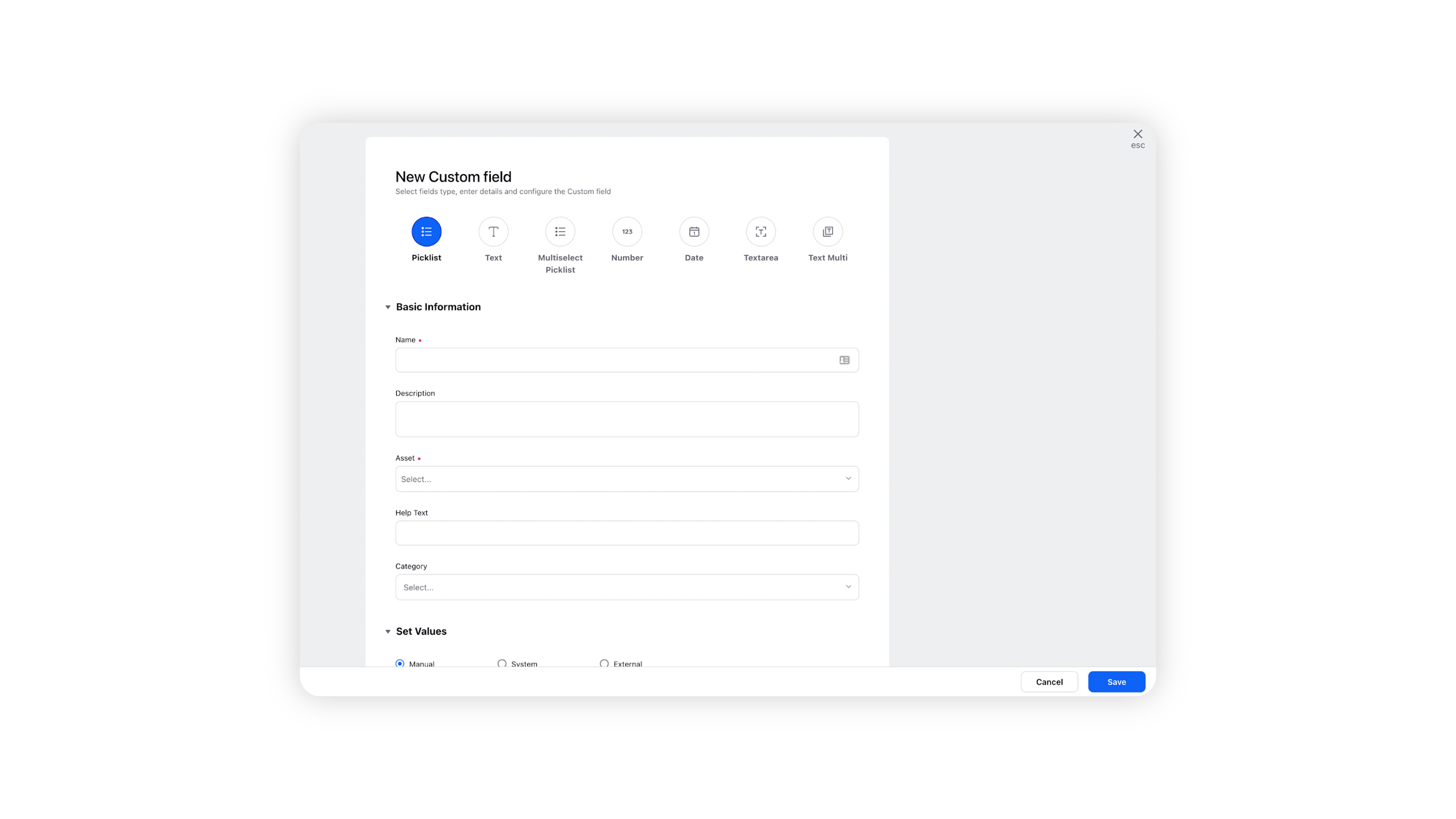
Click Save at the bottom-right corner to save the custom field.