Revamped Editorial Calendar Navigation
Updated
Introduction
The Editorial Calendar screen has been redesigned for better usability, with a key update being the enhanced Left Navigation Bar for easier navigation between boards and calendars. This improvement will help publishing and social media managers streamline content and marketing planning.
Let’s take a closer look at the new navigation features in the editorial calendar.
The Left Navigation Panel
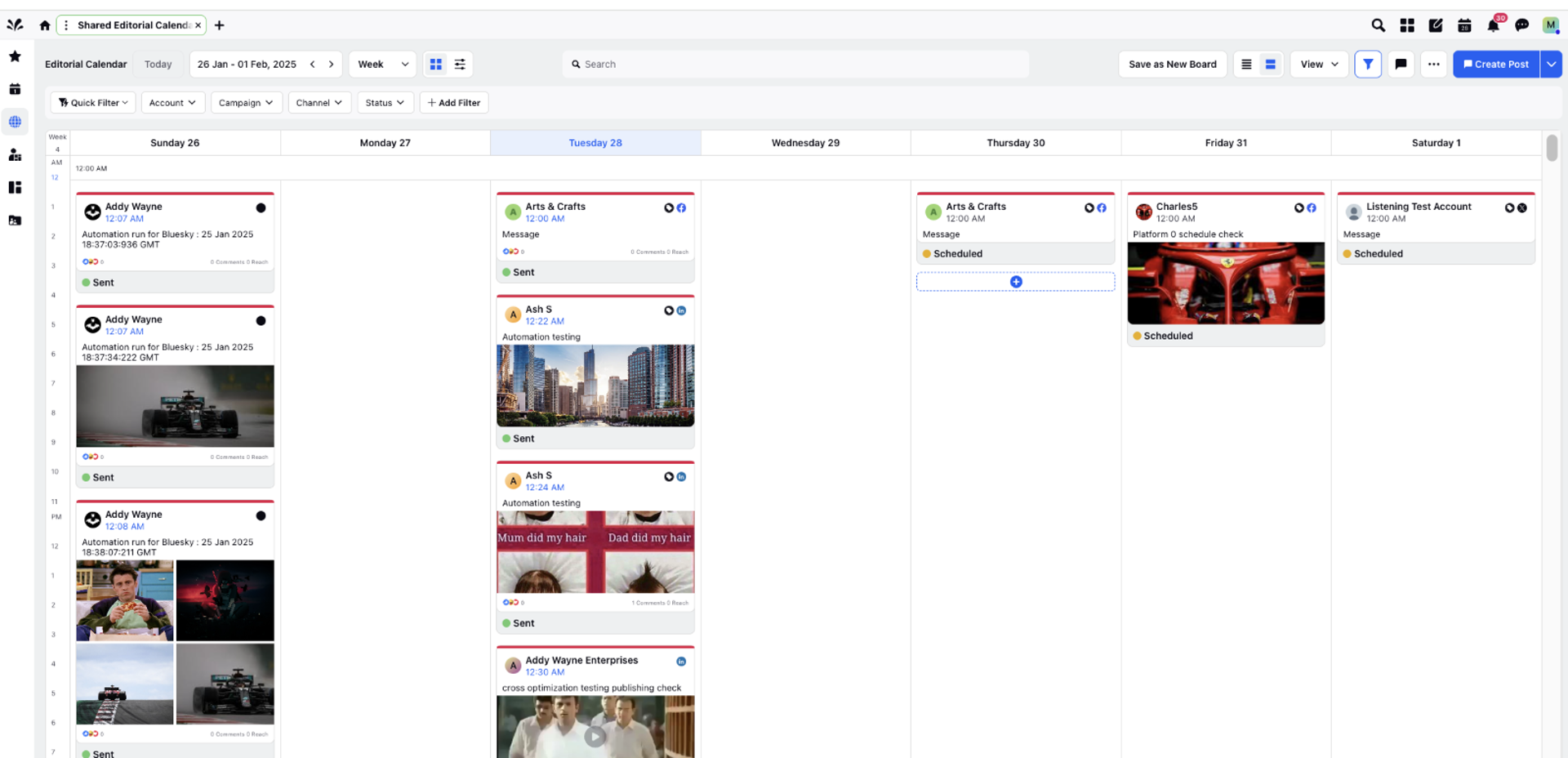
A new menu bar has been added to the left side of the Editorial Calendar screen; this menu was earlier seen as a dropdown menu.
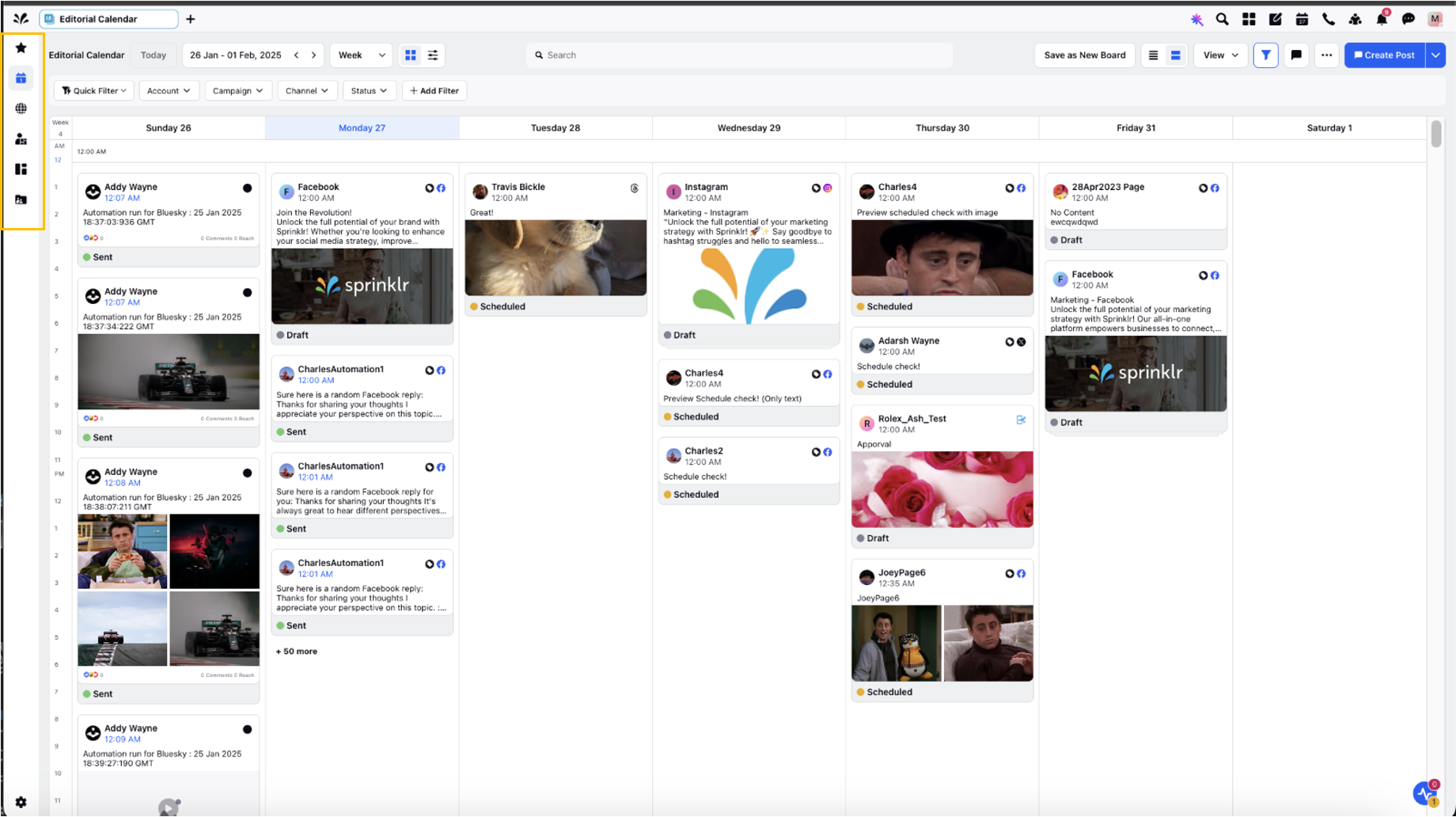
The left menu bar includes the following icons:
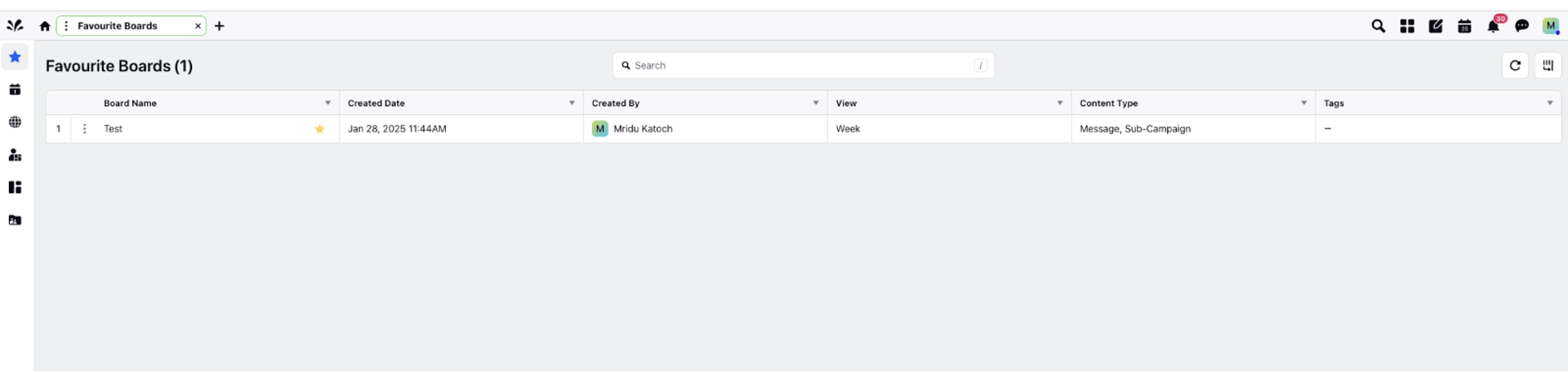
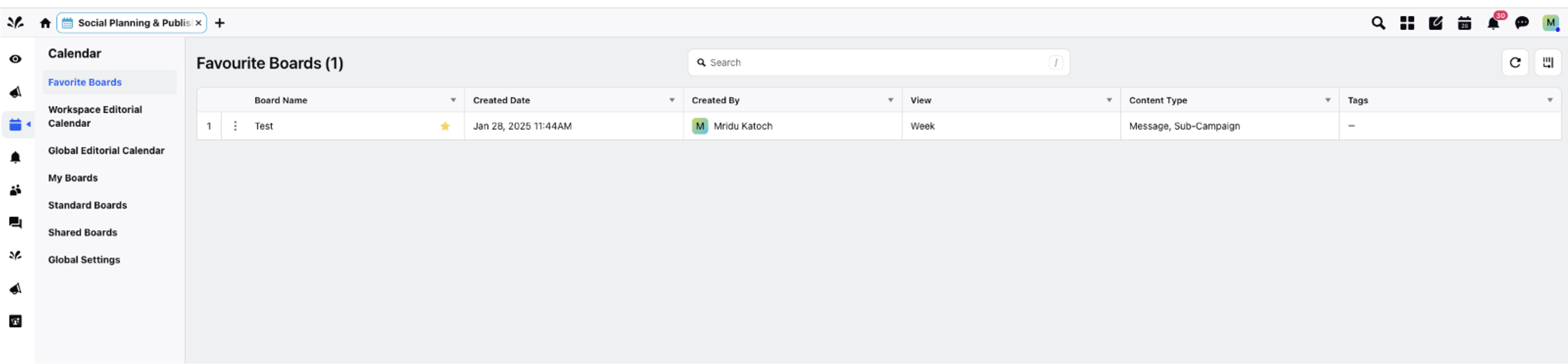
Favorite Boards: A collection of boards that you have marked as favorites for quick and easy access.
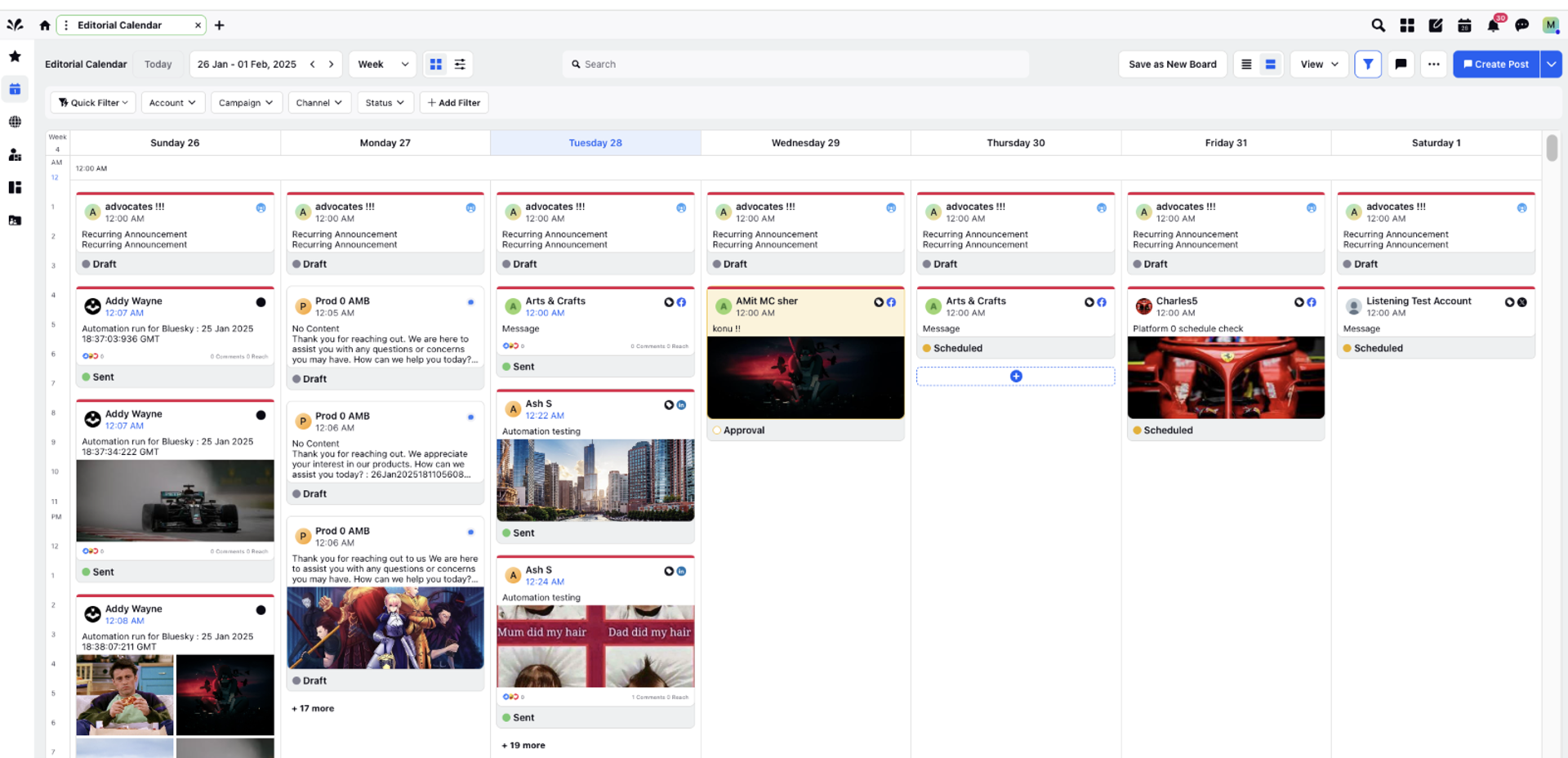
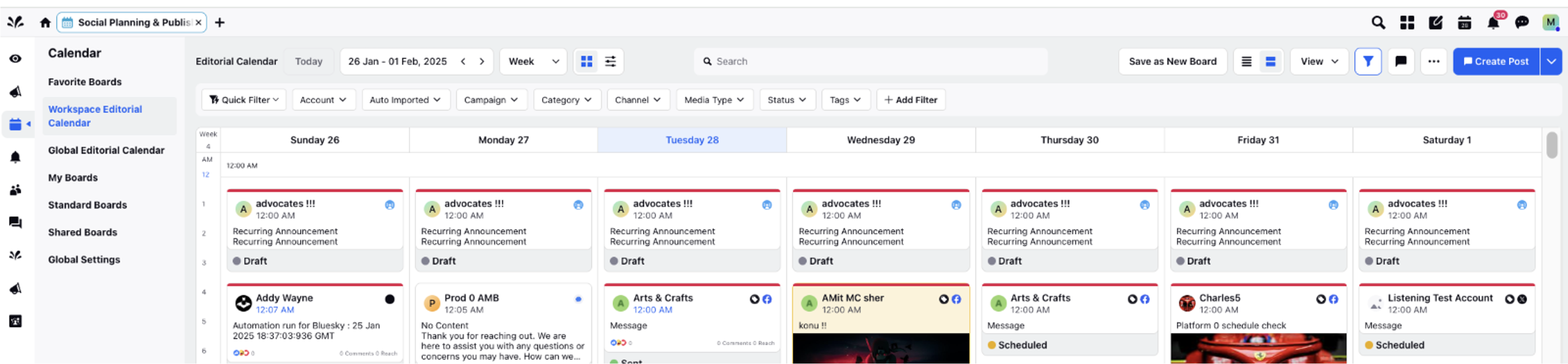
Workspace Editorial Calendar: The editorial calendar specific to your workspace, where you can plan and manage content.
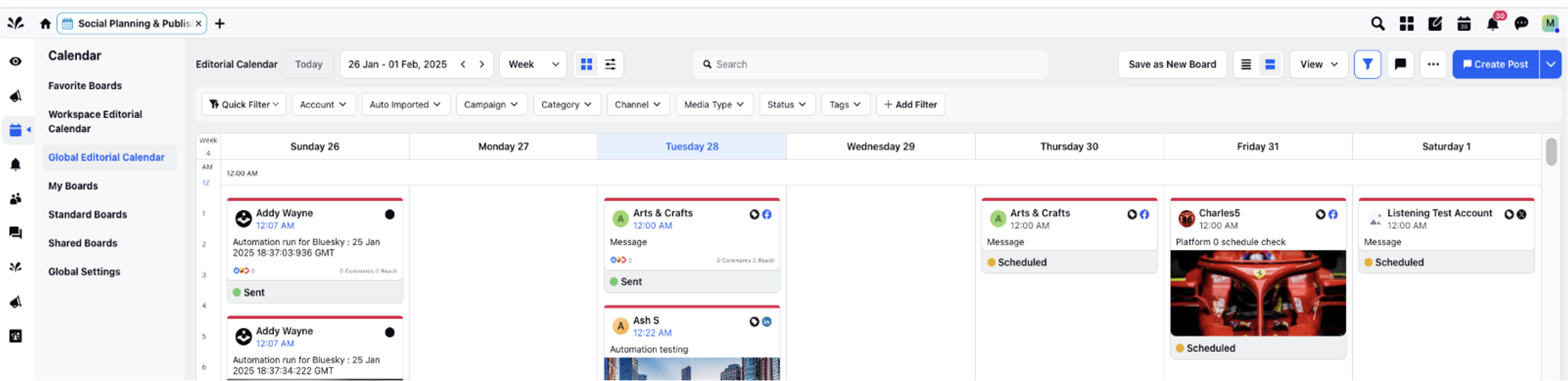
Global Editorial Calendar: A broader calendar view that includes all editorial content across the entire organization or multiple workspaces.
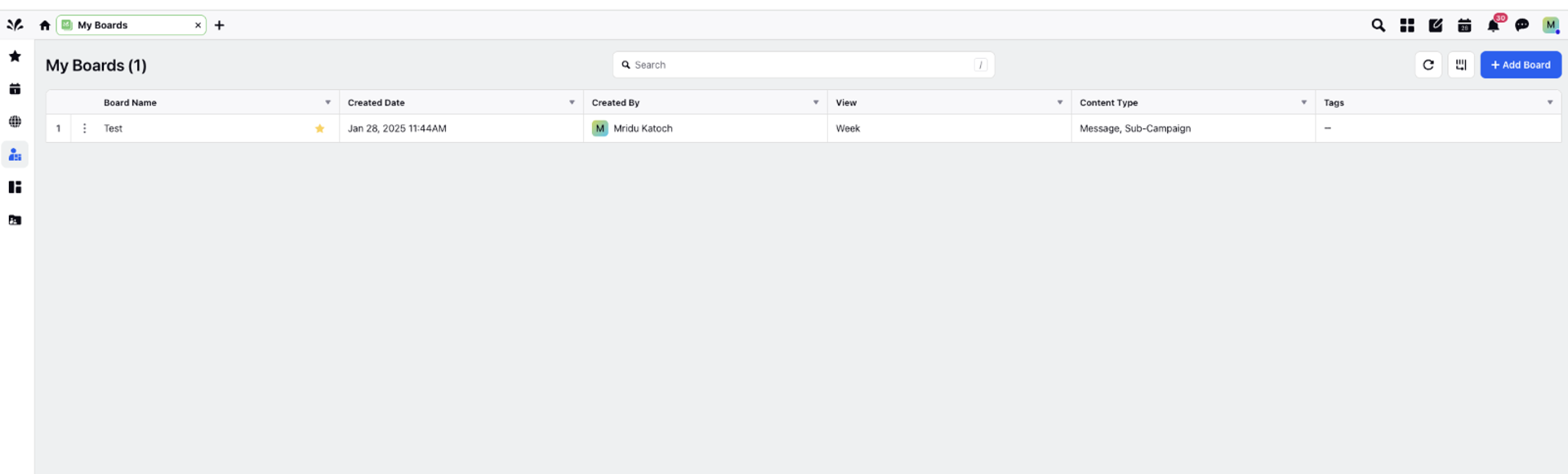
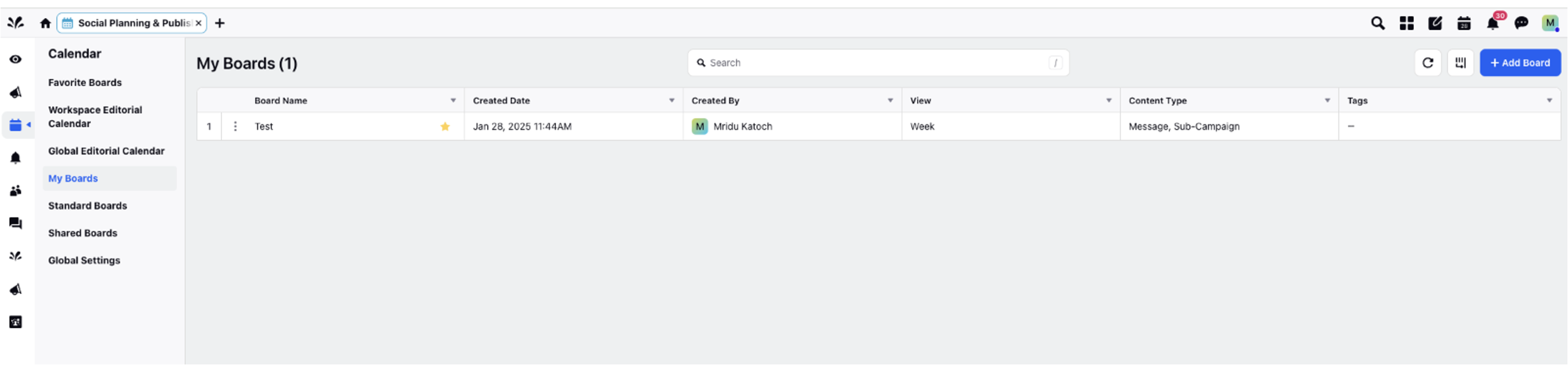
My Boards: Boards that are personal to you, allowing you to manage and organize content specific to your needs.
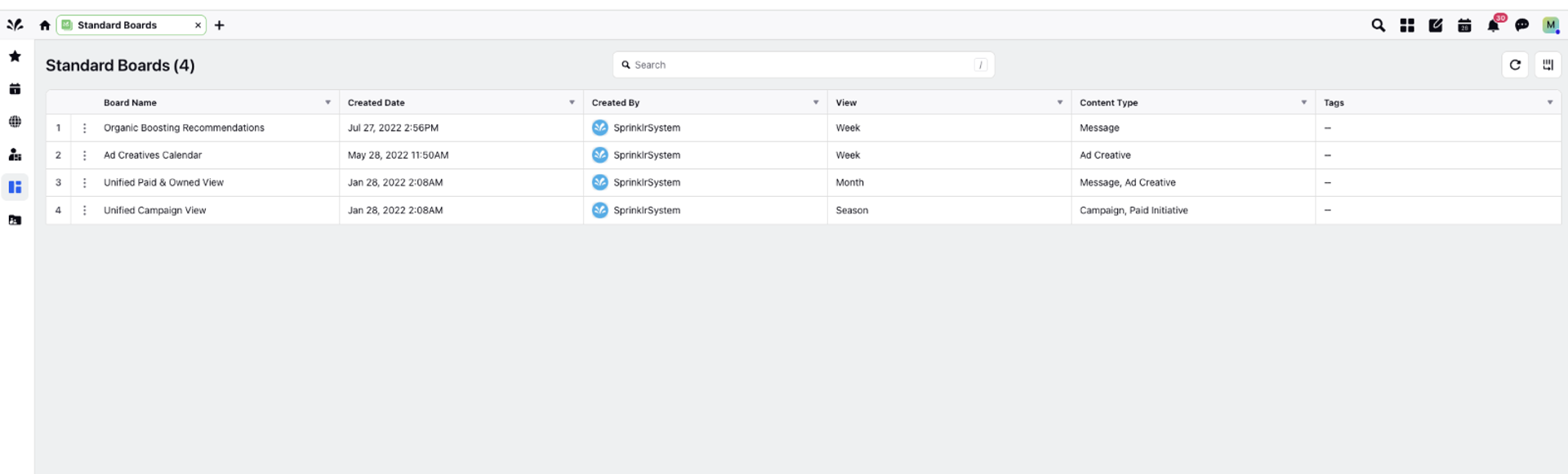
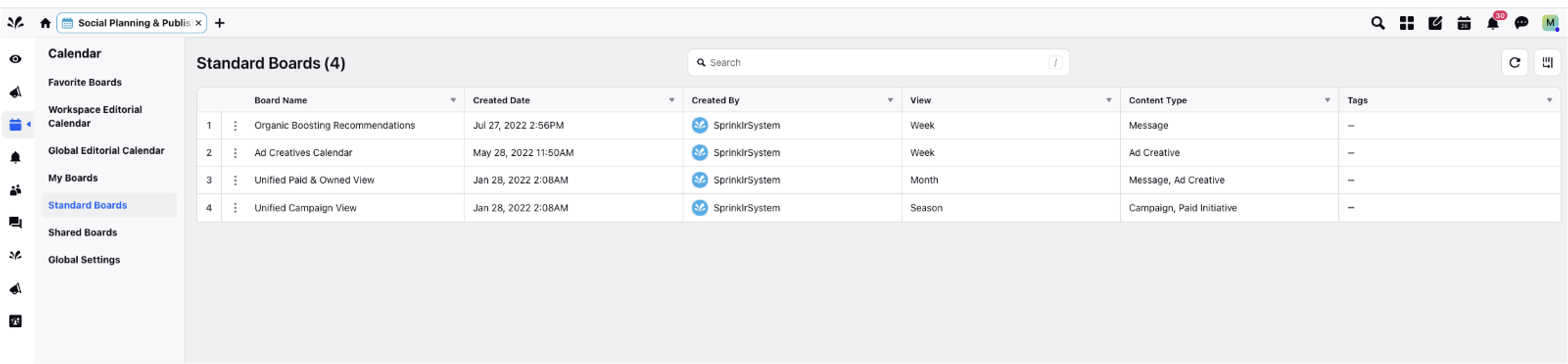
Standard Boards: Regular boards that are typically used for general content planning and management.
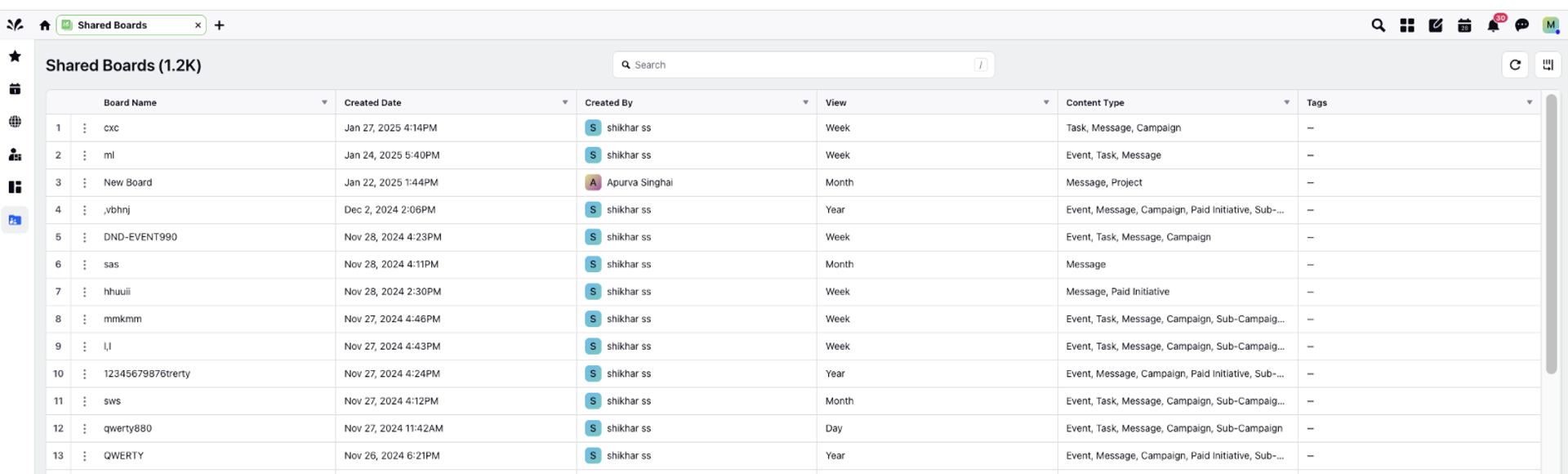
Shared Boards: Boards that are accessible by multiple users, allowing for collaborative content planning and management.
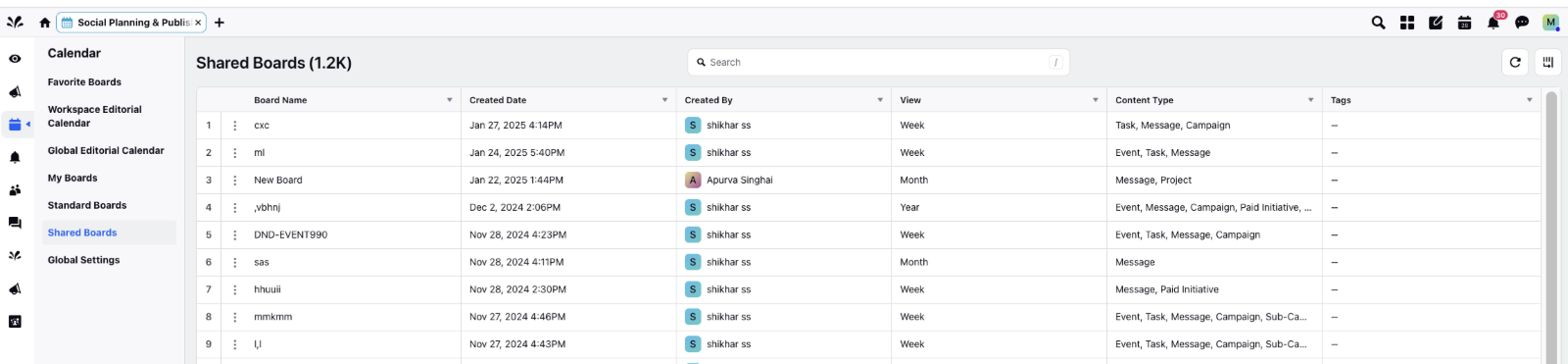
View of Editorial Calendar Boards from the Social Planning & Publishing Persona App
Favorite Boards
Workspace Editorial Calendar
Global Editorial Calendar
My Boards
Standard Boards
Shared Boards