Events in the Editorial Calendar
Updated
Events are entities in Sprinklr that help you plan and track important activities for your brand. You can associate them with Campaigns and Sub-Campaigns or manage them independently. You can view Events in the following ways:
Campaign and Sub-Campaign view: View associated Events from the Overview and Editorial Calendar tabs of a Campaign or Sub-Campaign.

Editorial Calendar view: View and filter all Events, including standalone Events, in the Editorial Calendar.
Calendar View: Year & Season Periods
Events follow a structure similar to Campaigns and Sub-Campaigns in this view. This section displays all Event types, including Events associated with Campaigns, Events associated with Sub-Campaigns, and standalone Events that are not associated with a Campaign or Sub-Campaign.
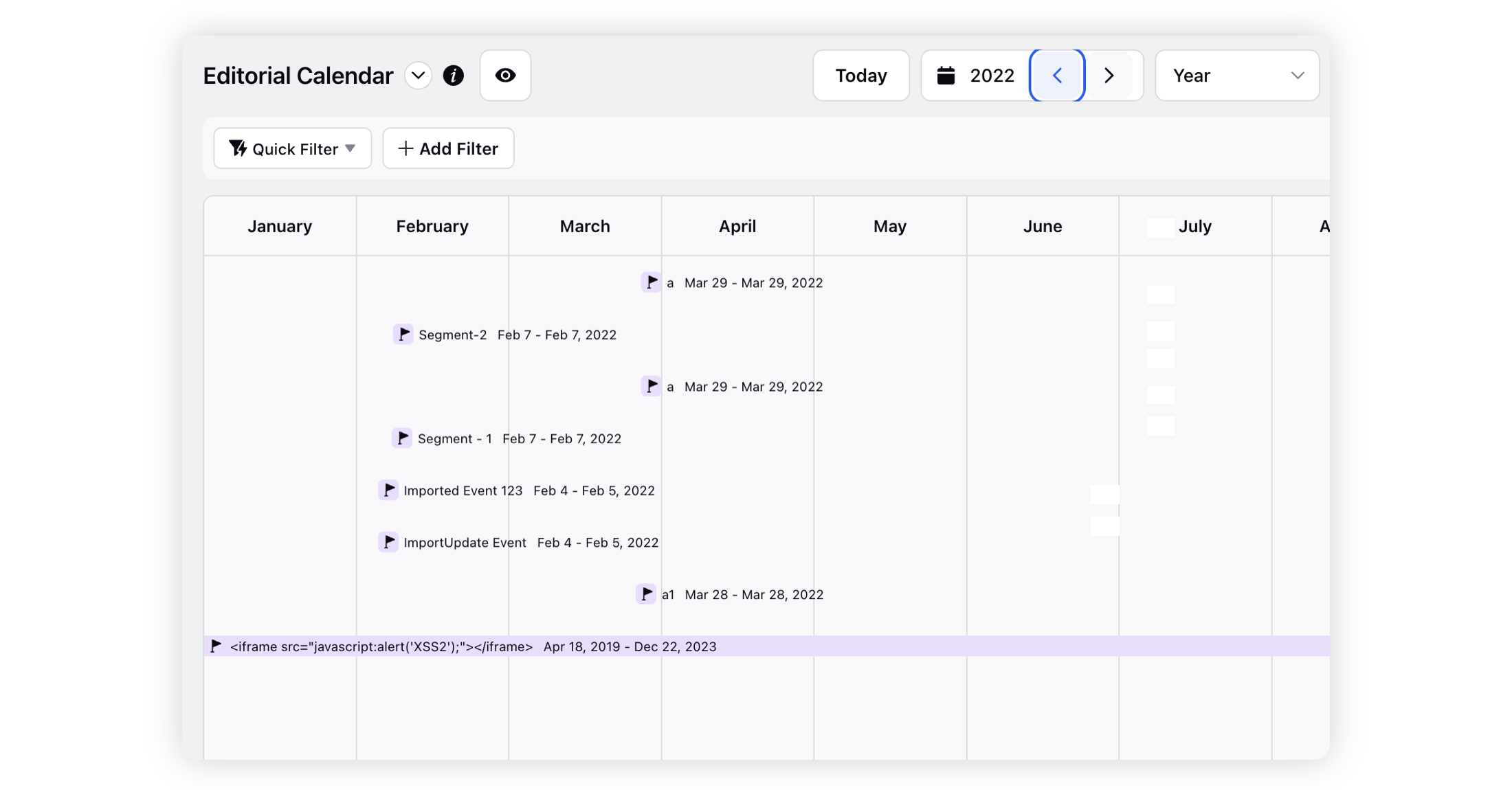
Select Campaigns, Sub-Campaigns, and Events in the view configuration to display Event associations within the nested Gantt structure. To view standalone Events, click the Event summary at the top of the calendar. Sprinklr opens a side pane that lists all standalone Events for the selected month.

Calendar View: Month, Week & Day Periods
Events appear as individual entries in this view. You can view Events associated with Campaigns and Sub-Campaigns, as well as standalone Events.

By selecting Campaigns, Messages & Events in your View configurations, you can view each of these entities separately for the month, but not in a nested format.

Timeline View: Month, Two Week & Week Periods
Events follow a structure similar to Campaigns and Sub-Campaigns in this view. This section displays all Event types, including Events associated with Campaigns, Events associated with Sub-Campaigns, and standalone Events.

Select Campaigns, Sub-Campaigns, Messages, and Events in the View configuration to display Events and Messages in the top section and Campaigns and Sub-campaigns in a nested structure in the bottom section. Events appear separately from Campaigns and Sub-campaigns and do not support nesting in this view.

Key properties to filter Events
Filter | Description |
Campaigns | Name of the Campaign to which the Event is associated with. |
Event Custom Fields | Custom Event properties defined in the environment. You can also use these properties to filter Events. |
Sub-Campaigns | Name of the Sub-Campaign to which the Event is associated with. |