Introduction to Care Console Layout Manager
Updated
Care Console supports customizable layouts that are configured using record pages within a customer environment. Each record page is assigned a unique ID, allowing layouts to be distinctly managed and referenced.
Different user personas or agent groups often have varying UI requirements. For example, Team A may prefer a larger conversation widget for better visibility, while Team B may want more widgets and case‑related actions displayed upfront. These requirements can be fulfilled by implementing and assigning different layouts to each team.
Customizations can be applied based on two factors:
Custom fields
Role IDs
Customization at Channel Level through Custom Fields
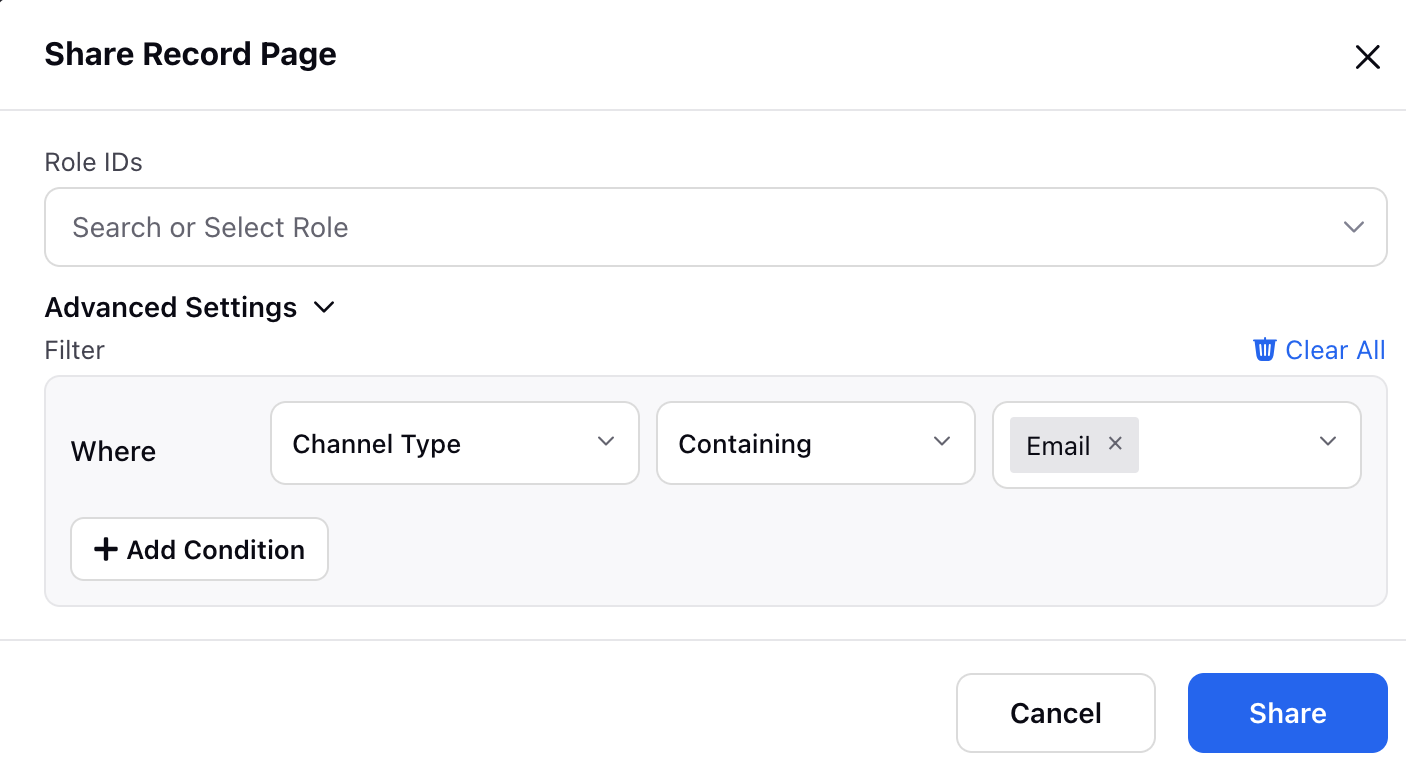
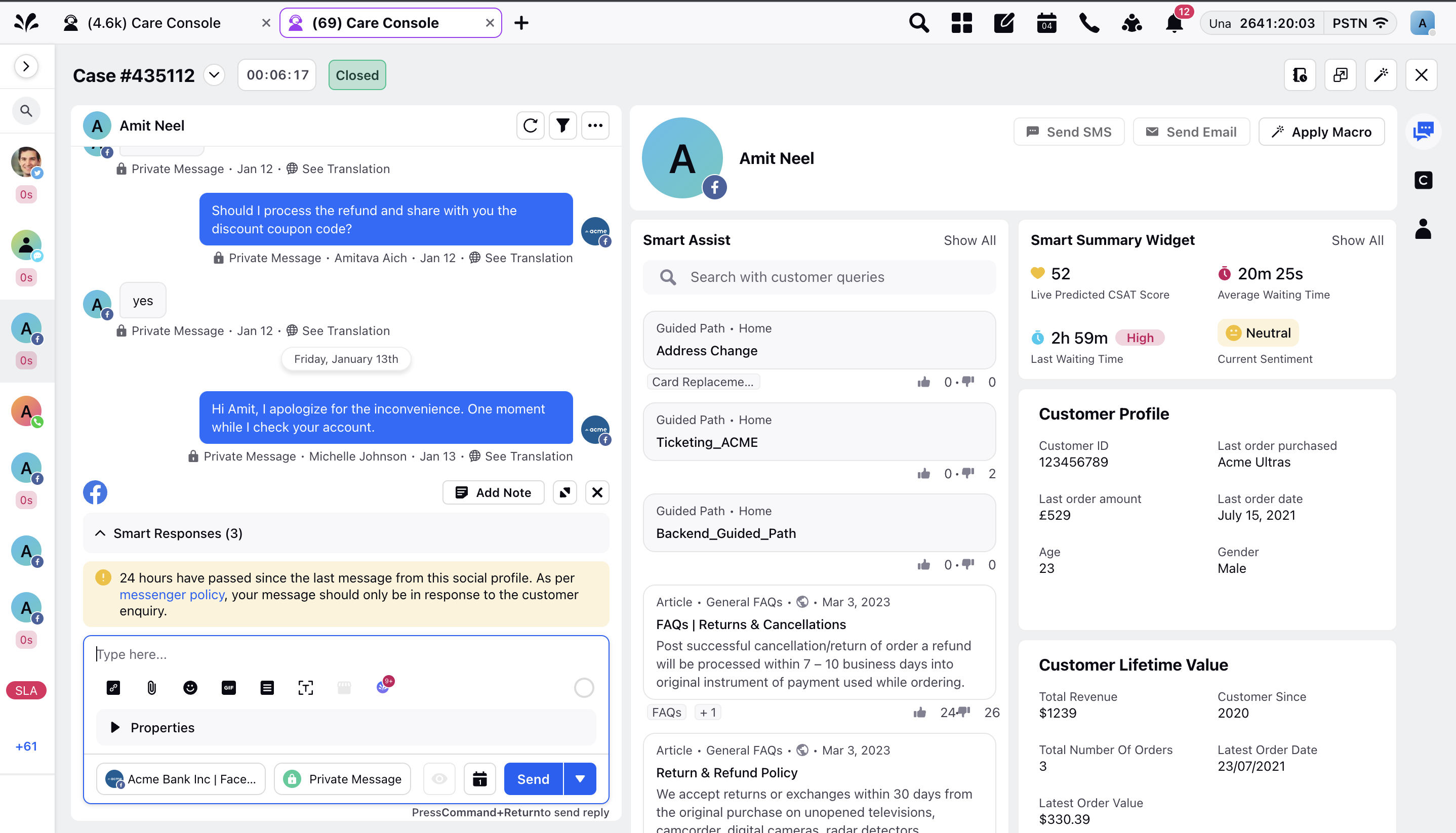
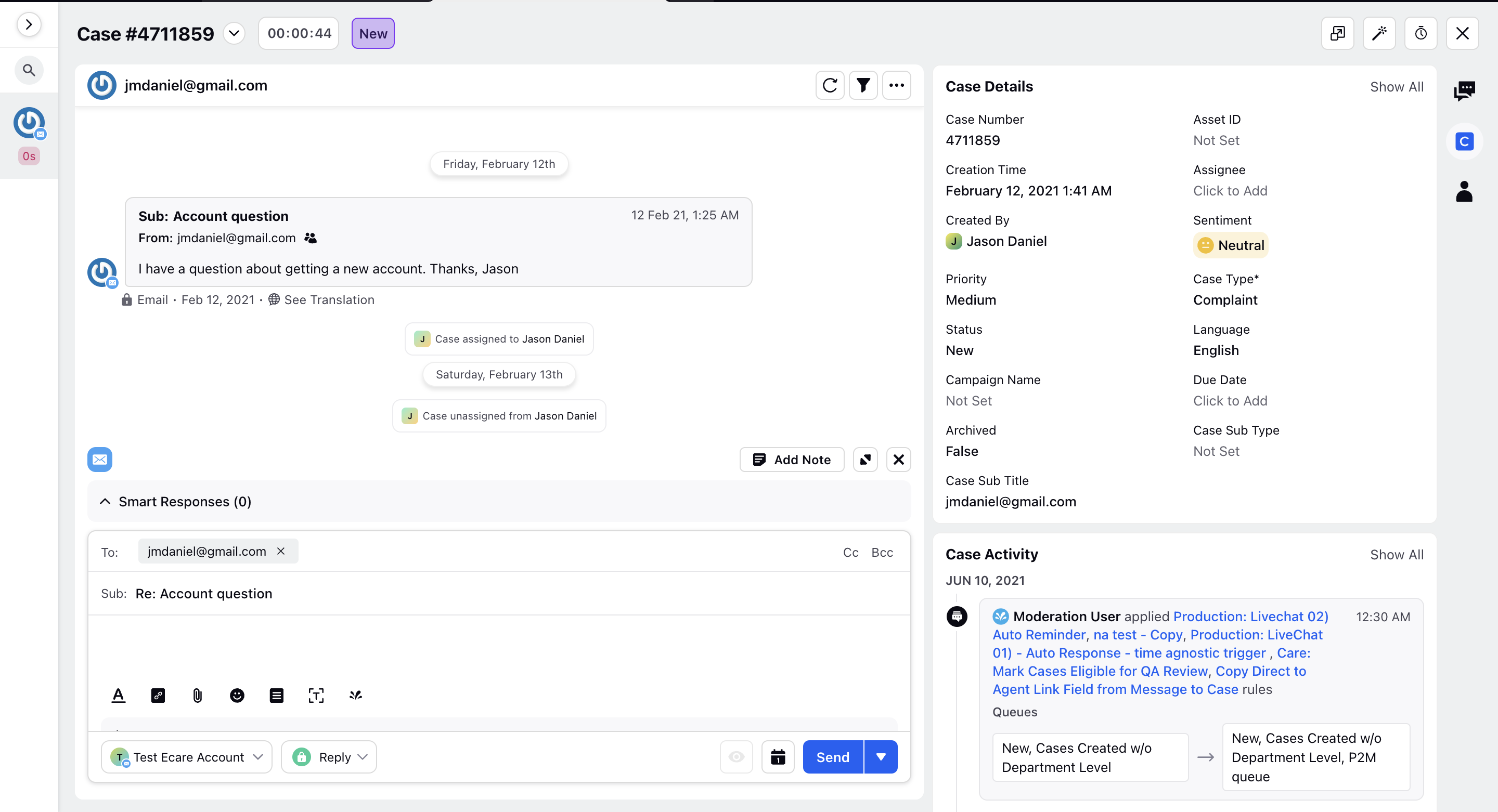
Brands can configure different layouts for different channels. For example, a two‑page layout may be used for Email, while a three‑pane layout may be applied to Social and Live Chat. This flexibility ensures that each channel’s workflow is optimized for agent productivity.
Under Advanced Settings, administrators can define rules that determine which layout is visible in specific scenarios. For instance, the following configuration would ensure that a particular layout is applied to all Email cases.
Three-pane layout for Social Channels
Two Pane layout for email channel
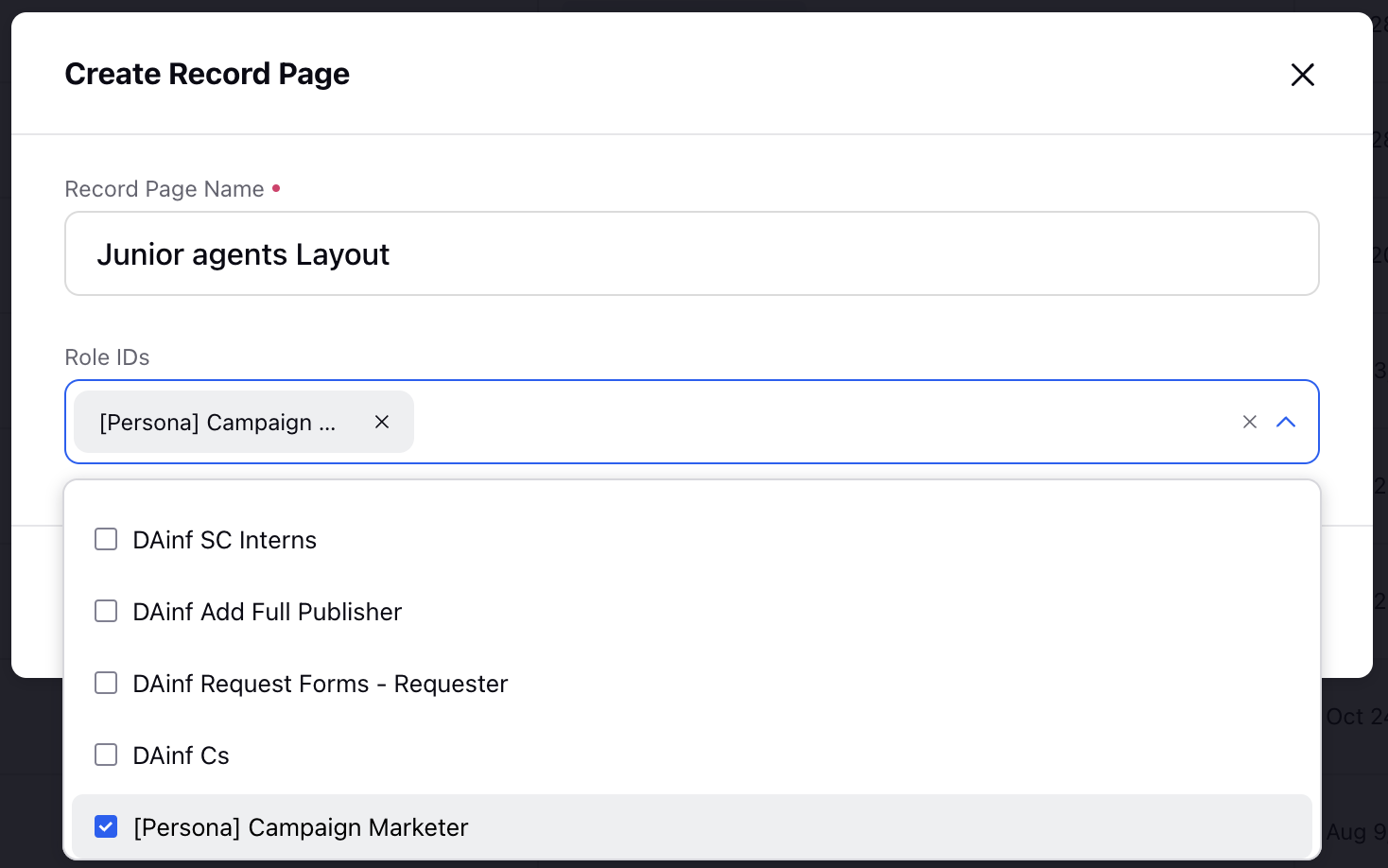
Customisation at Role Level
Brands can configure different layouts for different teams / users. As different teams might have different functions so a customised layout can be set up for each team on the basis of role id's set up on the Sprinklr platform.