Global Variables
Updated
Overview
Global variables in a Conversational AI are reusable components that are essential components used to store information
that can be accessed and utilised across other dialogue trees within the Conversational AI Application.
A global variable will store the value
Enablement Note To learn more about getting this capability enabled in your environment, please raise a support ticket at |
To Create a Global Variable
Click the New Tab icon. Under the Sprinklr Service tab, select Conversational AI within Persona Apps.
On the Conversational AI window, select the application in which you want to create a Global Variable.

Select Dialogue Trees within Build.

On the Dialogue Trees window, click Global Variables in the top right corner, and click +Add Variable on the top right corner of the Variables window.
 Note: Instead of editing the Names with the Edit option, you can simply double-click on the name to edit it in-line.

Add the Variable Name and click Save.
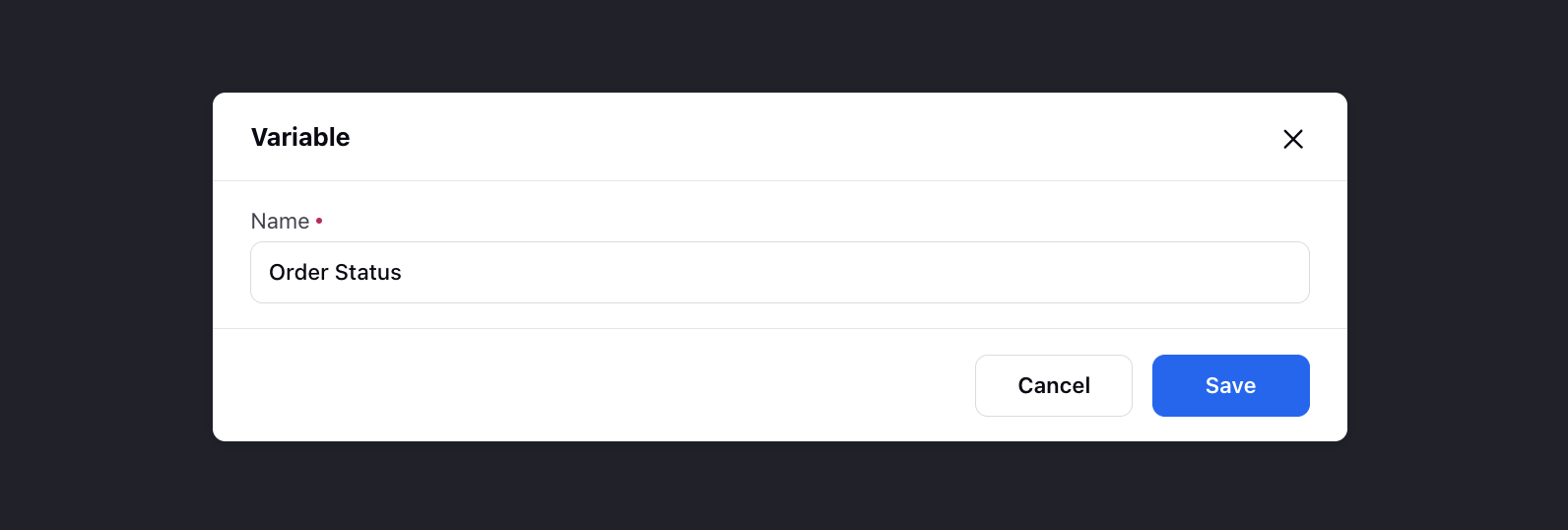
You can now use these variables while creating dialogue trees. They will be visible within the Select Resource section after being added in the Manage Variables section.
Once any operation is performed on these variables, they will only retain their value if the conversation is routed from the Dialogue Tree.

What's next?
To learn more about configuring Dialogue Trees, visit Sprinklr's help article on nodes in a dialogue tree.