Offline Conversions - Snapchat
Updated
The Snapchat Conversions API enables a direct connection from Sprinklr to Snapchat, facilitating the accurate tracking of offline conversion events. This connection is crucial for marketers who want to measure the impact of their Snapchat ads on offline sales and conversions.
Kindly read this Introduction Document on Offline Conversions
Snapchat's Introduction Documentation
https://businesshelp.snapchat.com/s/article/conversions-api?language=en_US
There are multiple steps that a user must follow to successfully integrate Offline Conversions - Snapchat within Sprinklr.
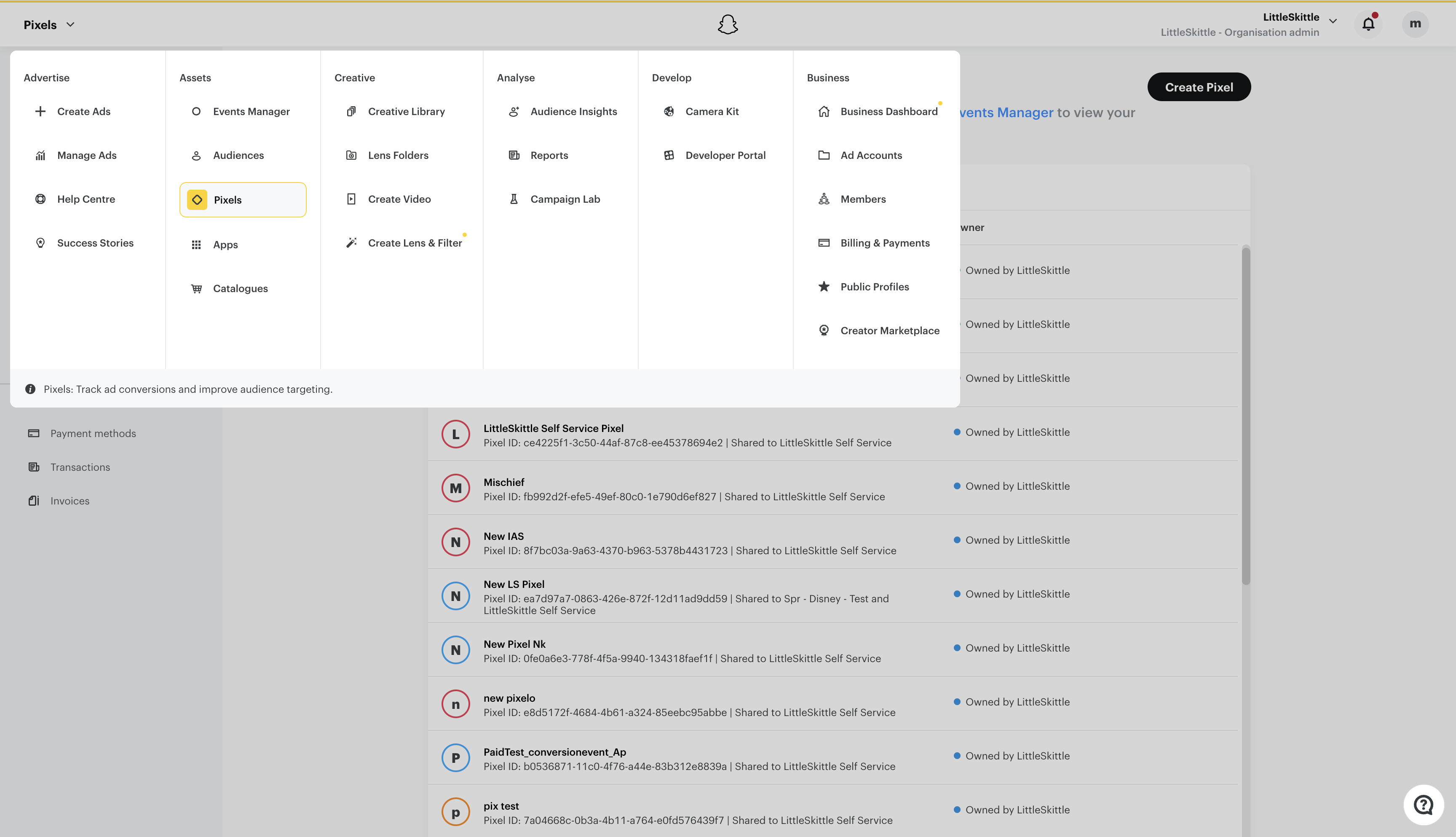
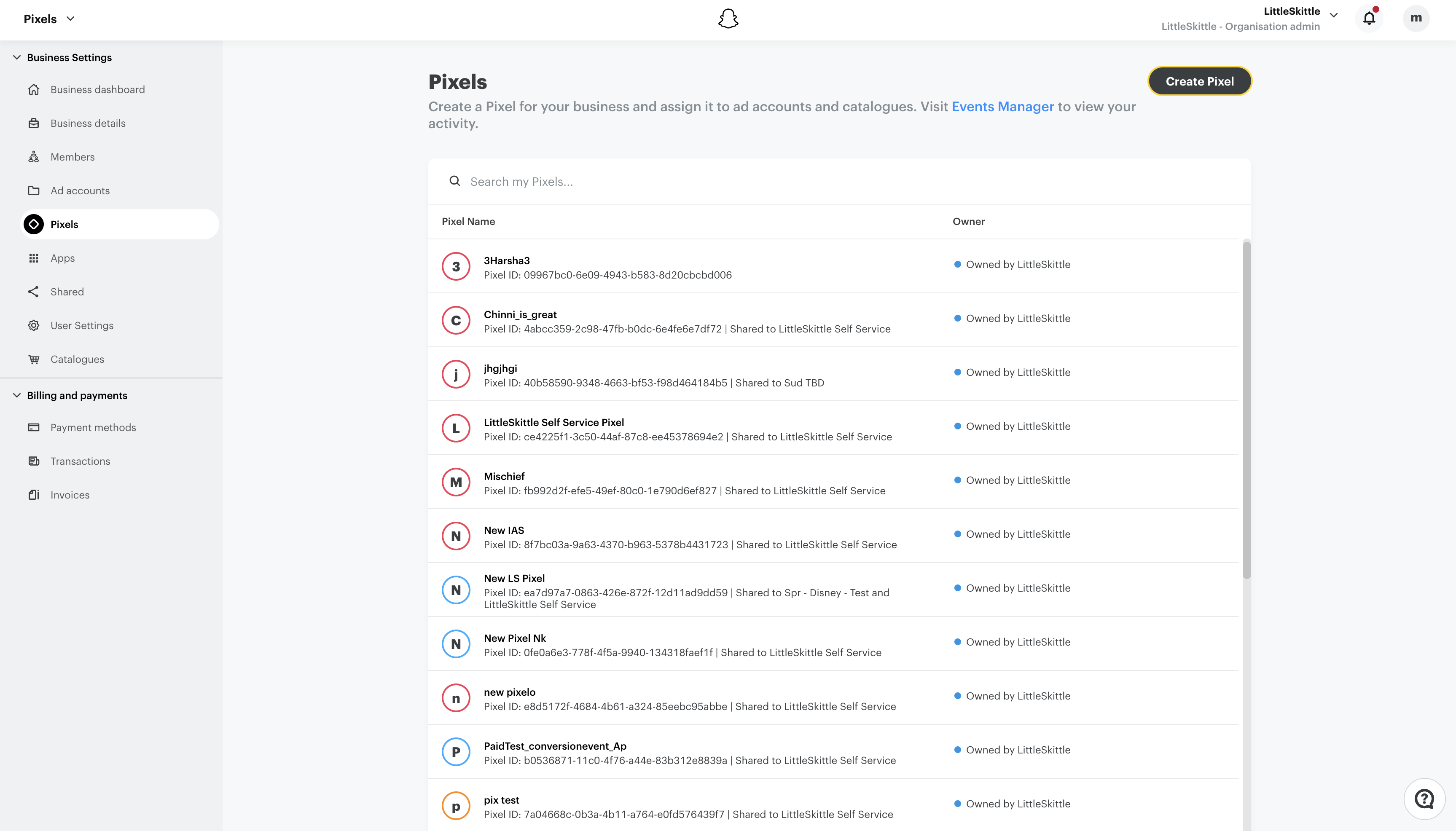
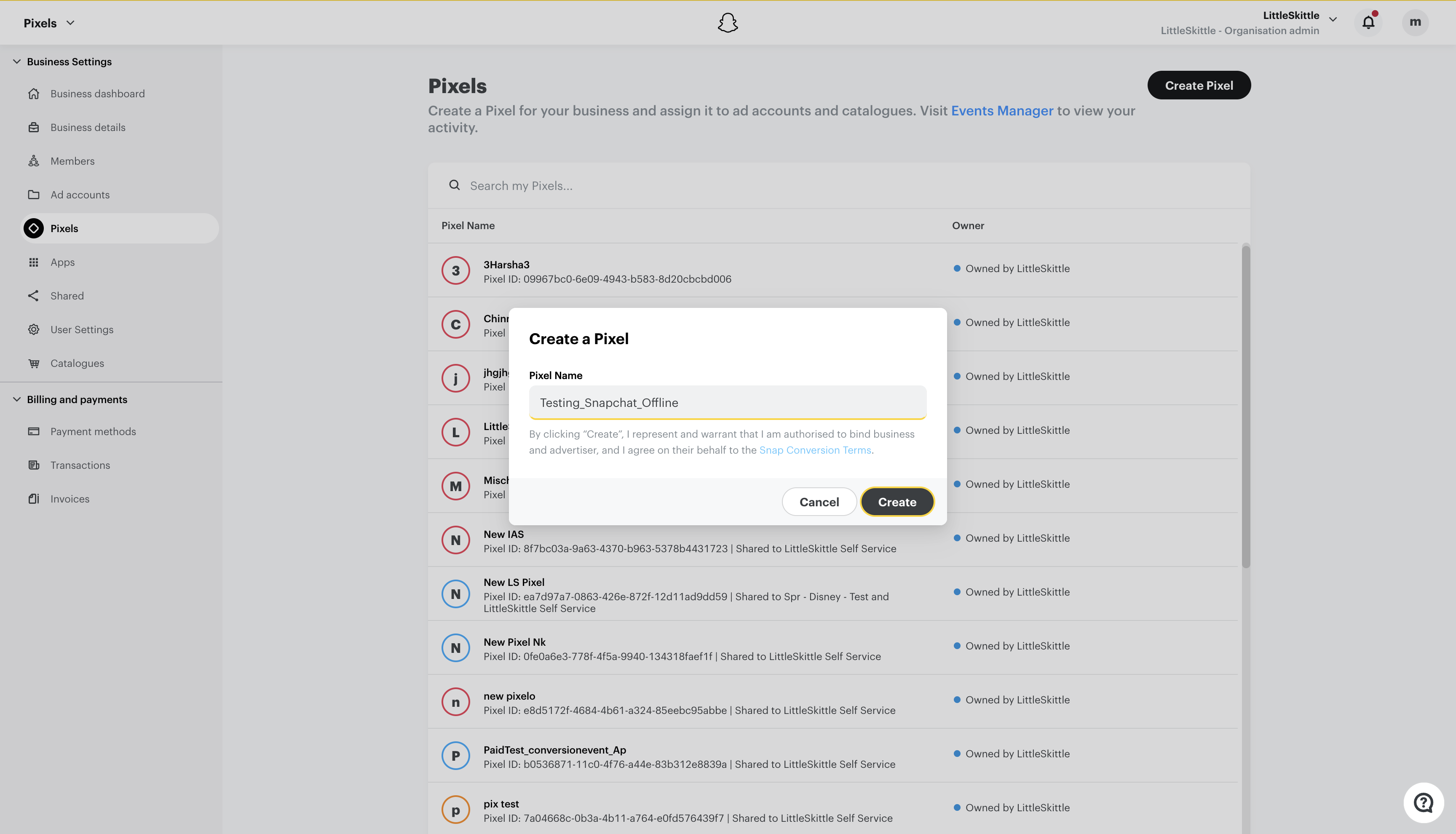
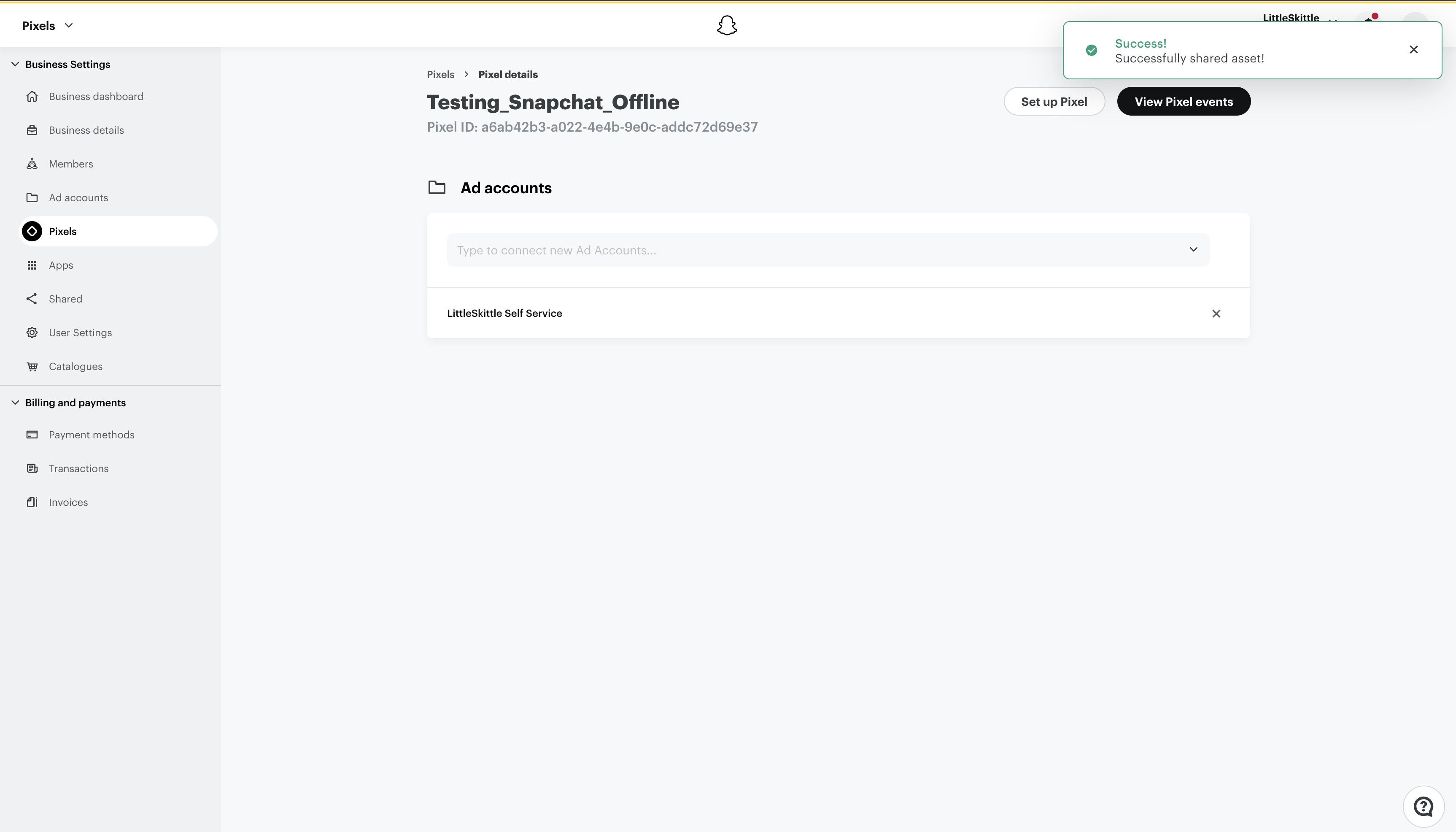
1. Creating a Pixel in Snapchat
1.1 Select "Pixels" from the top left corner dropdown.
1.2 Click on "Create Pixel"
1.3 Enter a "Pixel Name"
1.4 Add the "Ad Account" and then click on "View Pixel Events".
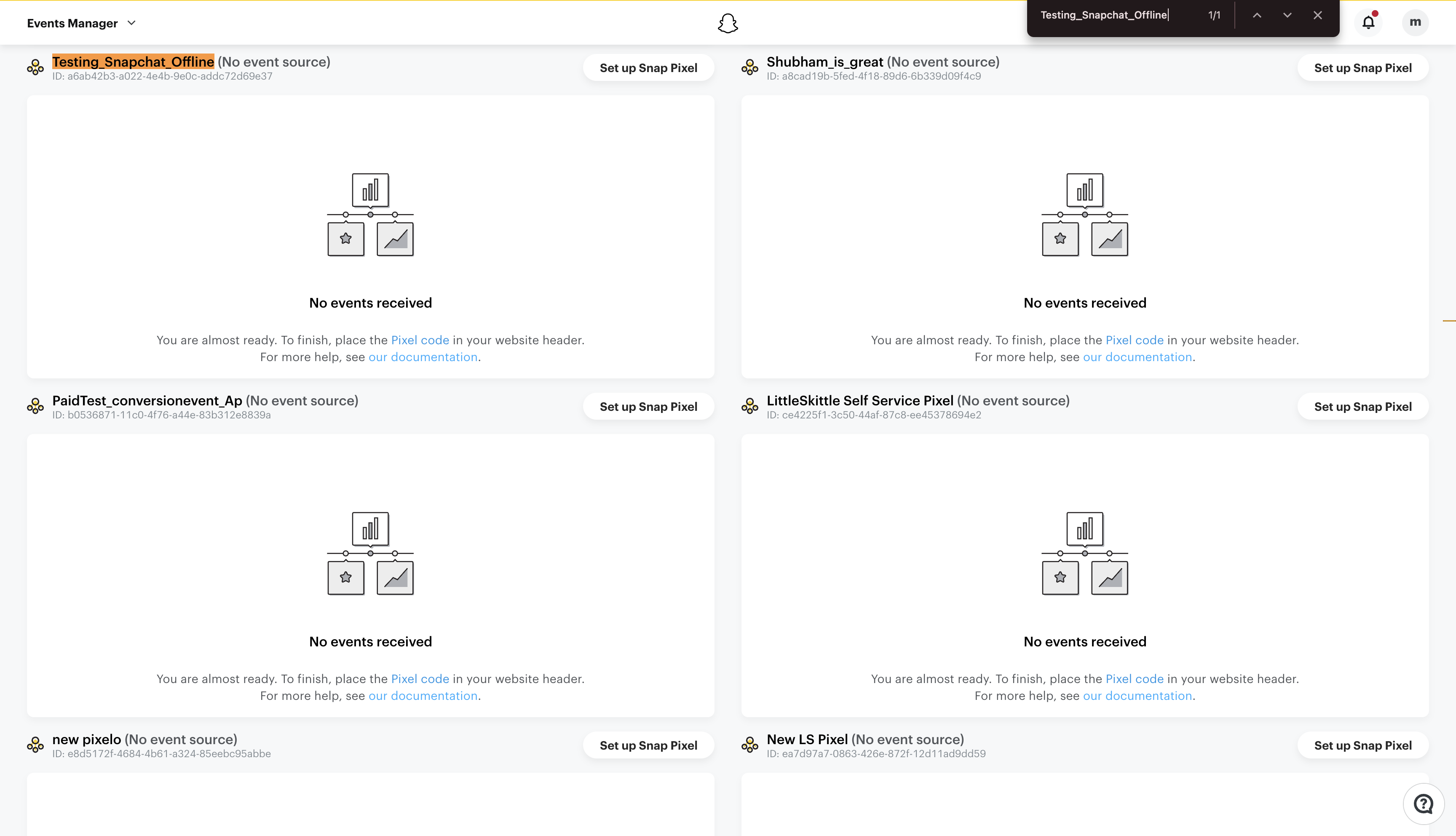
1.5 In the Events Manager you will be able to see the created Pixel.
|
2. Follow the steps to Create an Import Template
3. Follow the steps to Create an Export Template
4. View the Events received in the "Events Manager"

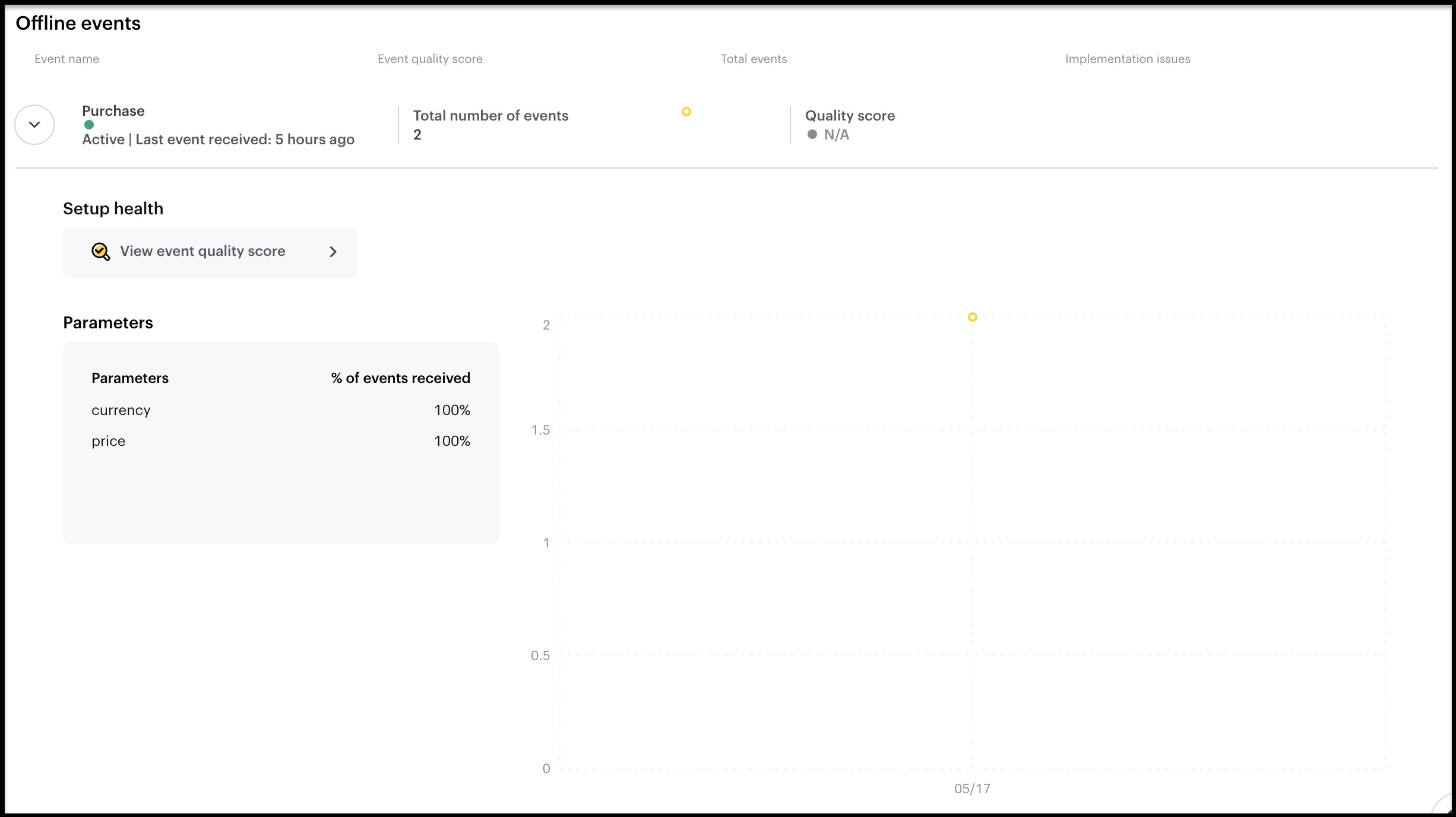
5. View the Details of the events received
Viewing Offline Conversion Data in Reporting
When offline conversion data is available in Snapchat, Sprinklr retrieves and displays it in reporting alongside other supported conversion source types, including Total, Web, and App. This enables you to analyse offline conversion performance and compare it with other conversion sources within Snapchat reports. Offline conversion data is fetched directly from the Snapchat Ads API and is available wherever supported conversion source type data is displayed in reporting.