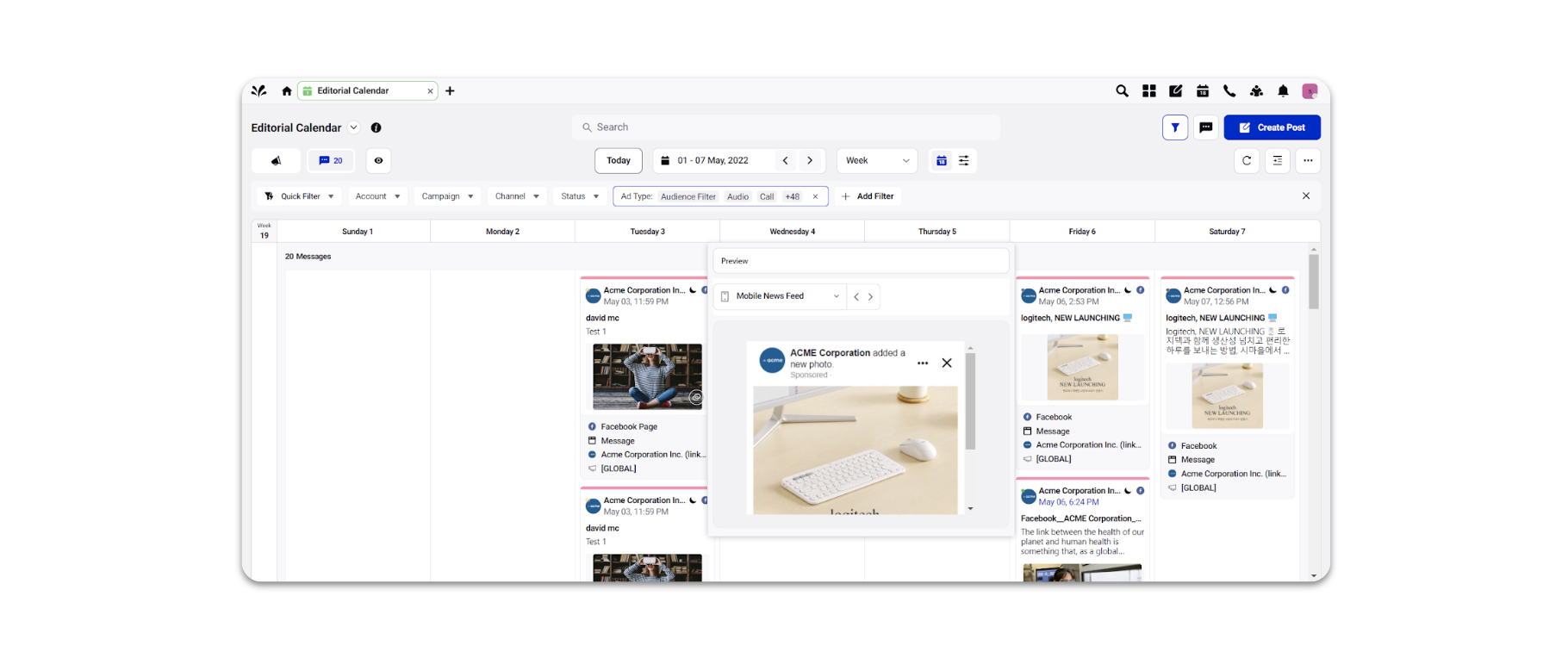
View paid and owned content in Editorial Calendar
Updated
Unified Campaign Planning: Organic Campaign & Paid Initiatives
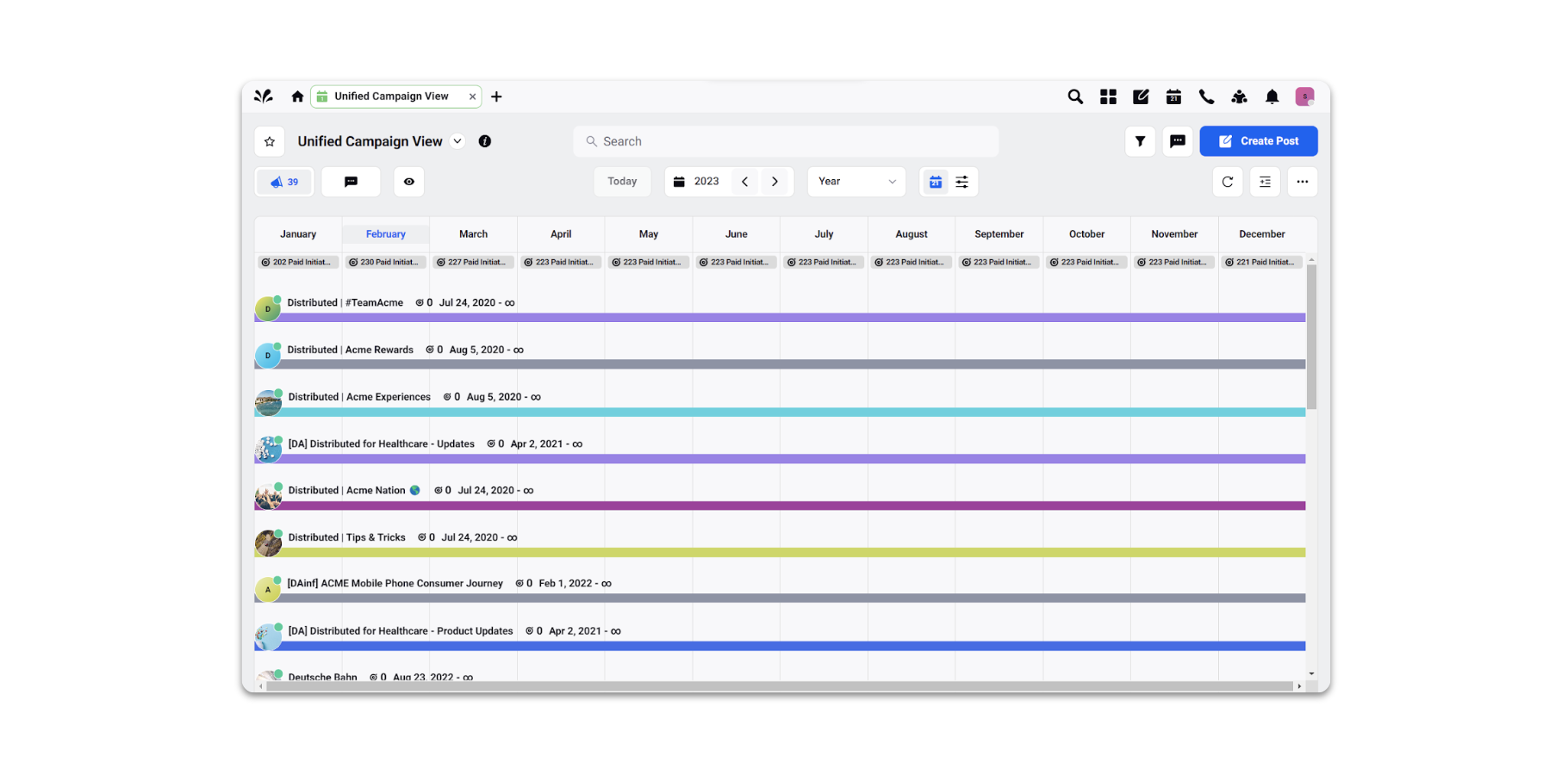
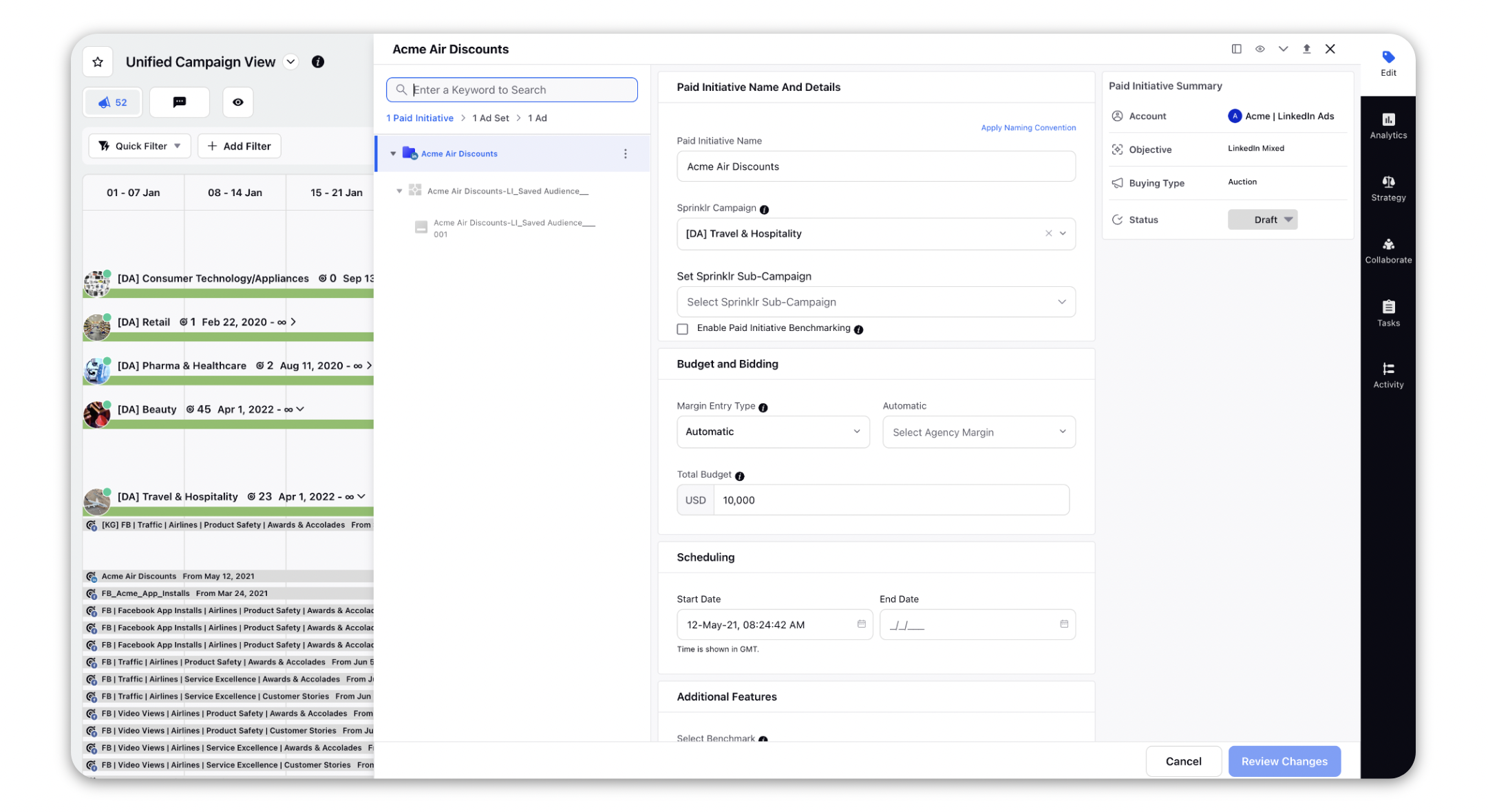
The Unified Campaign View standard board lets you view Campaigns and Paid Initiatives in a single Editorial Calendar view.
Navigate to Standard Boards and open Unified Campaign View. From the View menu, select Campaigns and Paid Initiatives to get a consolidated view of your organic and paid marketing activities.
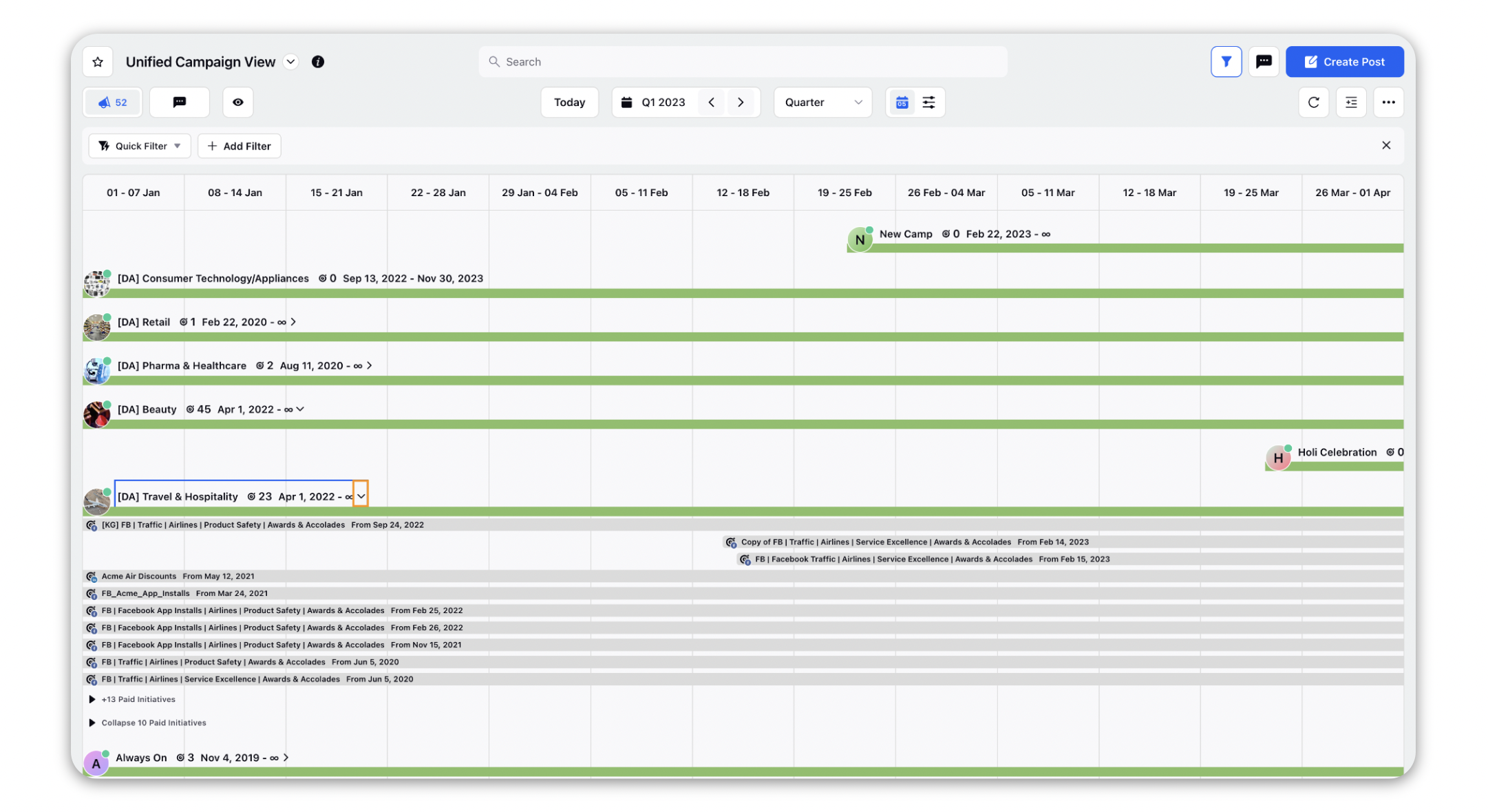
You can also view what Paid Initiatives are associated with each Campaign by expanding the campaign, click on the arrow next to the campaign name to expand it-
You can also double-click to interact with both campaigns and paid initiatives from the third pane within the Editorial Calendar.
Campaigns
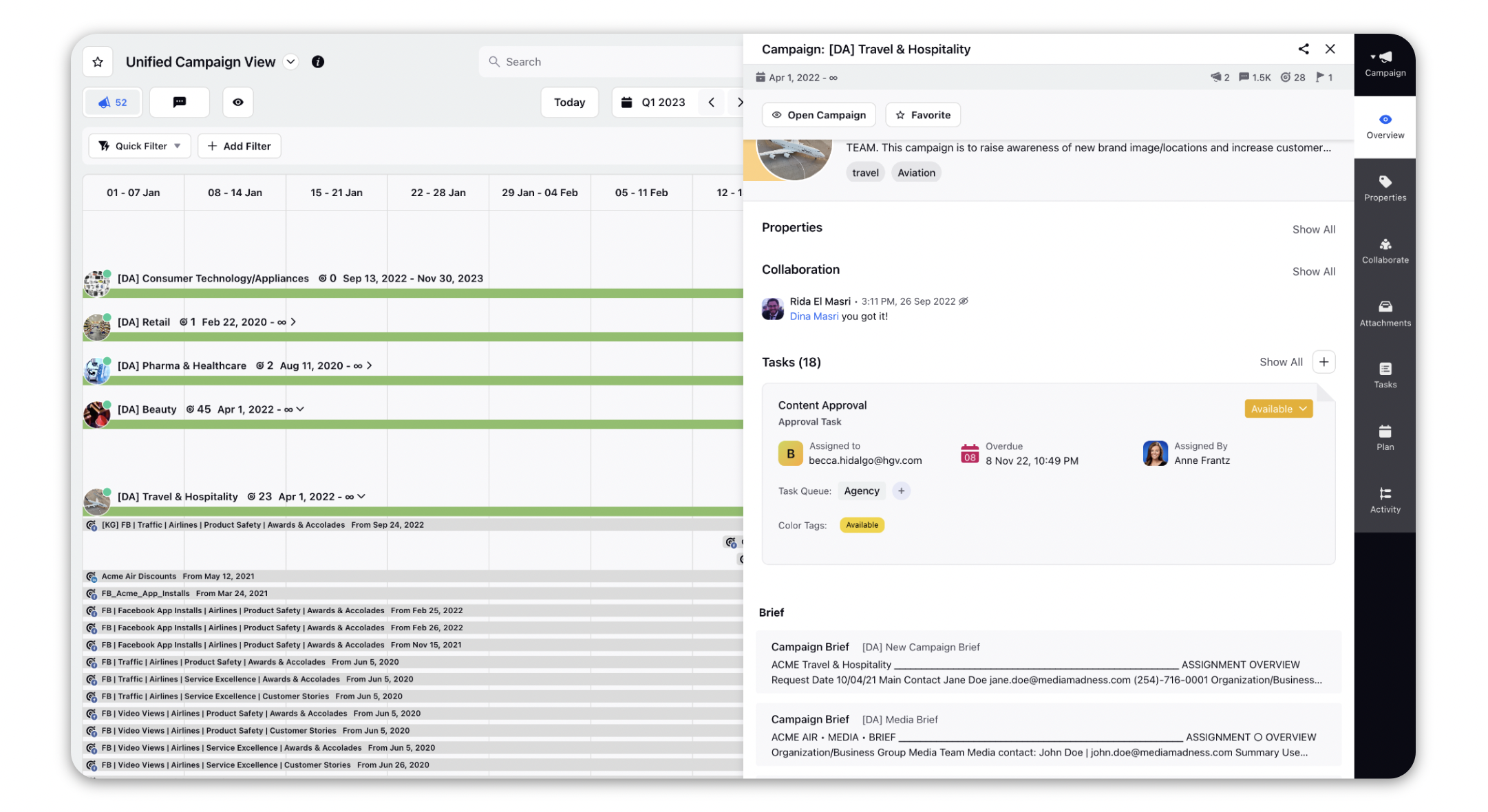
Paid Initiatives
Unified Content Management: Social Posts, Non-Social Messages, Dark Posts & Ad Creatives
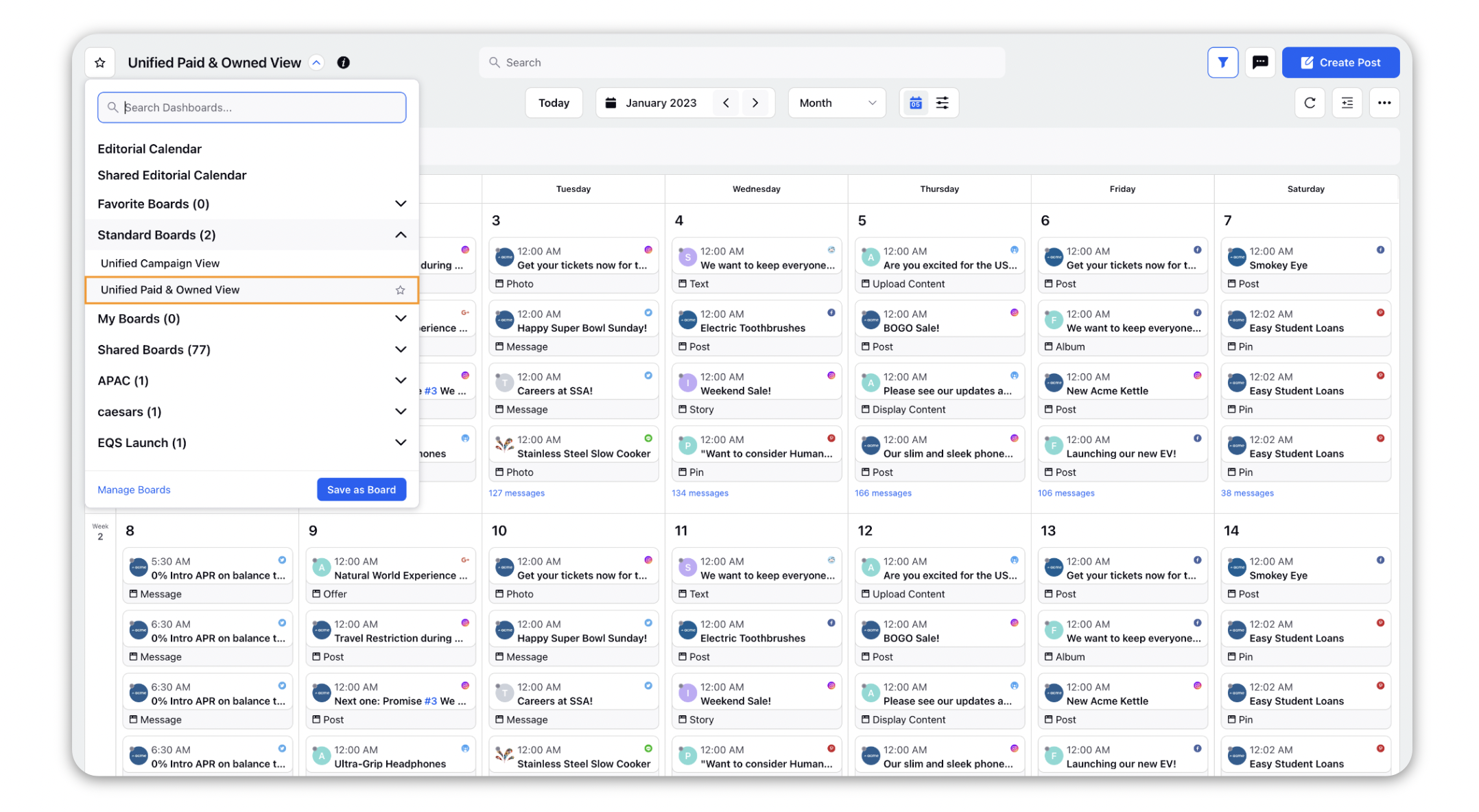
The Unified Paid & Owned View standard board provides a consolidated view of paid and owned content in the Editorial Calendar.
Navigate to Standard Boards and open Unified Paid & Owned View. From the View menu, select Messages to display Organic Posts, Dark Posts, Non-Social Messages, and Ad Creatives in a single calendar view.
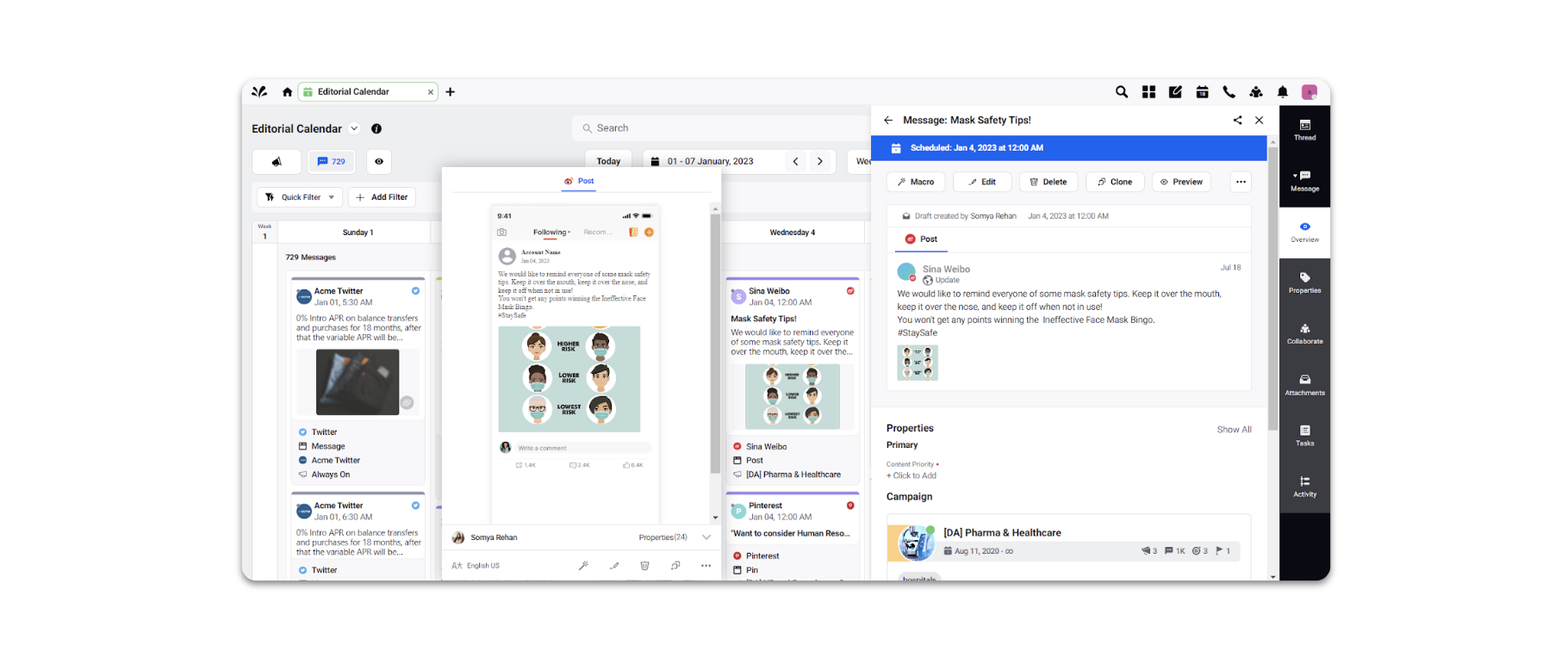
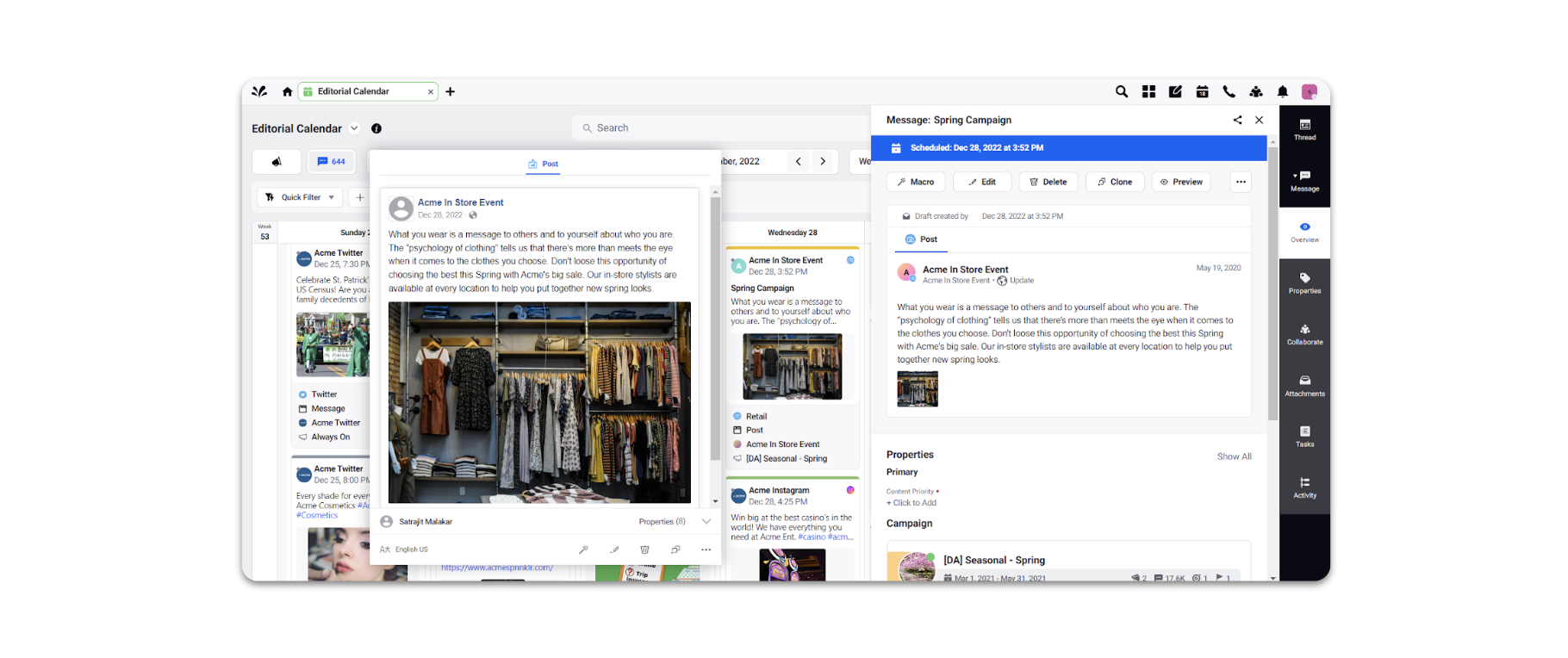
The following message types are available in the Editorial Calendar.
Social Posts
Non-Social Messages
Dark Posts
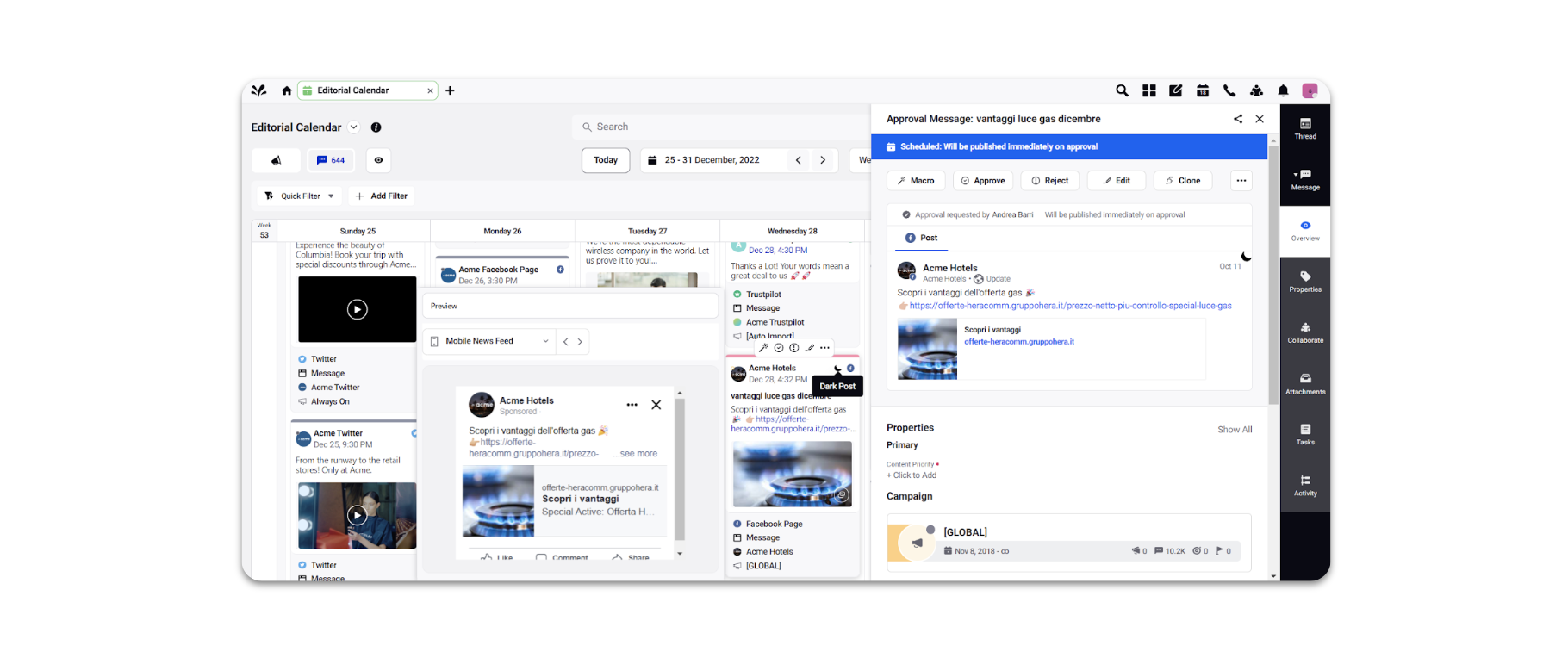
Ad Creatives