Sprinklr User Experience
Updated
Sprinklr provides a unified platform that helps customer-facing teams collaborate across marketing, advertising, customer service, and research. This update introduces an improved navigation experience that makes it easier to find features, manage tabs, and move across workflows without changing existing functionality.
This article is for users who regularly work within Sprinklr and want to understand how the updated interface improves usability and productivity.
Key Capabilities
Improved Navigation Bar
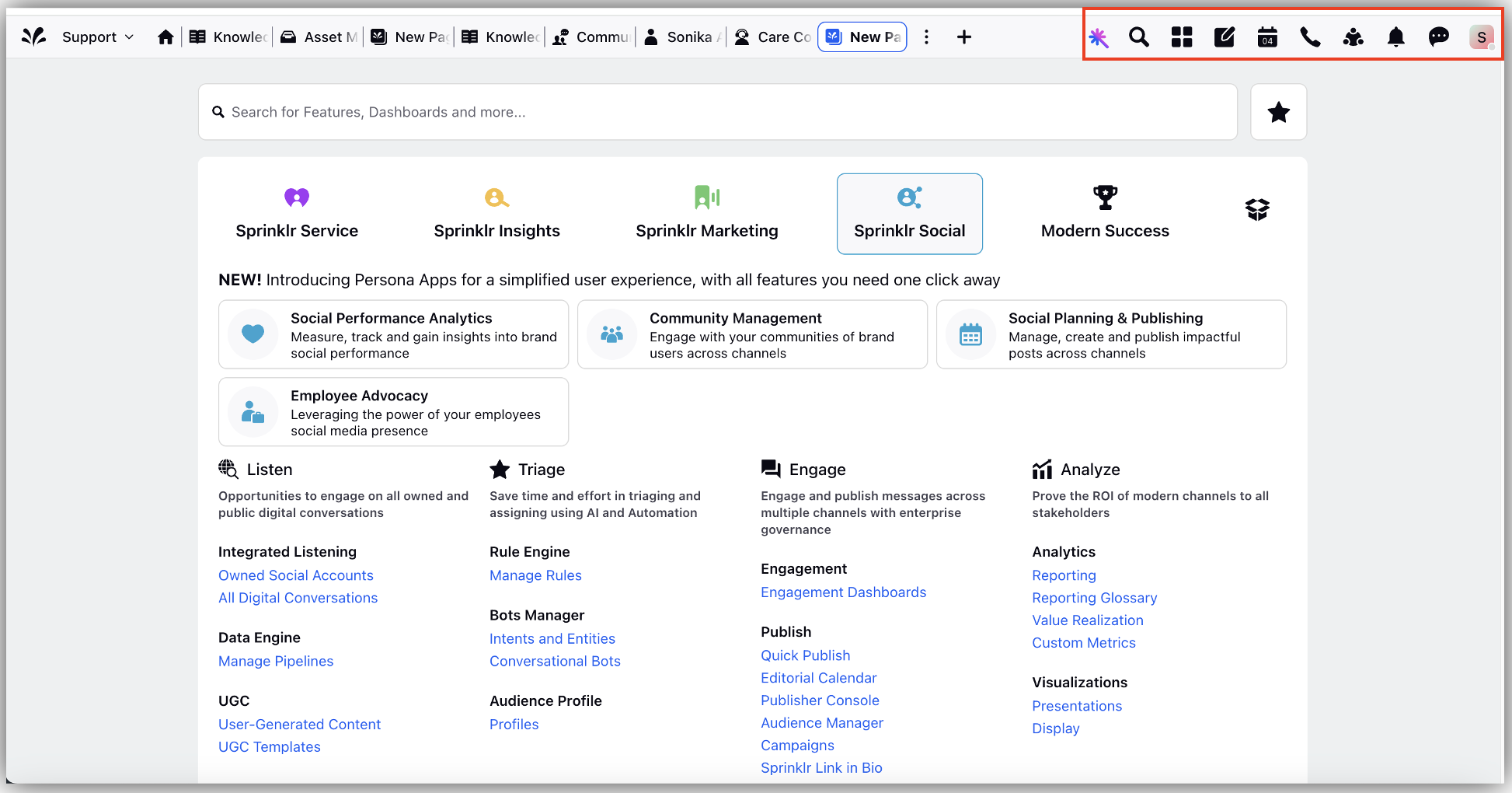
The navigation bar has been redesigned to make it easier to locate menus and actions.
Key options are now grouped near the user profile icon for quicker access.
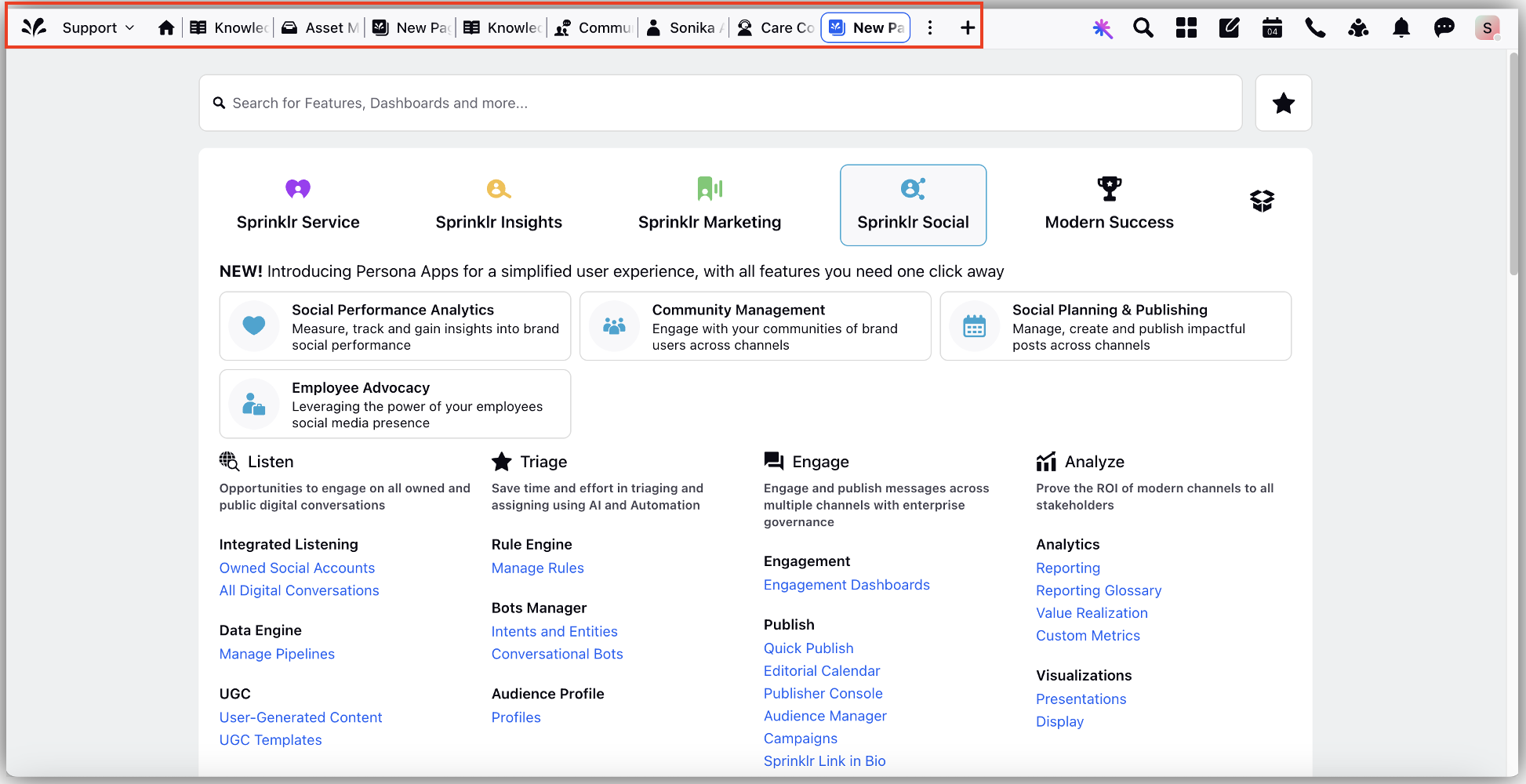
Tab Management
- You can open multiple tabs within Sprinklr to work on different tasks at the same time.
- Tabs automatically adjust based on the available screen space.
- When space is limited, additional tabs appear under a More tabs option.
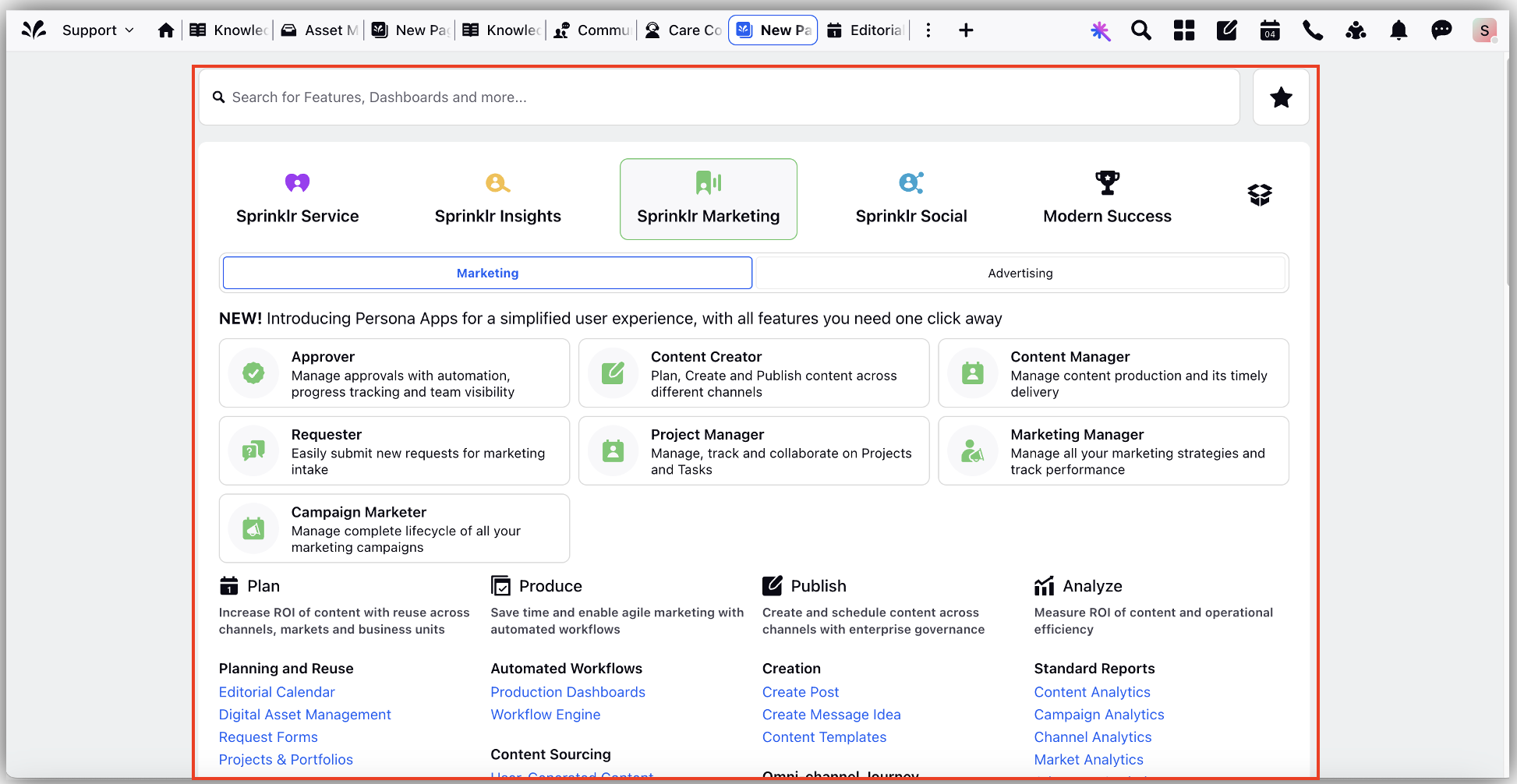
Clearer Visual Design
The interface uses improved contrast and spacing for better readability.
- Existing features remain the same but are easier to identify and use.
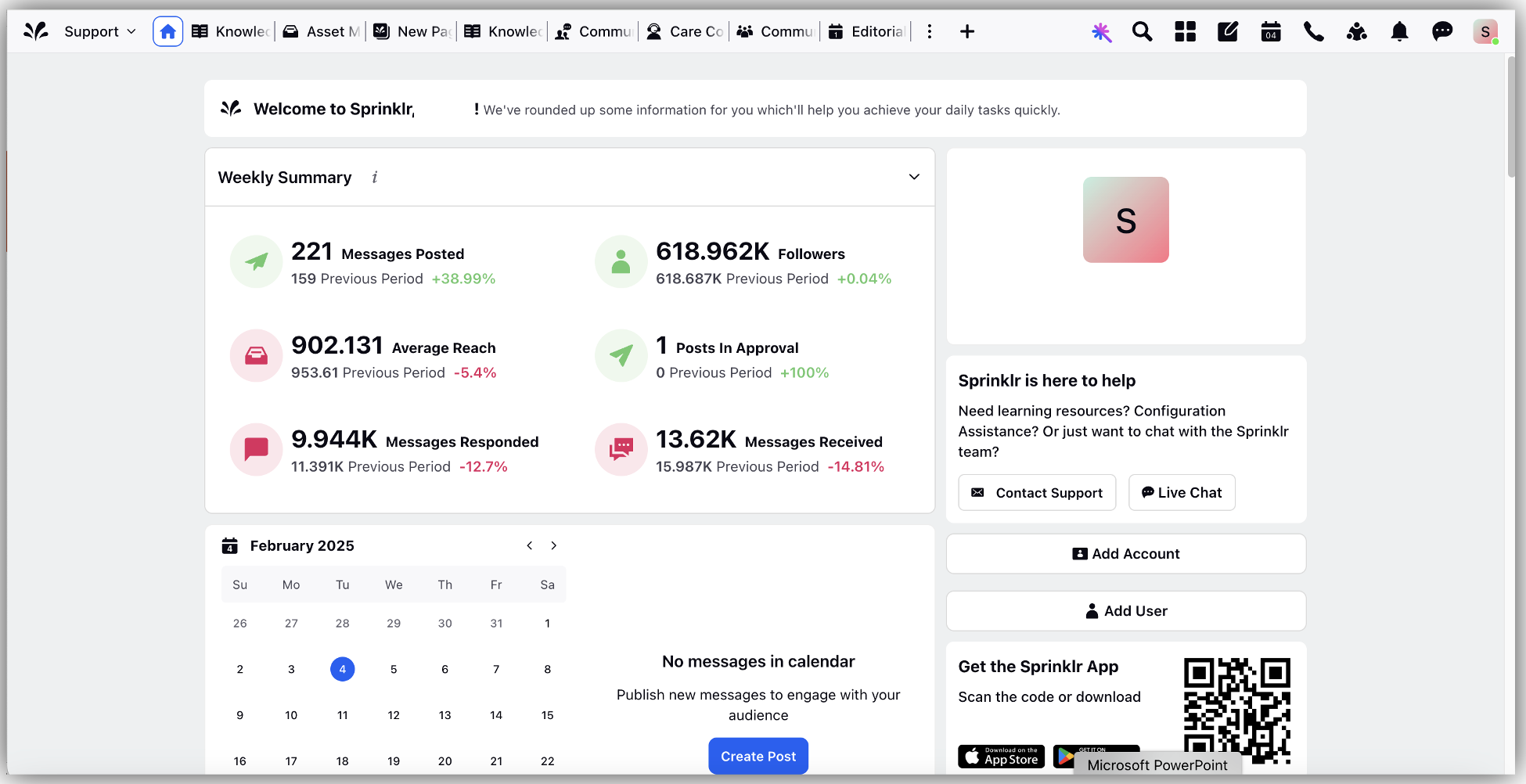
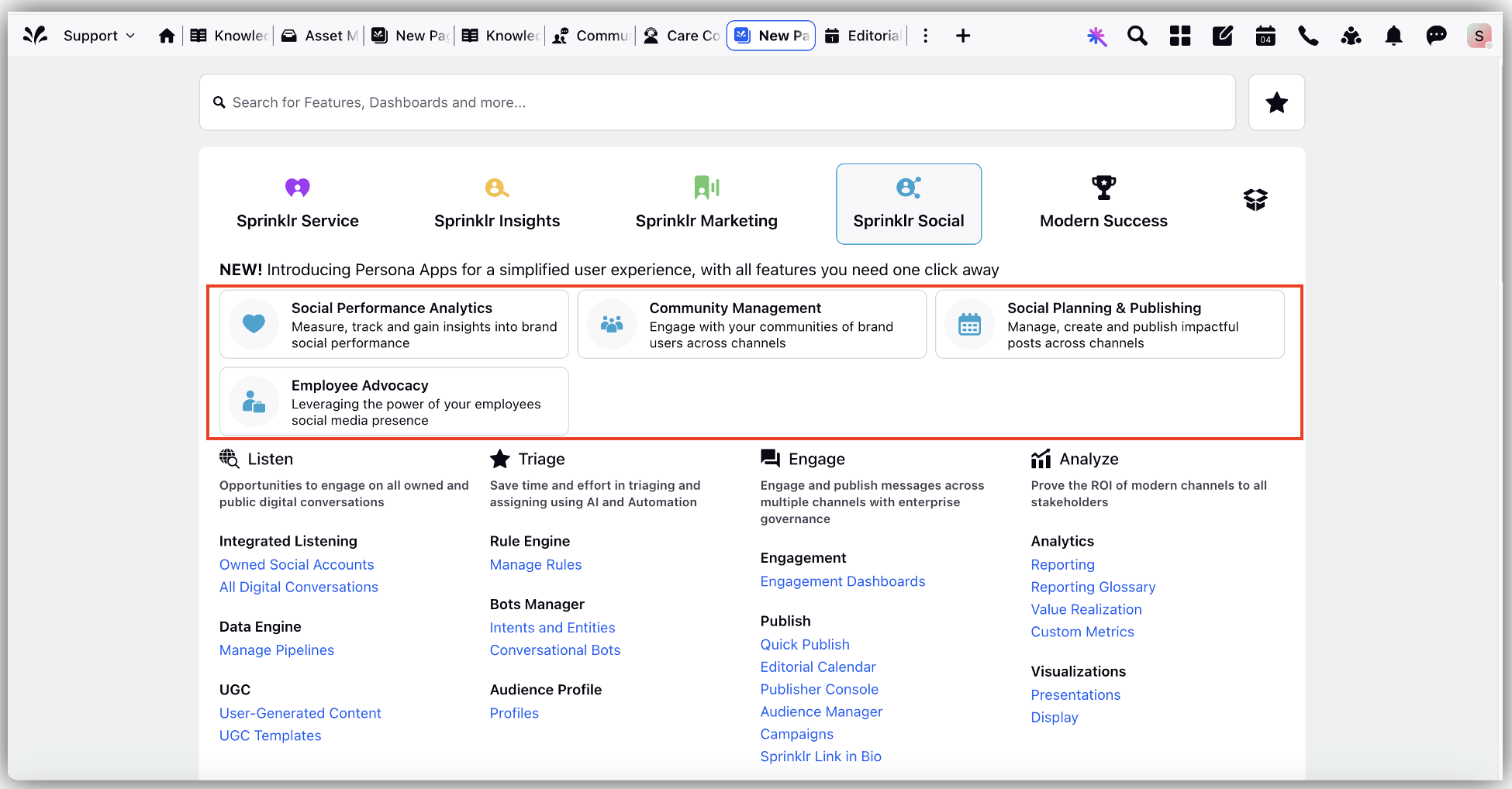
Simplified App Experience
- Persona-based apps provide a more focused experience based on your role.
- The home page highlights relevant information and helps you get started quickly.
Summary
The updated navigation experience improves how you work in Sprinklr by making common actions easier to find, reducing visual clutter, and supporting multitasking through better tab management while preserving the functionality you rely on.