Create Intents via Keyword Matcher
Updated
You can break down your main intent into separate sub-intents, enhancing the sophistication and responsiveness of your intent model. Keyword queries play a pivotal role in defining these sub-intents by allowing for the identification of specific phrases or terms within user input that can trigger nuanced responses.
It brings several benefits, including granular understanding, improved accuracy, enhanced personalization, efficient task routing, and adaptability to user vocabulary.
 Note: To make use of this capability, the following steps are necessary:
Ensure that Listening is enabled. Raise a support ticket at tickets@sprinklr.com for the necessary assistance.
Create an AI-based intent model in advance.
To Create Intents via Keyword Matcher
Click the New Tab icon. Under the Sprinklr Service tab, select Conversational AI within Persona Apps.
On the Conversational AI window, select the application for which you want to create an Intent.
Click ML Models under AI Tools.
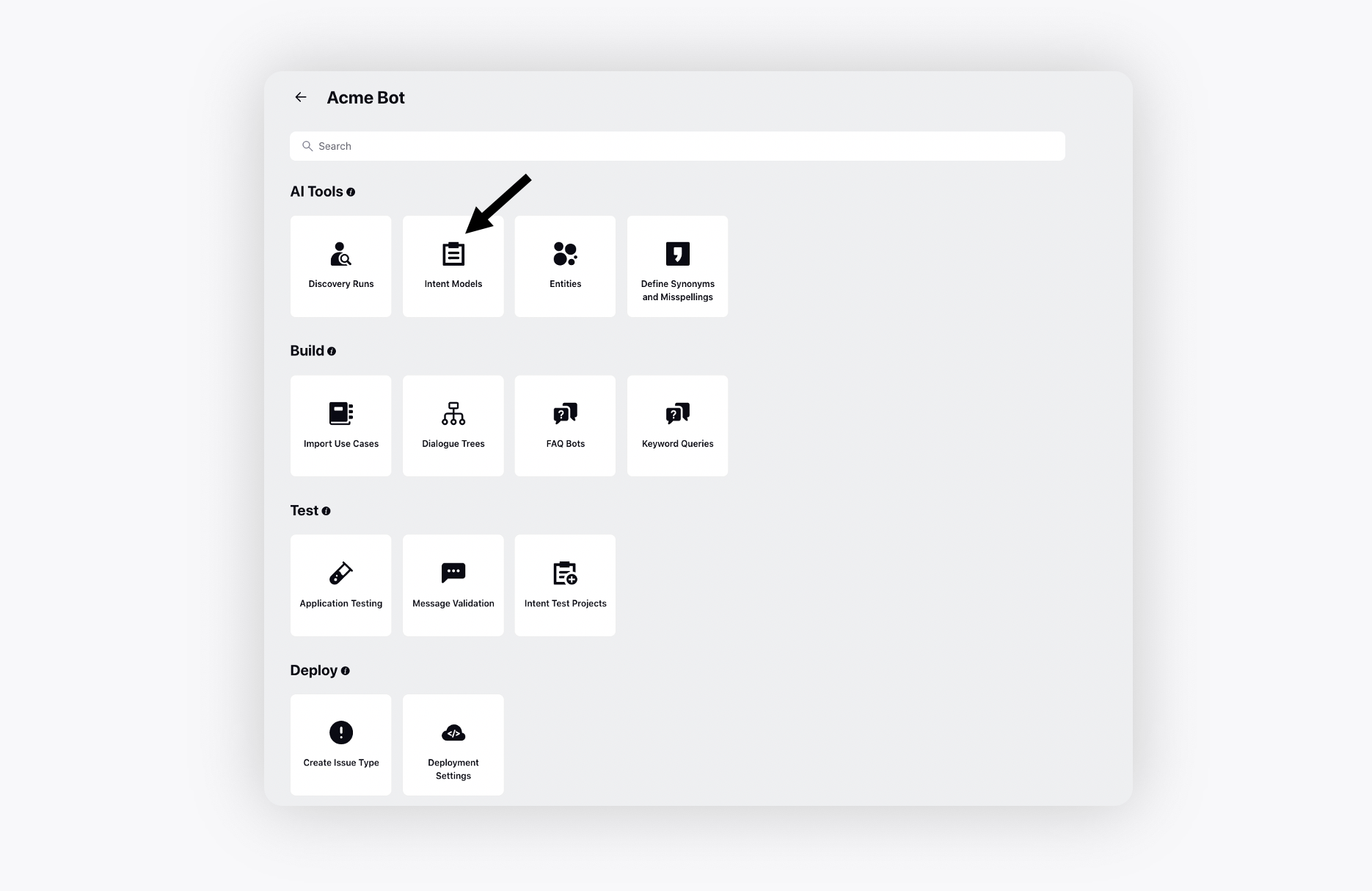
Select the desired model and click the Caret icon adjacent to +Add Intent in the top right corner, and select Create via Keyword Matcher.

On the Intent Details window, specify the Intent Name and Description. On the left pane, add the desired languages for the intent.
Set the Priority to determine the order of intent selection, where lower values indicate higher priority when multiple intents are detected simultaneously.

Select the Parent Intent and the expressions defined for the parent intent will be utilized for the sub-intents.
Click the selected language in the left pane. For the selected language, input Exact Match Expressions. The sub-intents are detected if any of the listed expressions exactly match the inbound message, regardless of AI predictions.
Select the Keyword Queries from the Add Keyword Filter drop down menu. This ensures sub-intent detection only when specific keywords are present in the inbound message and are also predicted by AI.

Click Save at the bottom.