Steps to Create Entities using Keyword Matcher
Updated
To learn more about entity, See What are Entities?
Before You Start
Make sure that have created a keyword matcher query.
Steps to Create an Entity
Click Entities under AI Tools.
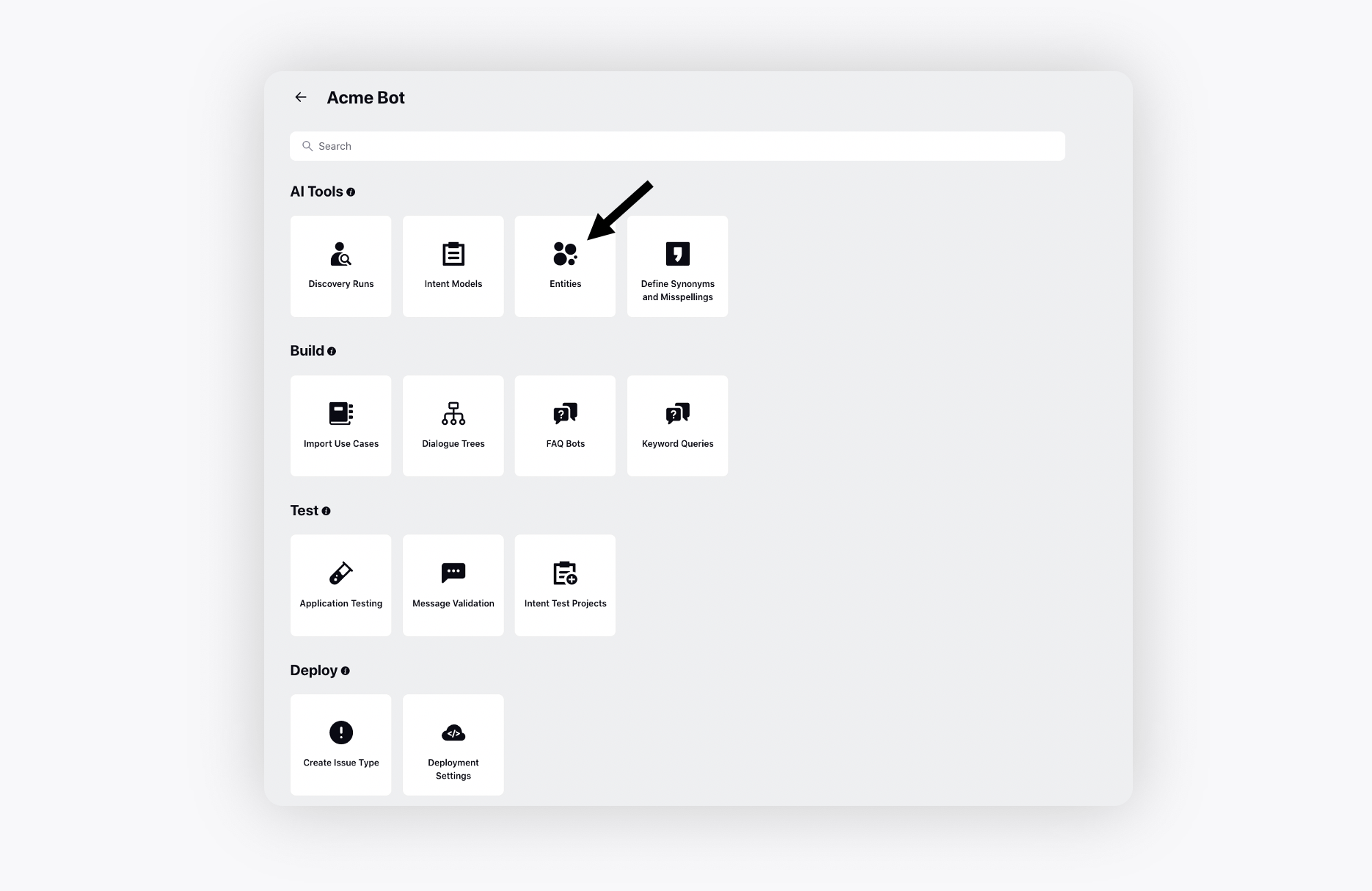
You can also create a new entity from scratch. On the Entities window, click Add Entity in the top right corner.
On the Create New Entity window, give it a Name and add Description.
From the Keyword List (Hint) drop-down list, select predefined keyword sets that improve entity detection.
This field contains 2 categories
User Configured -Displays keyword lists created in Speech-to-Text → Configuration → Keyword Lists.
These are customizable and specific to your business needs. For information on creating Keyword Lists, refer to the Create Keyword List article.
System Deployed - Includes predefined keyword lists provided by the system (For example - Date, Numeric, Phone Number).
Select the Entity Definition Method as Keyword Query.
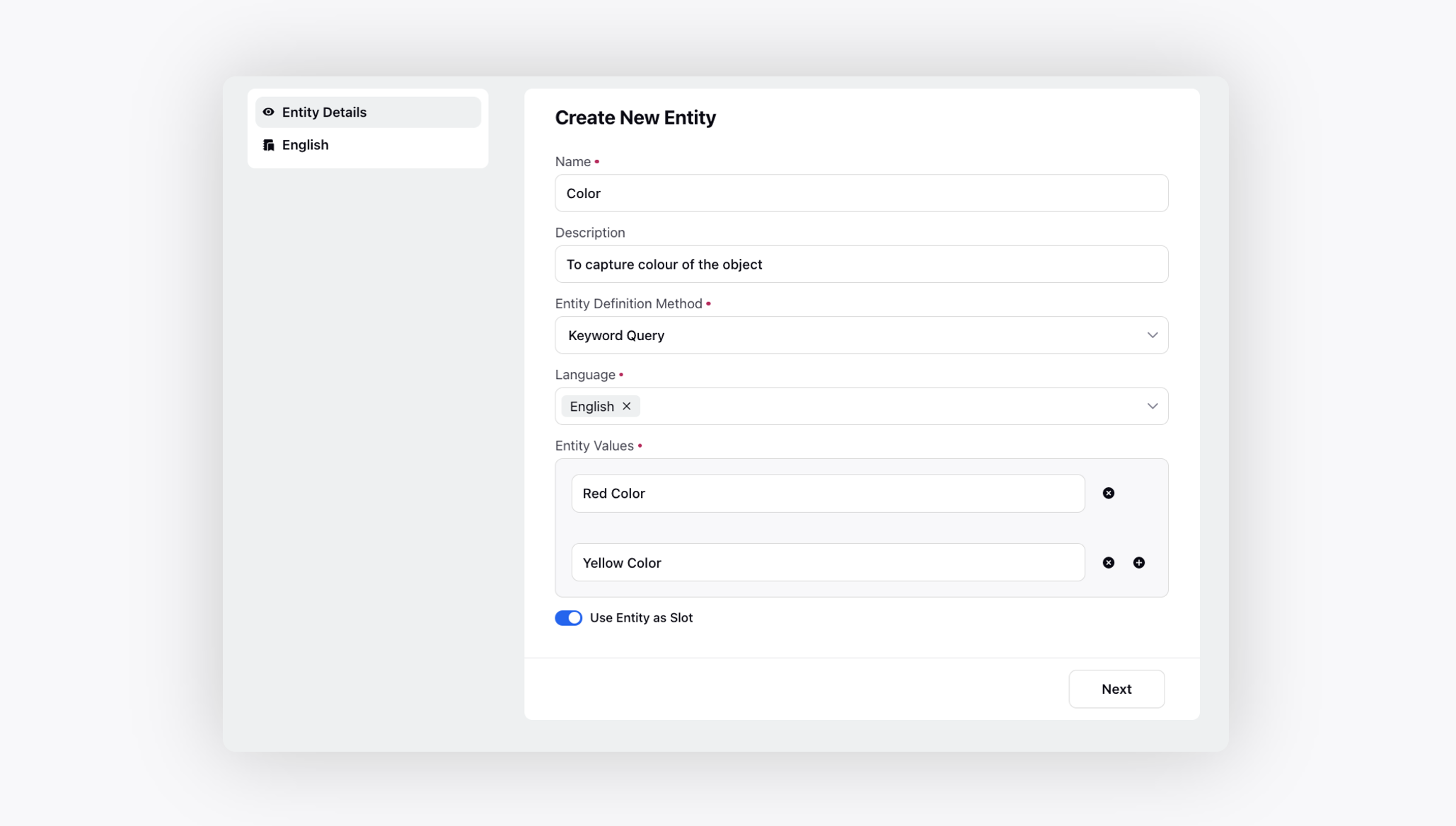
Click Next. Select the respective Keyword Query for the selected Entity Value.