Export Metadata for SSO Configuration
Updated
Export Meta Data - this feature gives the capability to download metadata files in XML format from the platform which contains information of:
1. Sprinklr Entity Id (Issuer Name)
2. Sprinklr Public Key Certificate
3. Sprinklr Assertion Consumer Service URL
This feature helps in reducing manual effort and functions as a security improvement.
Steps to Export Metadata for SSO Configuration
Click the New Tab icon
 in your Sprinklr platform. Under Platform Modules, click All Settings within Listen.
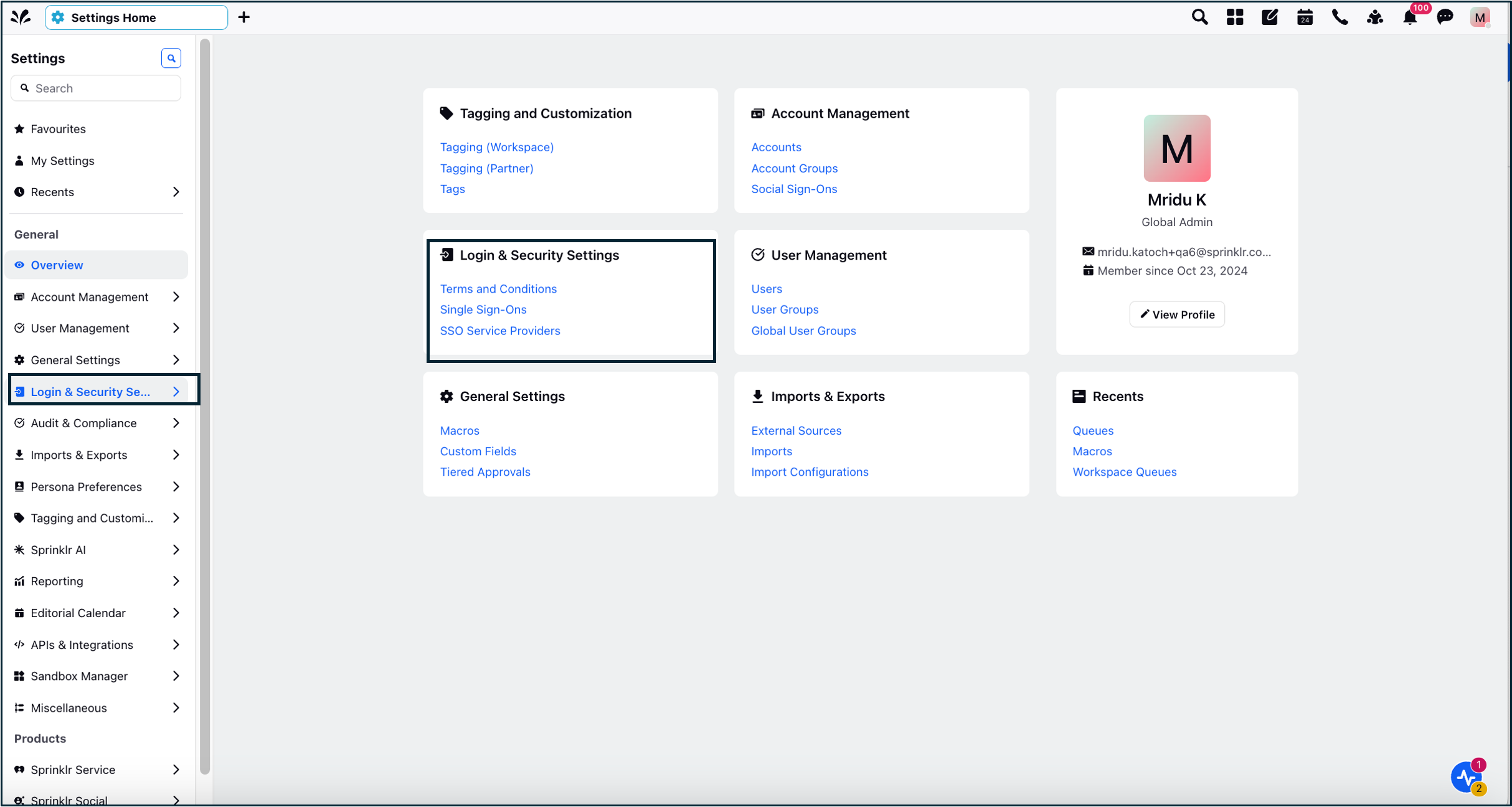
In the All Settings page, navigate to Login & Security Settings > Single Sign-Ons.
In the Single Sign-Ons window, click the Options icon in the top right corner, and click Download Metadata.
