How to Use Application Testing for Whatsapp?
Updated
To learn about Application Testing, see What is Application Testing?
Before You Start
Note: To enable Application Testing for Whatsapp, please contact tickets@sprinklr.com and provide the Partner Name ID and Name. If you are unsure of your Partner ID and Name, please contact your Success Manager for help. |
Steps to Access Application Testing for Whasapp
Click on Application Testing (from Left hand Side) OR Toggle to Manage Section --> Application Testing
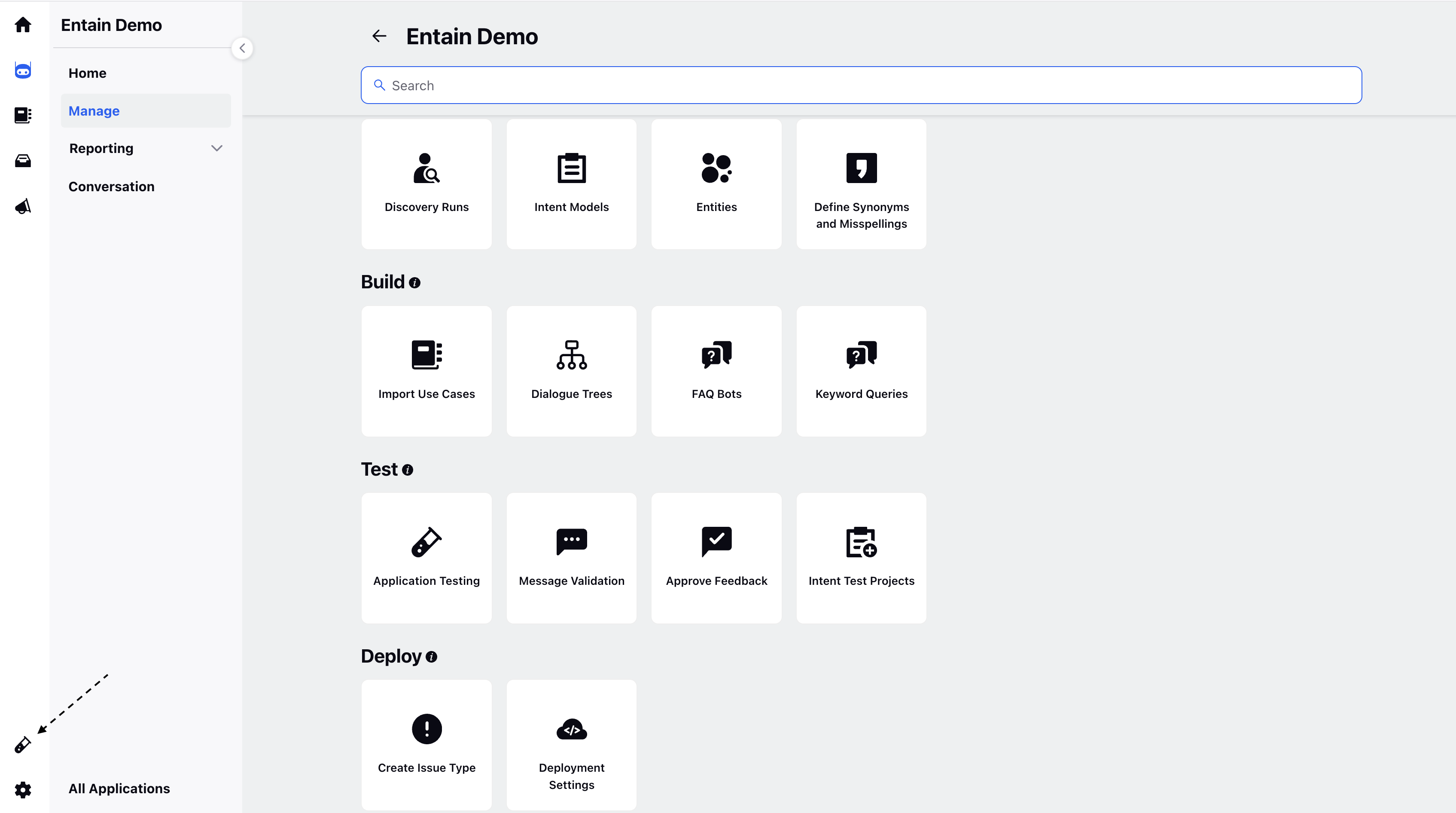
Note: If you don't see the icon on left hand side, please raise a support ticket |
2. Select Bot Application
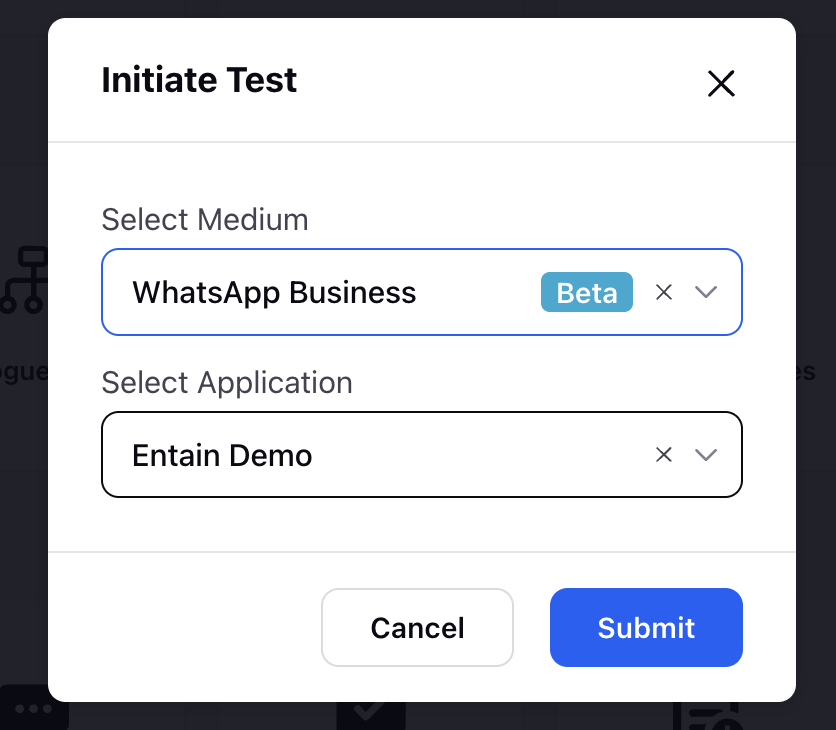
Brands can then easily test their bot configurations.
Note:
|
Additionally, to find the list of channels support in Application Testing, click here