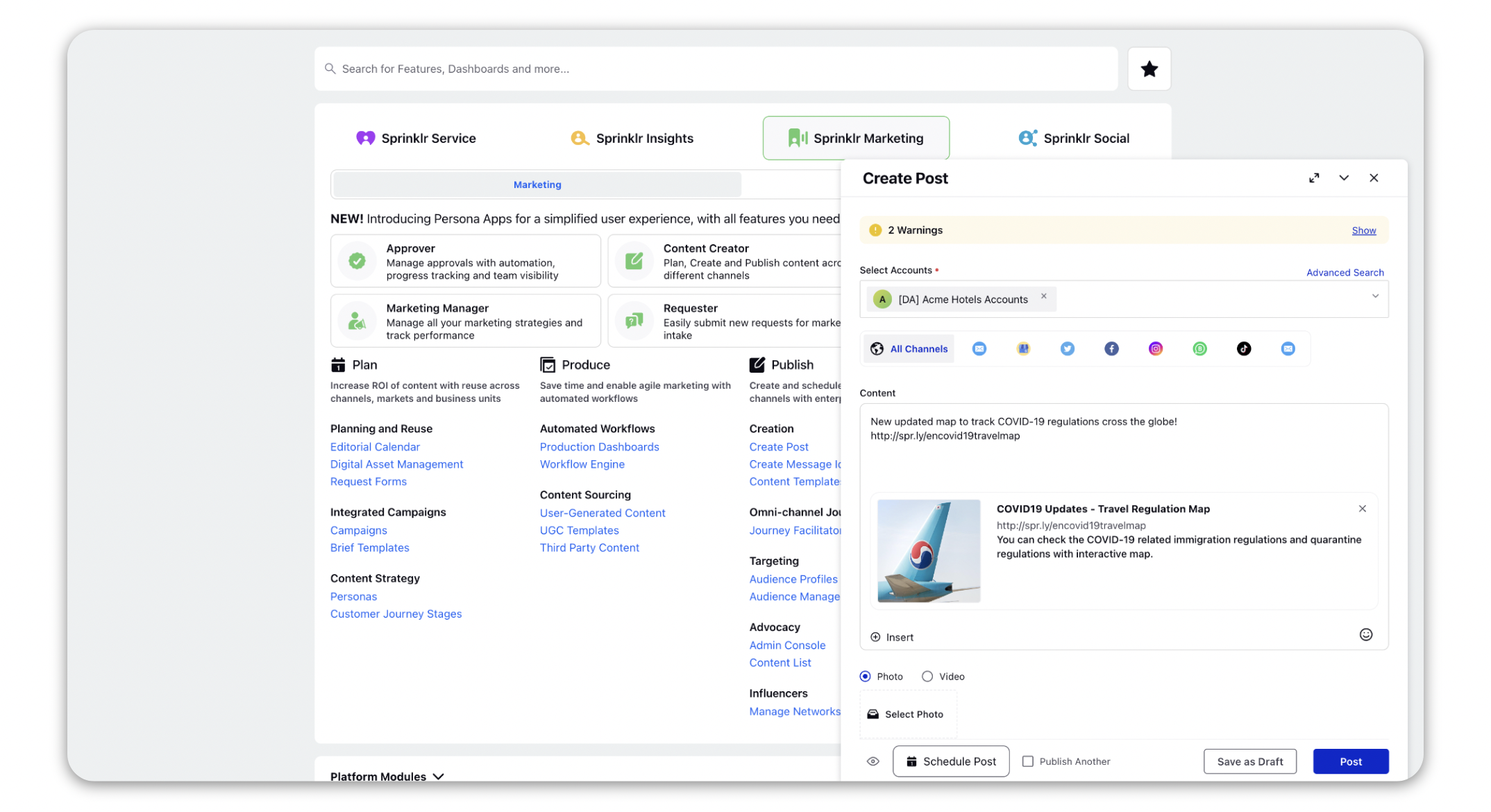
Use Vanity URL for Publishing
Updated
In this article, you will learn how to use a vanity URL - a unique web address that is branded for marketing purposes. It is easy to remember, and share and can be used for publishing. Sprinklr supports two types of vanity URLs: Sprinklr Vanity URLs and third-party Vanity URLs which can be created with the prodomain of a URL shortener.
How it works
Navigate to the Quick Publisher
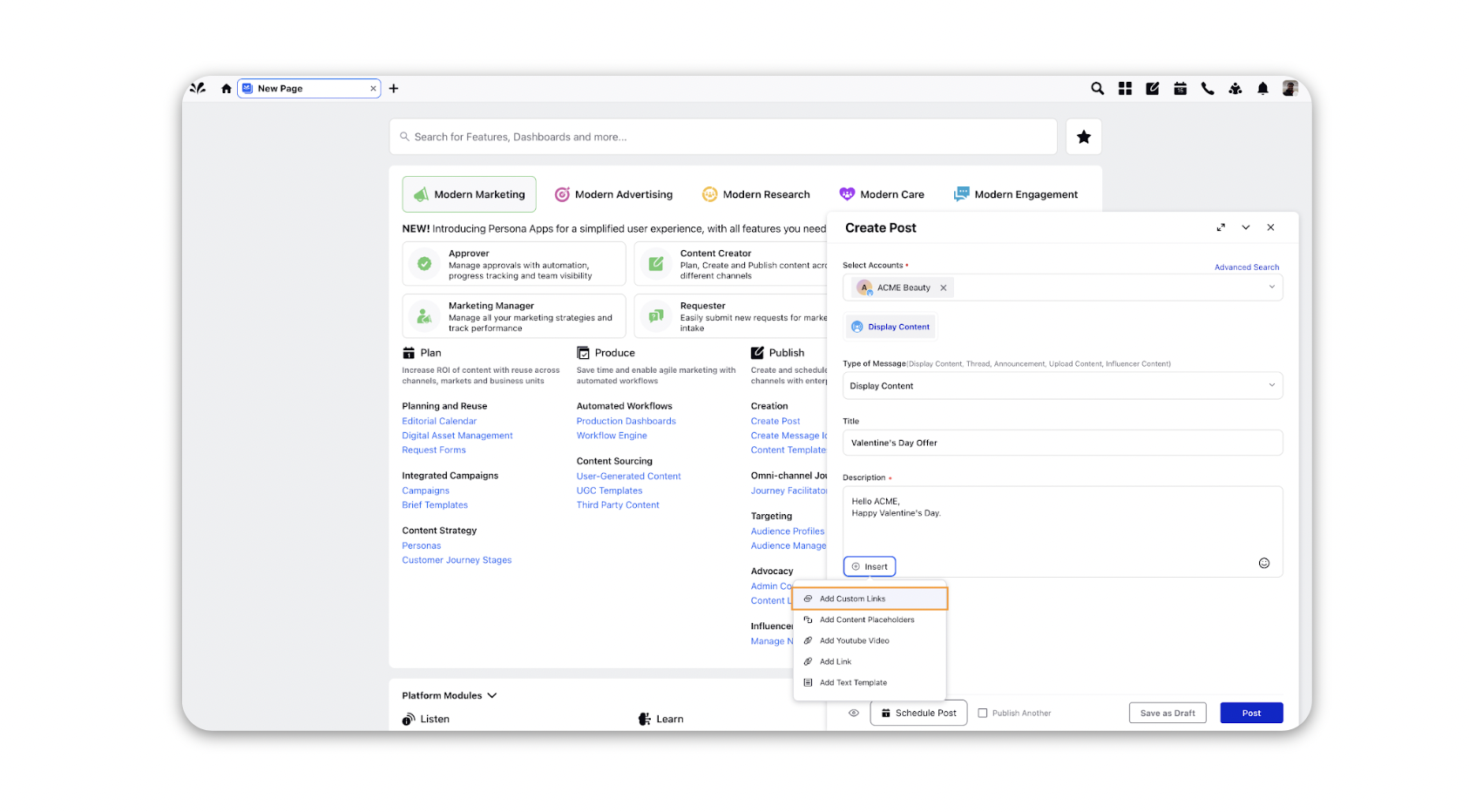
On the Create Post window, click Insert from the Content box and select Custom Link from the options.
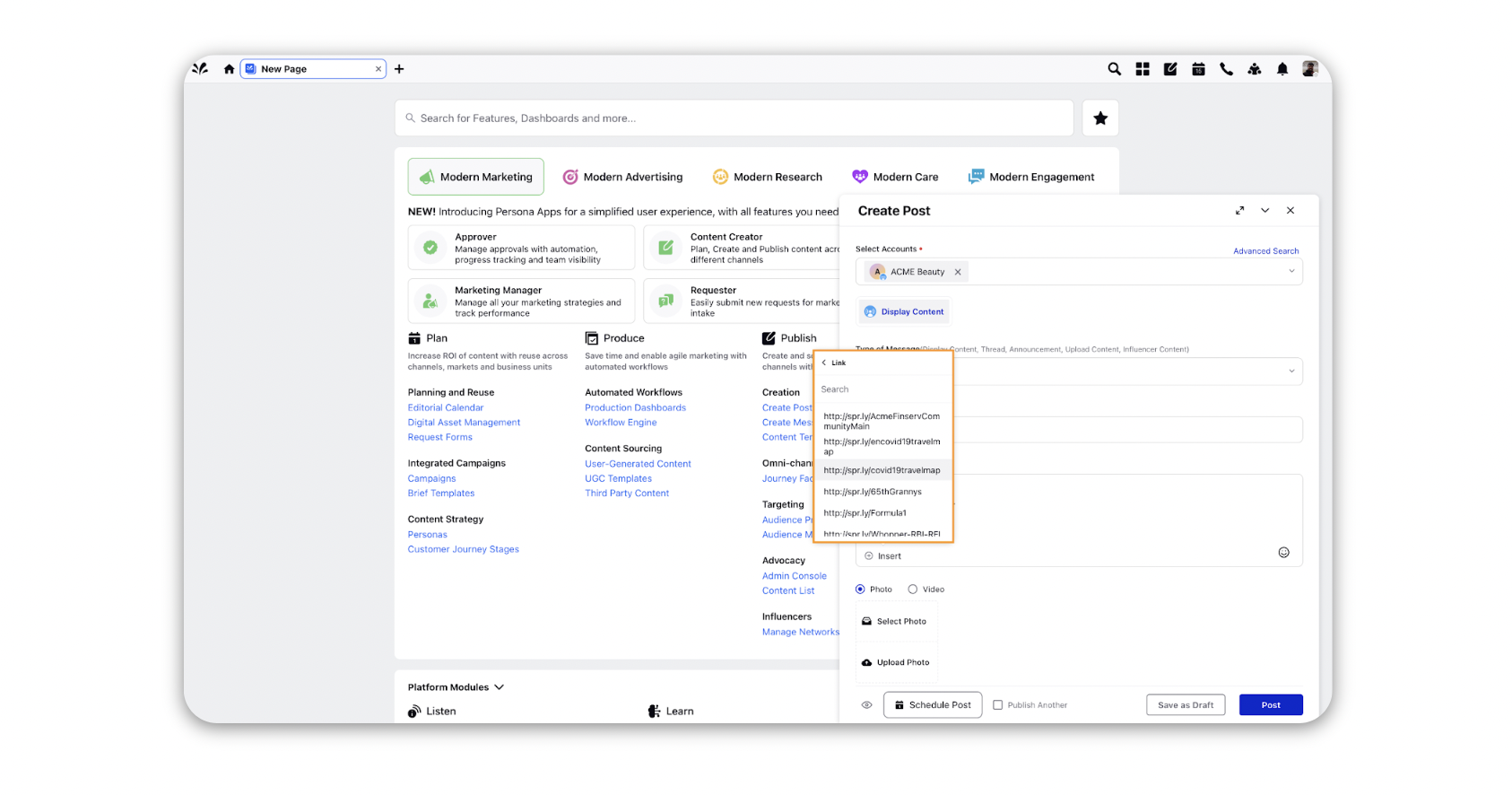
Select the desired Vanity URL from the drop-down list to get it displayed in the text box.
Click Post in the bottom right corner to publish your post.