Banner
Updated
The Banner Widget is an essential feature of the Sprinklr Community product that enables users to create customized banners for different community pages. This widget is a visual element that typically appears at the top of the community page and displays a banner image or message.
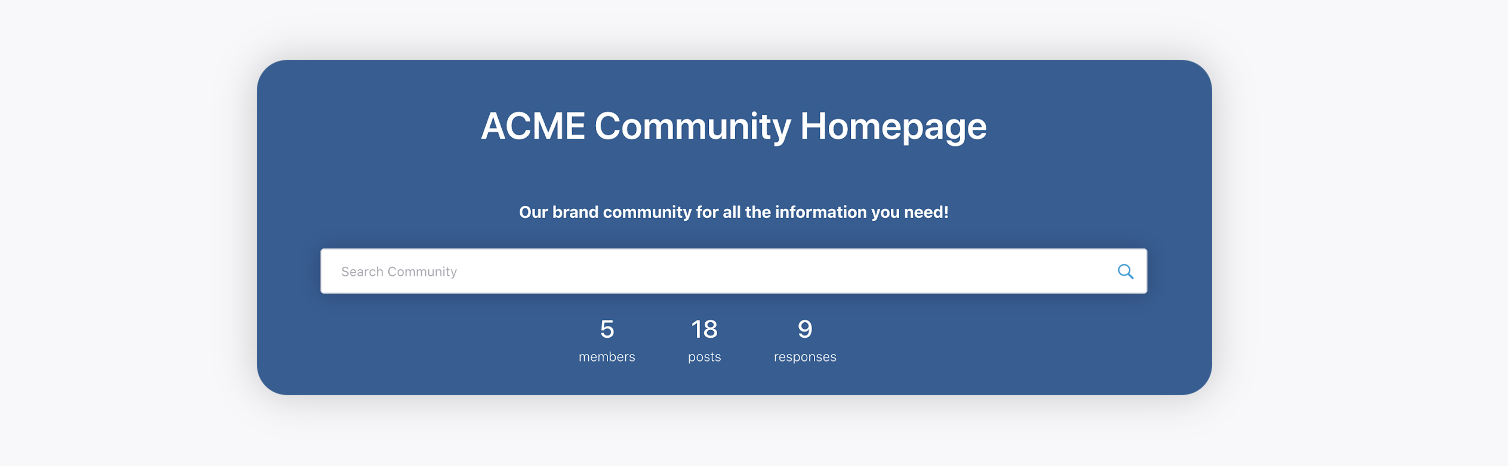
The banner widget feature is user-friendly and straightforward, allowing users to create banners quickly and efficiently. Users can add title, description, stats, search bar as required, adjusting the text position, color, size, and font.
The Banner Widget feature offers a high degree of flexibility in terms of customization. Users can customize banners for different community pages, ensuring that each page's banner aligns with its specific needs and objectives.
Description: Widget containing banner for different community pages.
Pages Supported: All Pages
Modern Banner
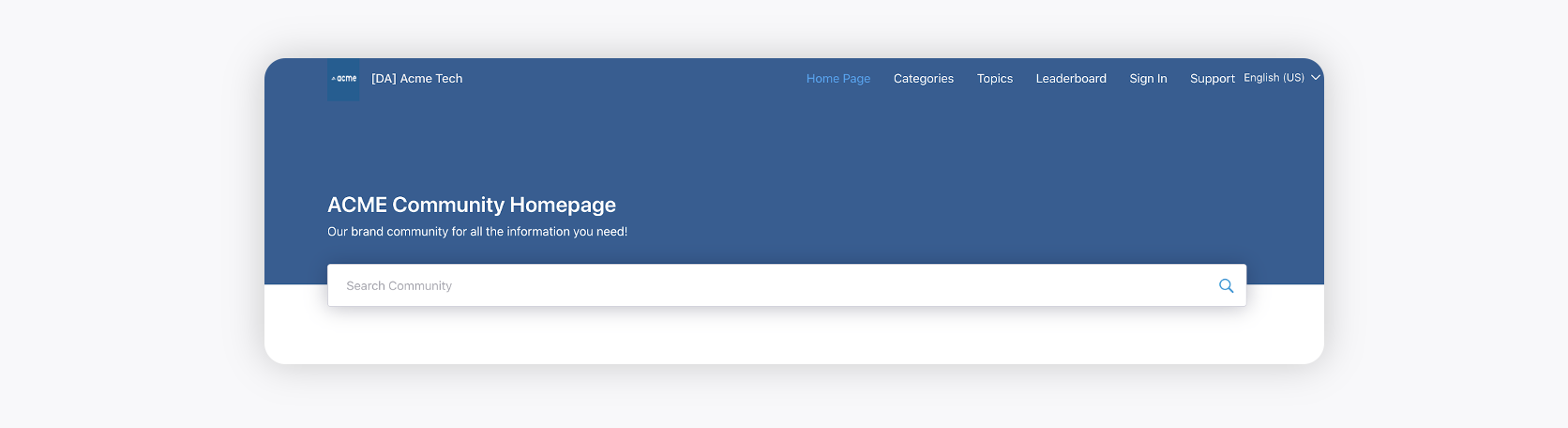
Classic Banner
Custom HTML
You can create custom banners using HTML and CSS to give your application or webpage a unique look and feel. By leveraging HTML for structure and CSS for styling, you can design banners that include text, images, and interactive elements. This approach offers flexibility, allowing you to align the banner design with your brand guidelines and enhance user engagement.

Additional Fields
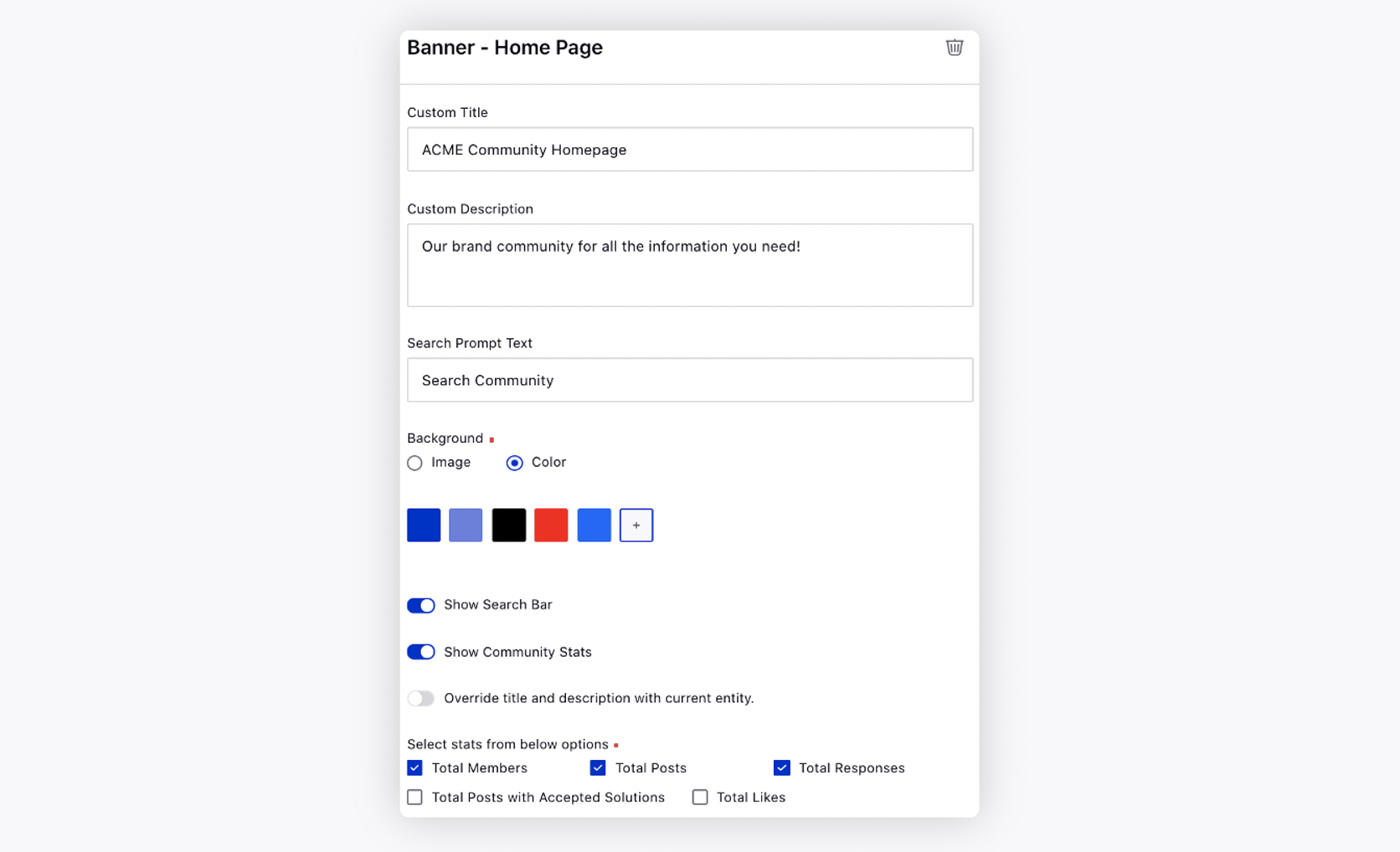
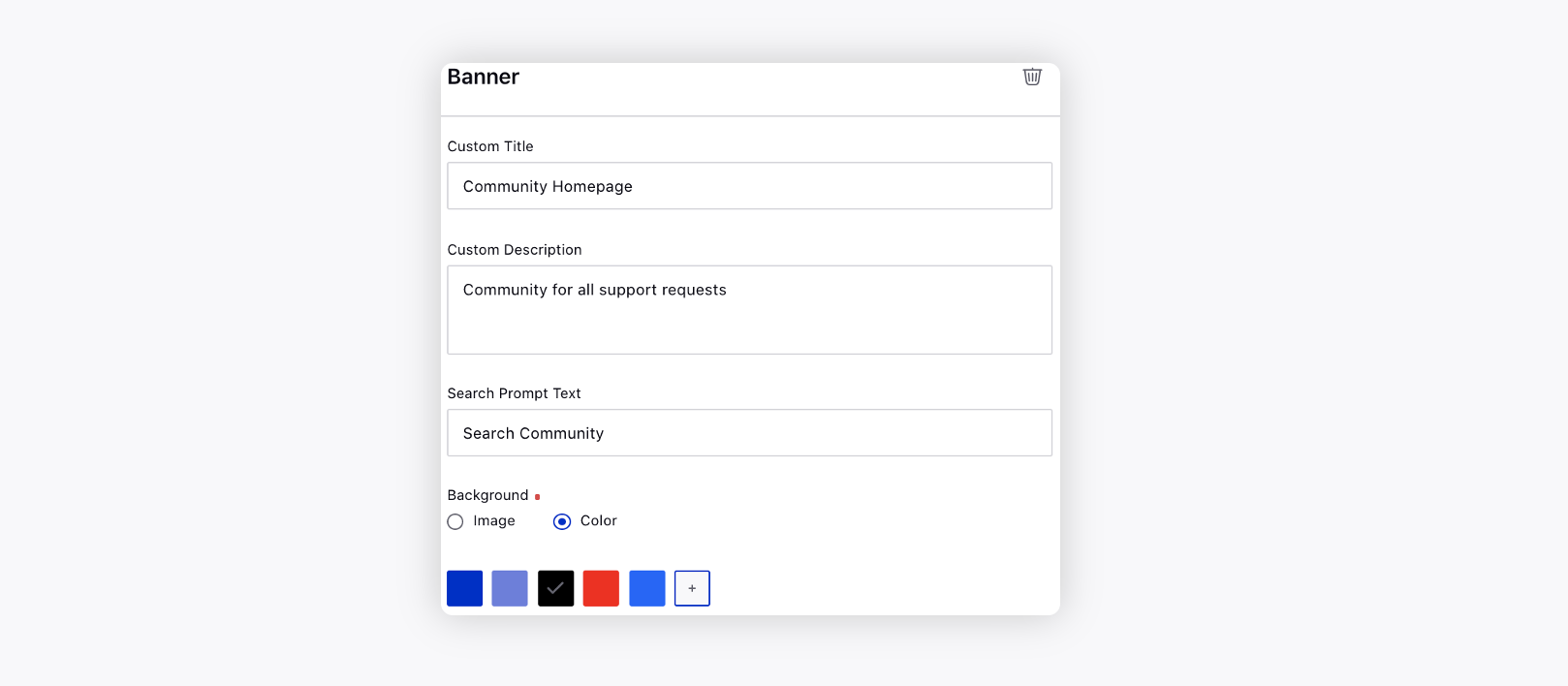
Custom Title: Title to be shown on the Banner.
Custom Description: Description to be shown on the Banner.
Search Prompt Text: Default text to be shown within the search box on the Banner.
Background: Select from an image or color for the background of the Banner.
Show Default Background: Enable this switch to show the default background for the Banner.
Show Search Bar: Checking this option will show the search bar on the Banner. (for Modern Banner)
Show Community Stats: Checking this option will show community stats on the Banner. (for Modern Banner)
Override title and description with current entity: Checking this option will display the title and description of the current category/topic page on the banner replacing the default text values. (for Modern Banner)