Configure and Publish Video Call Asset
Updated
This is only required for customer-initiated video calls
Create Video Call Asset
Go to Digital Asset Manager → Create Asset → Omni Chat templates
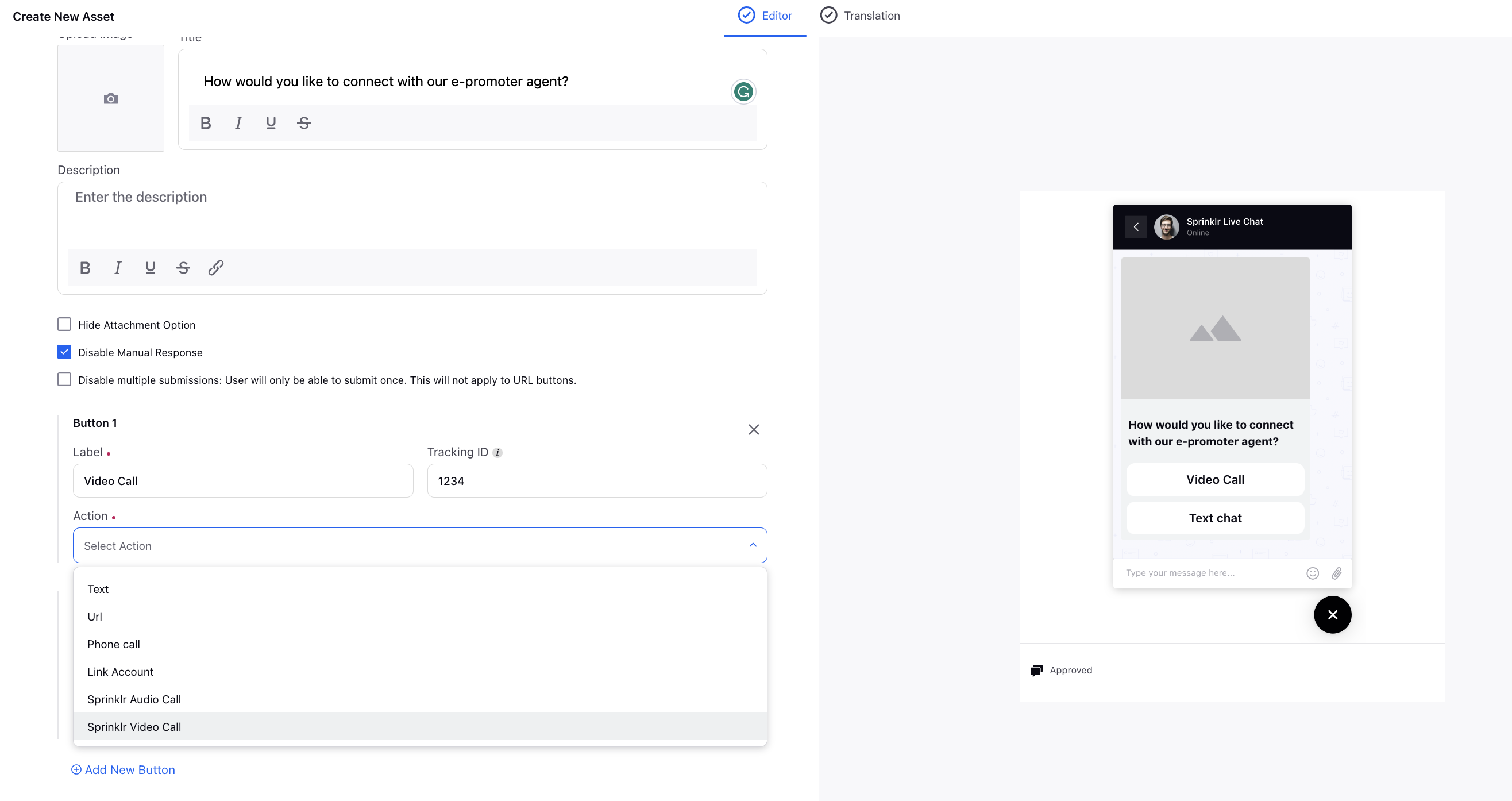
Select Channel as Sprinklr Live chat and Template Type as Card
In the button CTA, under the action, select Sprinklr Video Call
Publish Video Call Asset
Once the asset is created you can publish it via macro/bot/rules/conditional message in Live chat as per your use case