About the Segment Manager
Updated
Create and manage segments of large amounts of user data in Sprinklr's Segment Manager.
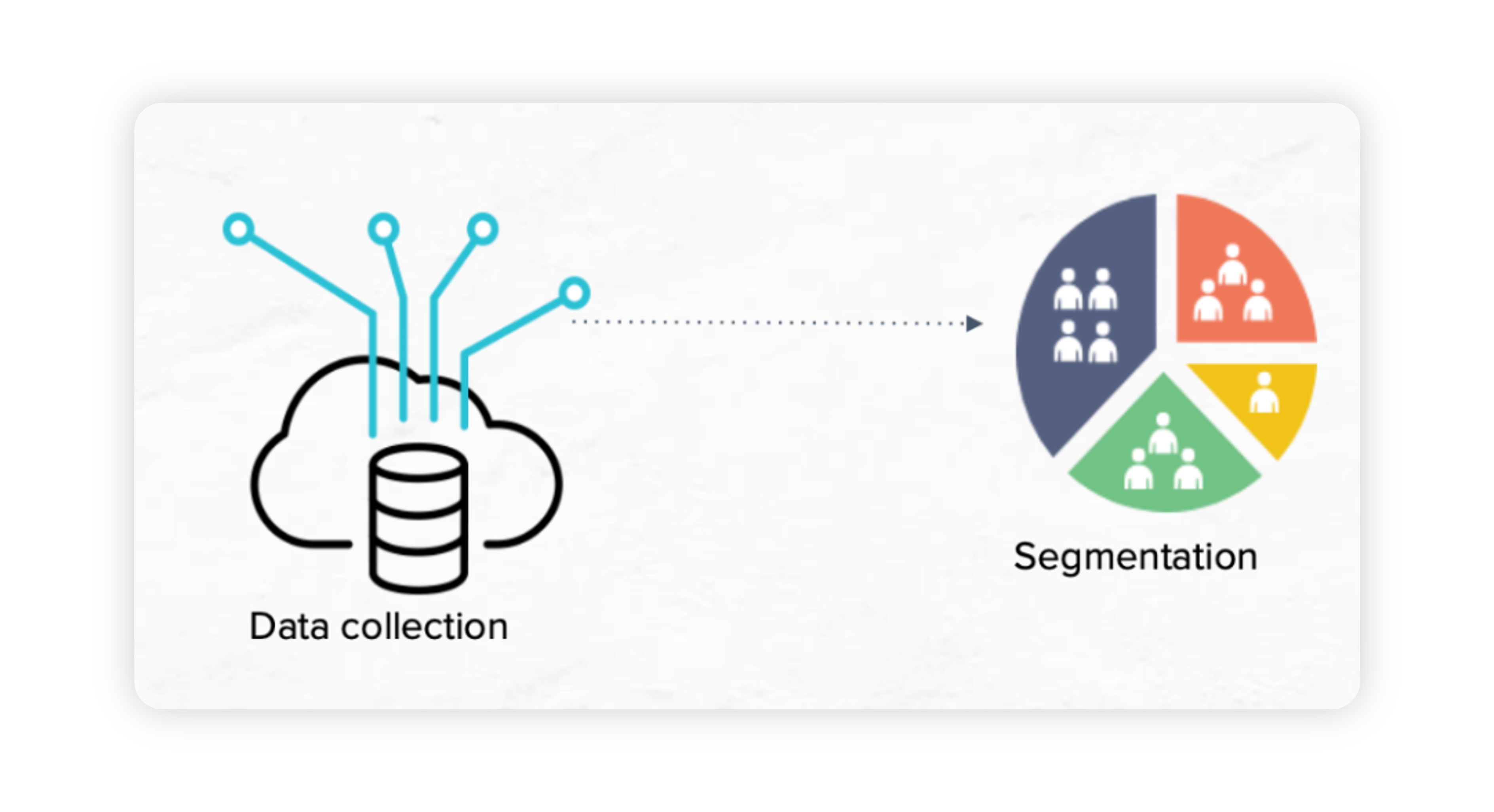
Once the data source is connected to Sprinklr, millions of user data are imported and refreshed periodically. It is better to break through the large volume of data and reach the relevant audience segment who meet their desired profile attributes. From the Segment Manager, you can create new segments and take action to manage your saved segments.
In this article, you'll learn how to view, edit, and delete the segments you've created.
Value proposition
Persona | Problem | Solution |
Marketing Media Manager | Difficulty in managing millions of user data being imported and refreshed periodically. | Segment Manager lets brands segment and narrow down audiences based on desired attributes from their imported data. Whether brands wish to launch something new, promote their existing services or products, generate new leads, or filter and listen to relevant audience groups, Sprinklr’s Segmentation capabilities help them reach their goals. |
Use Cases
With Sprinklr's Segment Manger:
You can narrow your targeting to the desired audience groups by creating segments of your imported audience data based on one or more desired attributes
Your target audience segments update in real-time as the data imported into Sprinklr from your data source gets refreshed
You will get access to Twitter Firehose, which is a stream of activities on Twitter and enables you to have niche targeting while publishing Twitter Ads
Availability
To make sure that new Users in your Sprinklr environment are set up with the appropriate access and capabilities to create and view assets within the Smart Audience Engine, you'll want to ensure that their role is granted the right permissions.
This article covers role-based permissions that are assigned to users or user groups within your environment. You can first review how to Add a User or learn more about the basics of permissions in Roles and Permissions.
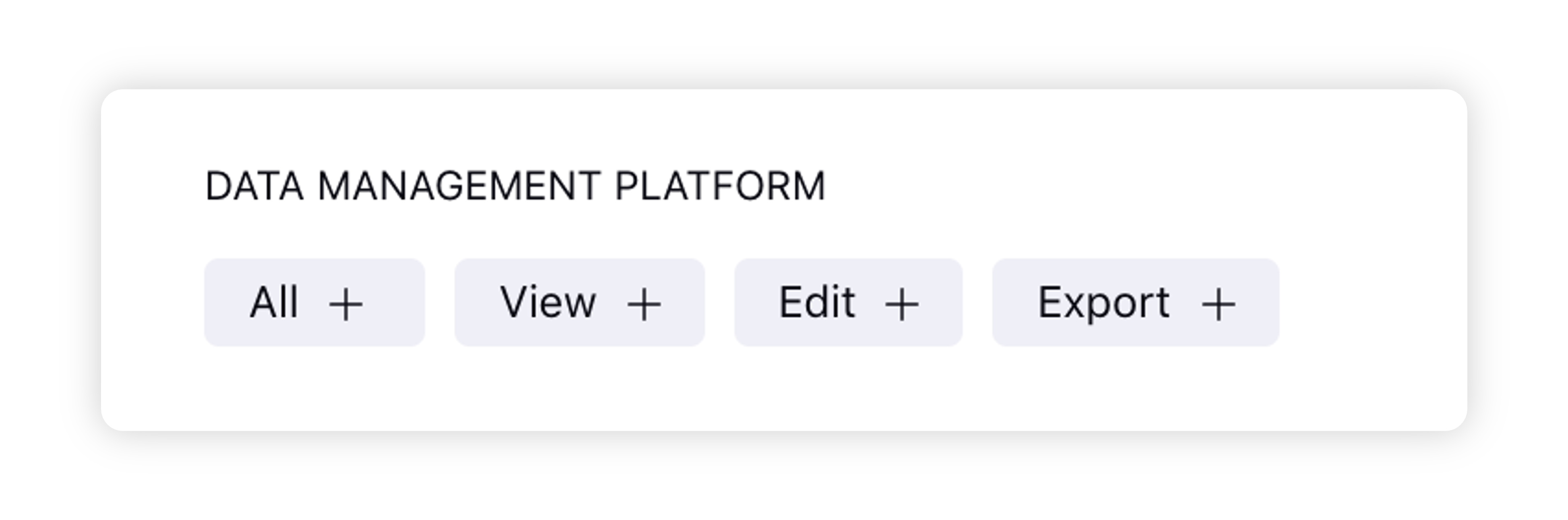
Permission Type | Permission | Description |
Smart Audience Engine | All | Grants users all the permissions to access Smart Audience Engine. |
View | Grants users permission to view data within Smart Audience Engine. | |
Edit | Grants users permission to edit data within Data Collection. | |
Export | Grants users permission to export user profiles within Segment Manager. |
To Validate in Segment Manager after connecting your Data Source
Click the New Tab icon. Under Governance Console, select Data Collection within Listen.
Connect your data using Data Connectors and enable it in the Data Collection window.
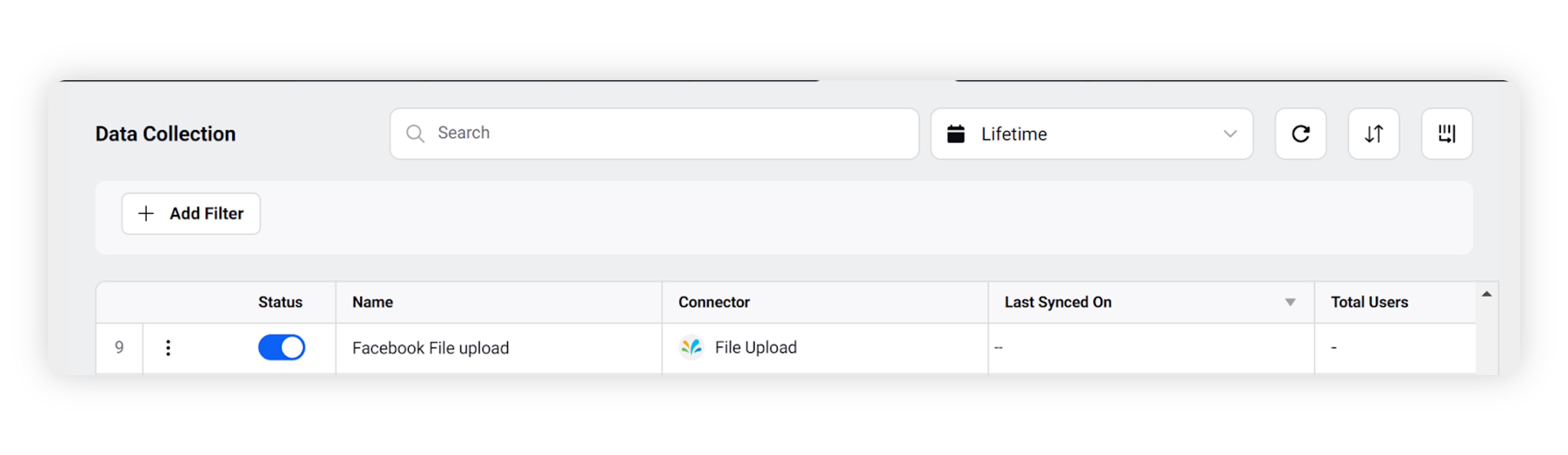
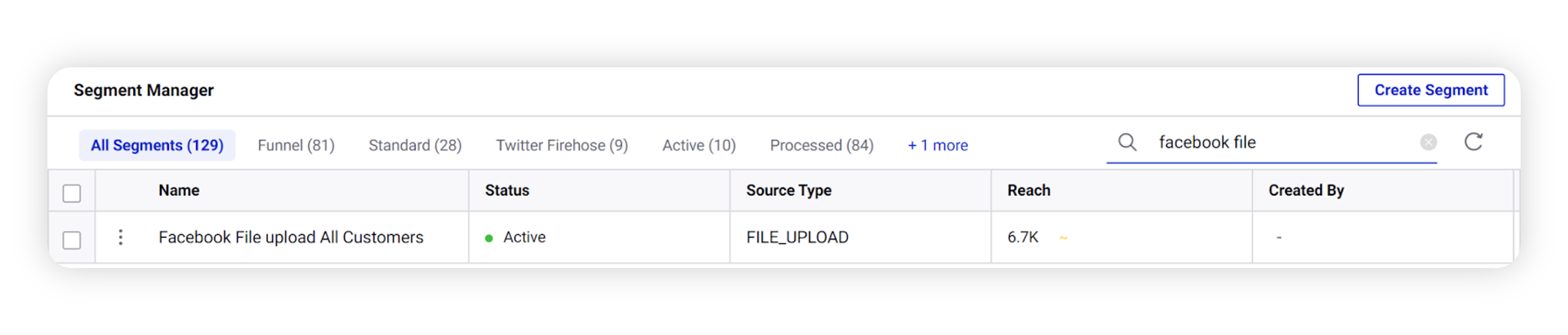
Once you have enabled the connector, click the New Tab icon. Under Governance Console, select Segment Manager within Learn.
In the Segment Manager window, search by the name of the Connector. A Segment named as “Connector Name All Customers'' will be created by default, as shown below. It corresponds to the master segment that contains all your audience data from the connector, and is an indication that your data from the connector has reflected in Segment Manager.
You can create audience segments from this master database. Refer to the Create Audience Segments guide for more details.