How to navigate to Newsletter Analytics?
Updated
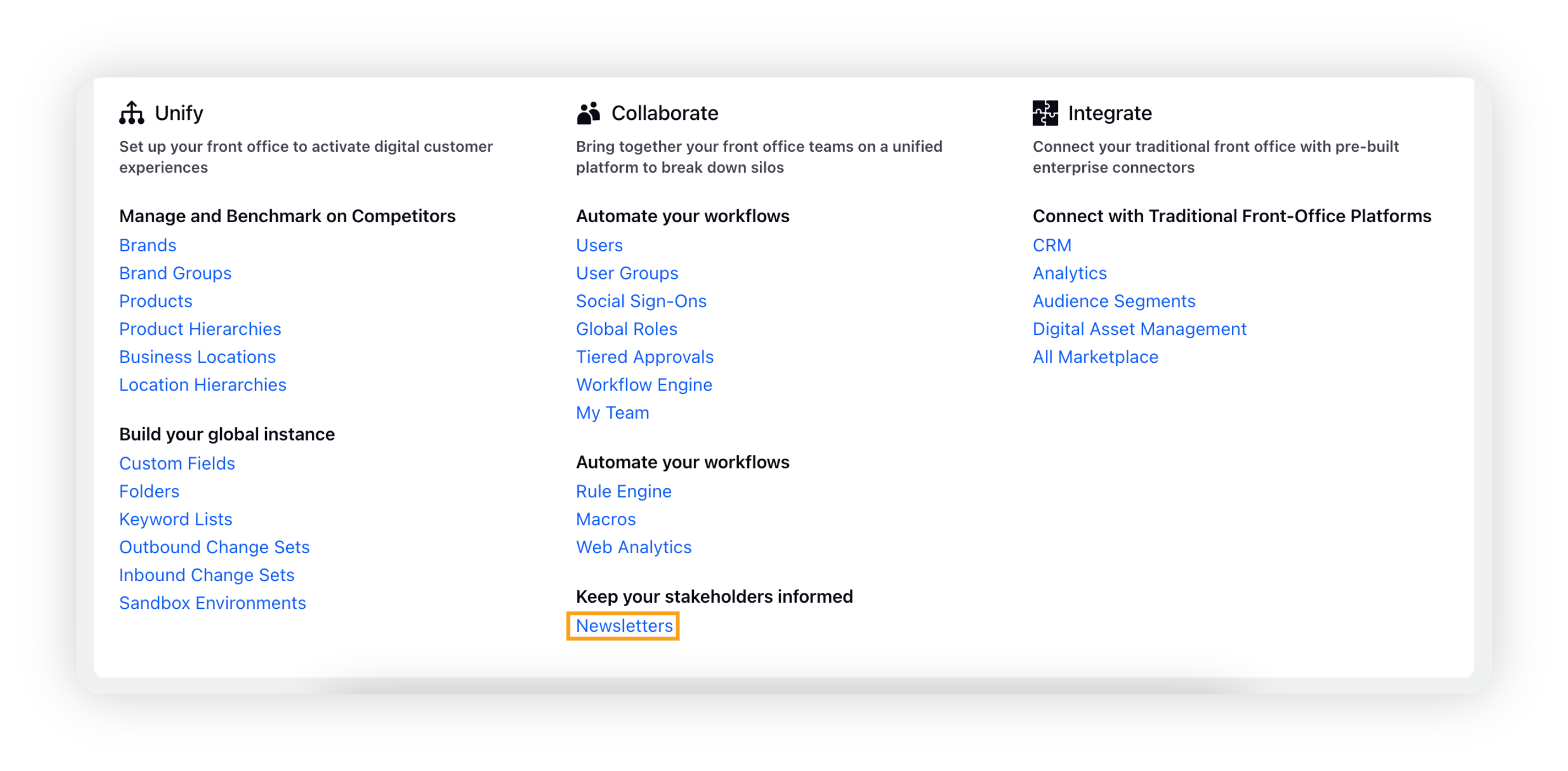
Click the New Tab icon. Under Platform Settings, click Newsletters within Collaborate.
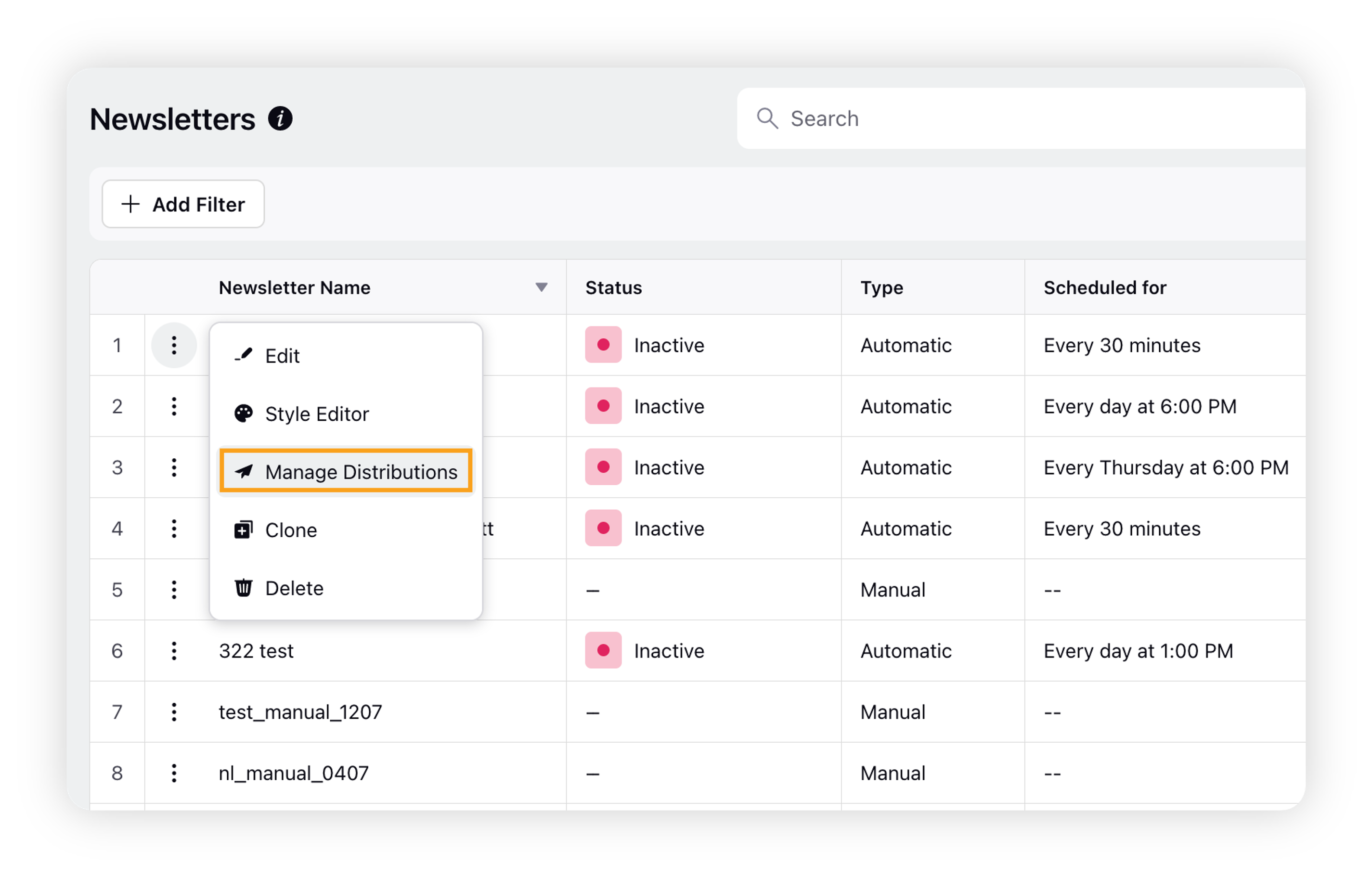
On the Newsletters window, hover over the Options icon preceding the newsletter name, and select Manage Distributions.
On the Distribution window, hover over the vertical Options icon preceding the distribution name and select View Analytics.
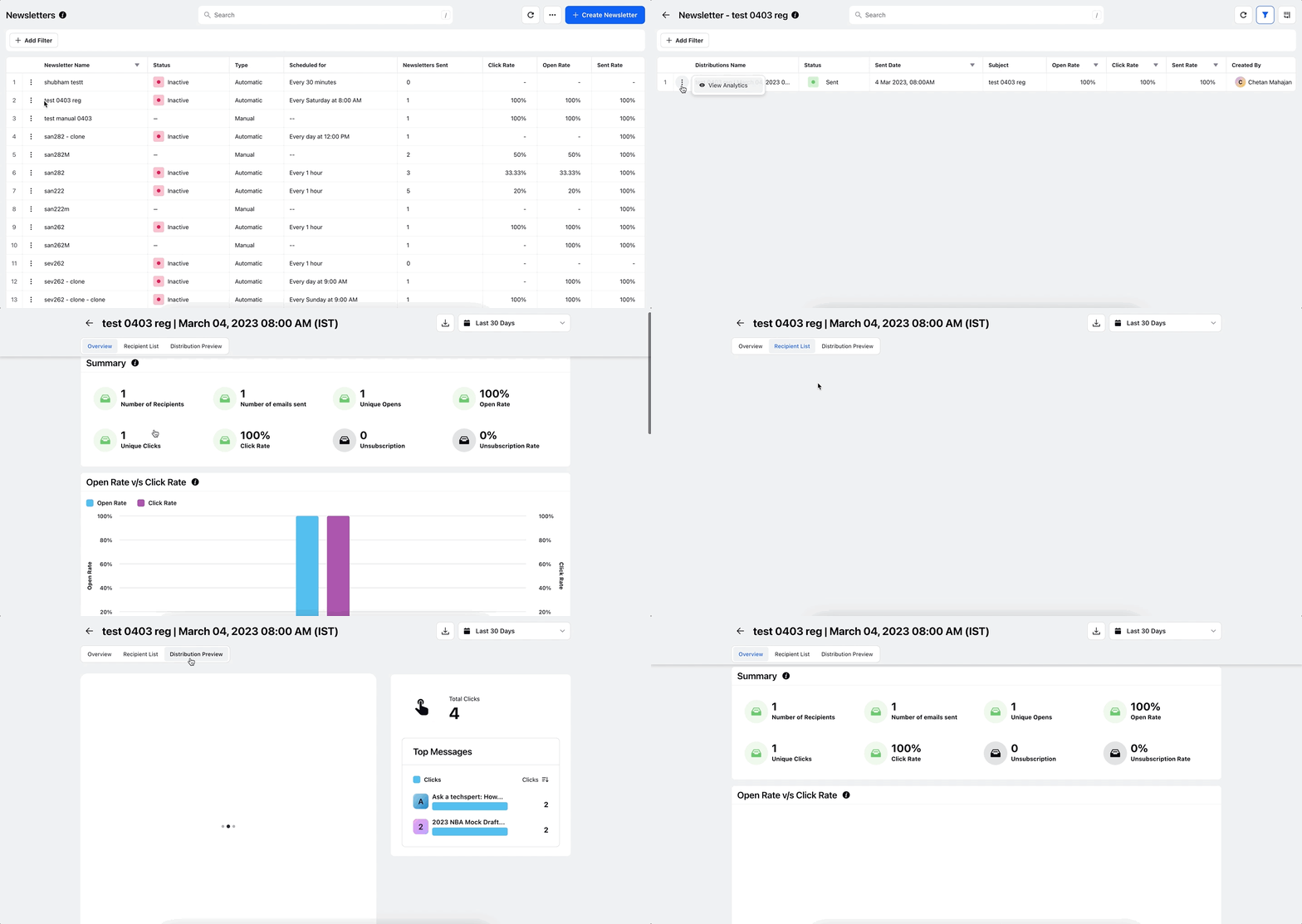
Now switch between the tabs – Overview, Recipient List, and Distribution Preview, as shown in the GIF above.
Refer to this article to have a detailed info about the tabs – List of tabs in Newletter Analytics dashboard.