Tracking Website Navigation History
Updated
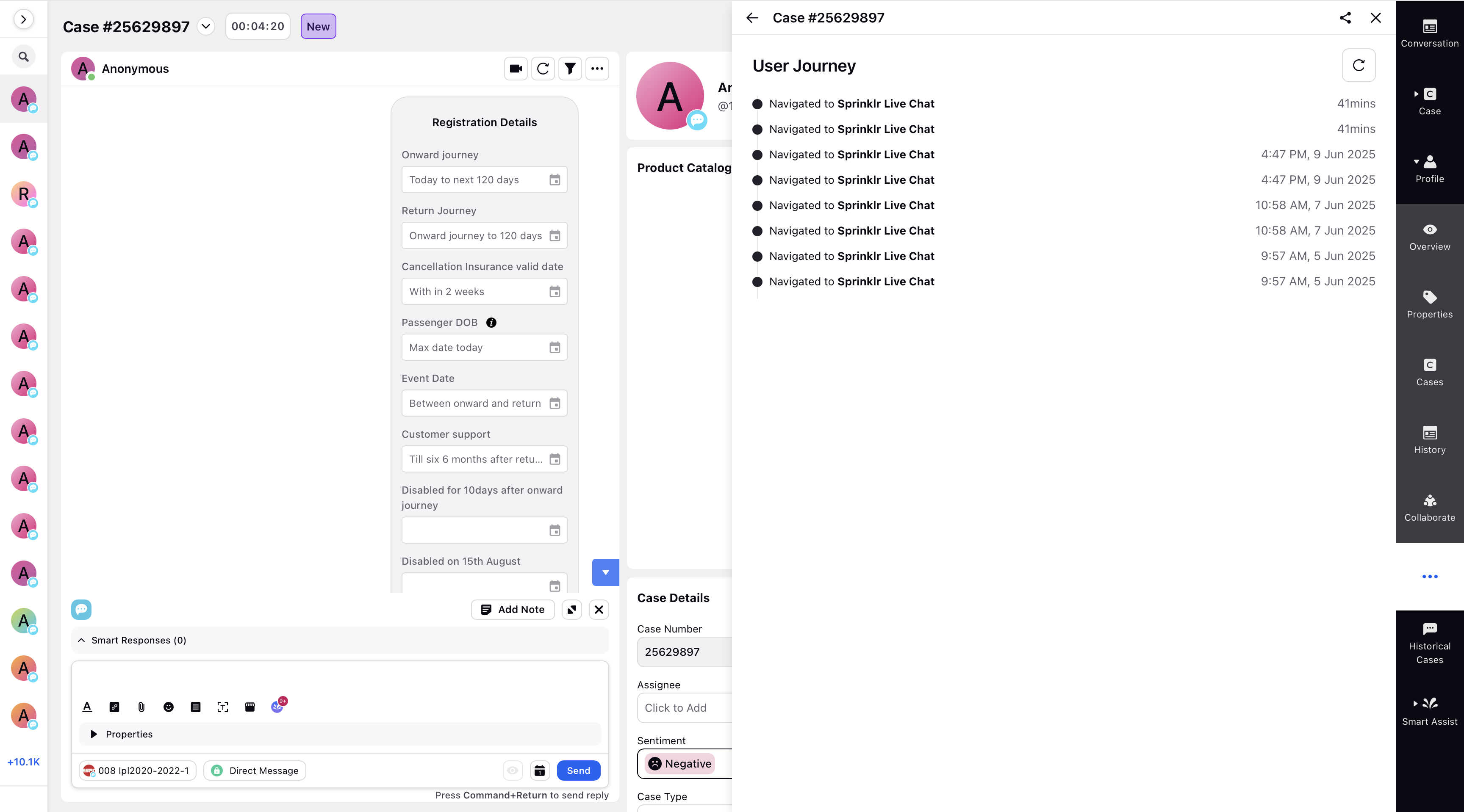
You can enable the User Journey feature for your Live Chat enabled website. This feature enables agents to view a customer’s navigation history directly within the Care Console. This provides real-time insights into which pages the customer has visited and what they’re currently exploring.
By understanding the customer's journey on your website, agents can personalize interactions, troubleshoot issues more efficiently, and understand customer intent with greater context.
 Note: Access to this feature is controlled by a dynamic property. To enable this feature in your environment, reach out to your Success Manager. Alternatively, you can submit a request at tickets@sprinklr.com.
Additionally, ensure that the Proactive Prompts feature is enabled in your Live Chat app.
To view the navigation history, follow these steps in Sprinklr:
1. Click the New Page (+) icon to open the Launchpad.
2. In the Launchpad, under the Resolve section, select Care Console.
3. Within the Care Console, open a case and then click View Case Details.
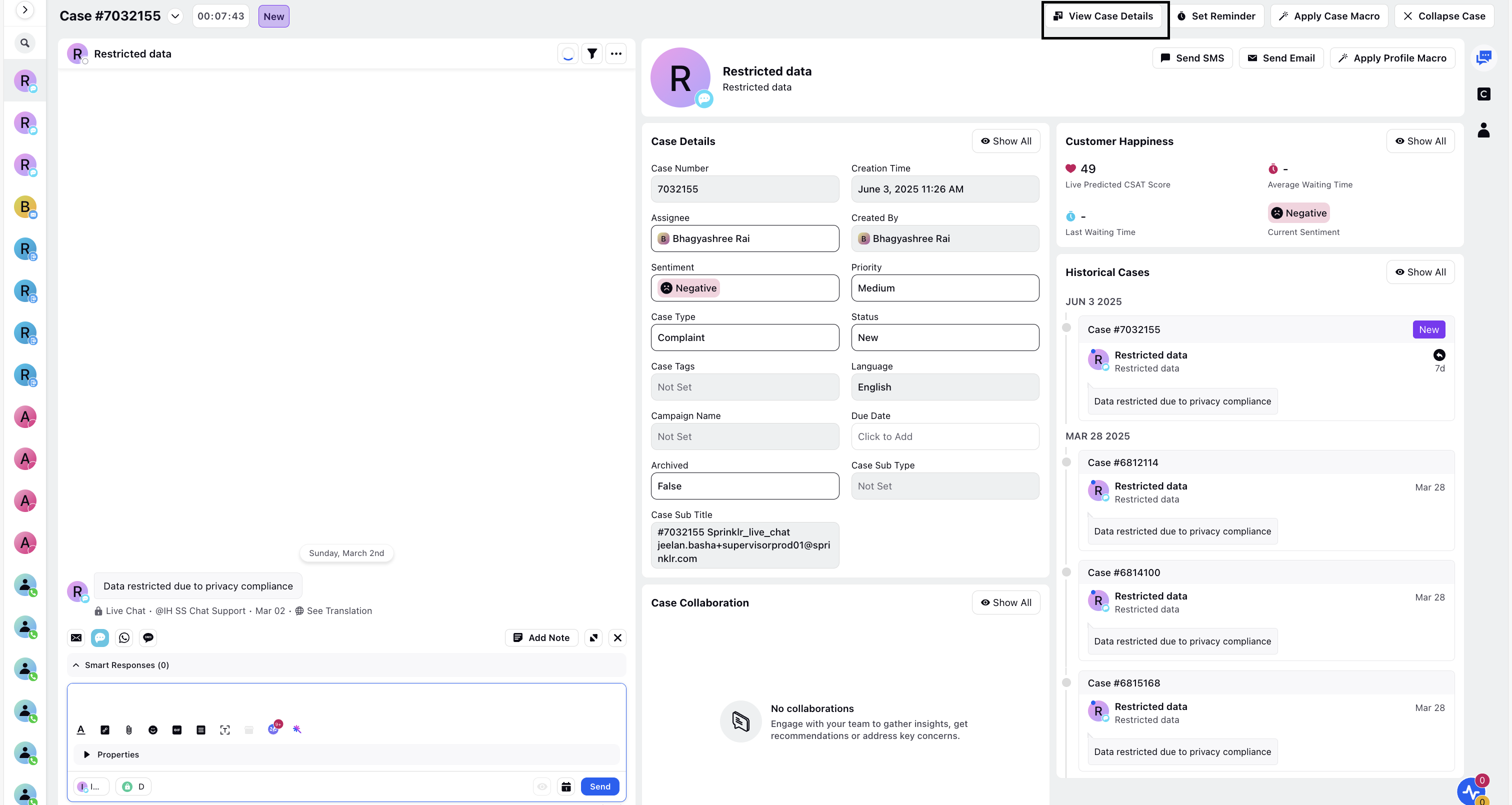
4. Click the three-dot menu icon and choose User Journey to view the navigation history.