Upvote / Downvote comments in Care Console in Distributed
Updated
Distributed users have the capability to upvote or downvote comments in case queues under Care Console. This article provides you with a guide.
 Note: Access to this feature is controlled by a dynamic property (DP: STACK_EXCHANGE_CHANNEL_ACTIONS_ENABLED). To enable this feature in your environment, reach out to your Success Manager. Alternatively, you can submit a request at tickets@sprinklr.com.
Upvote / Downvote comments in Care Console
Log in to the Distributed environment.
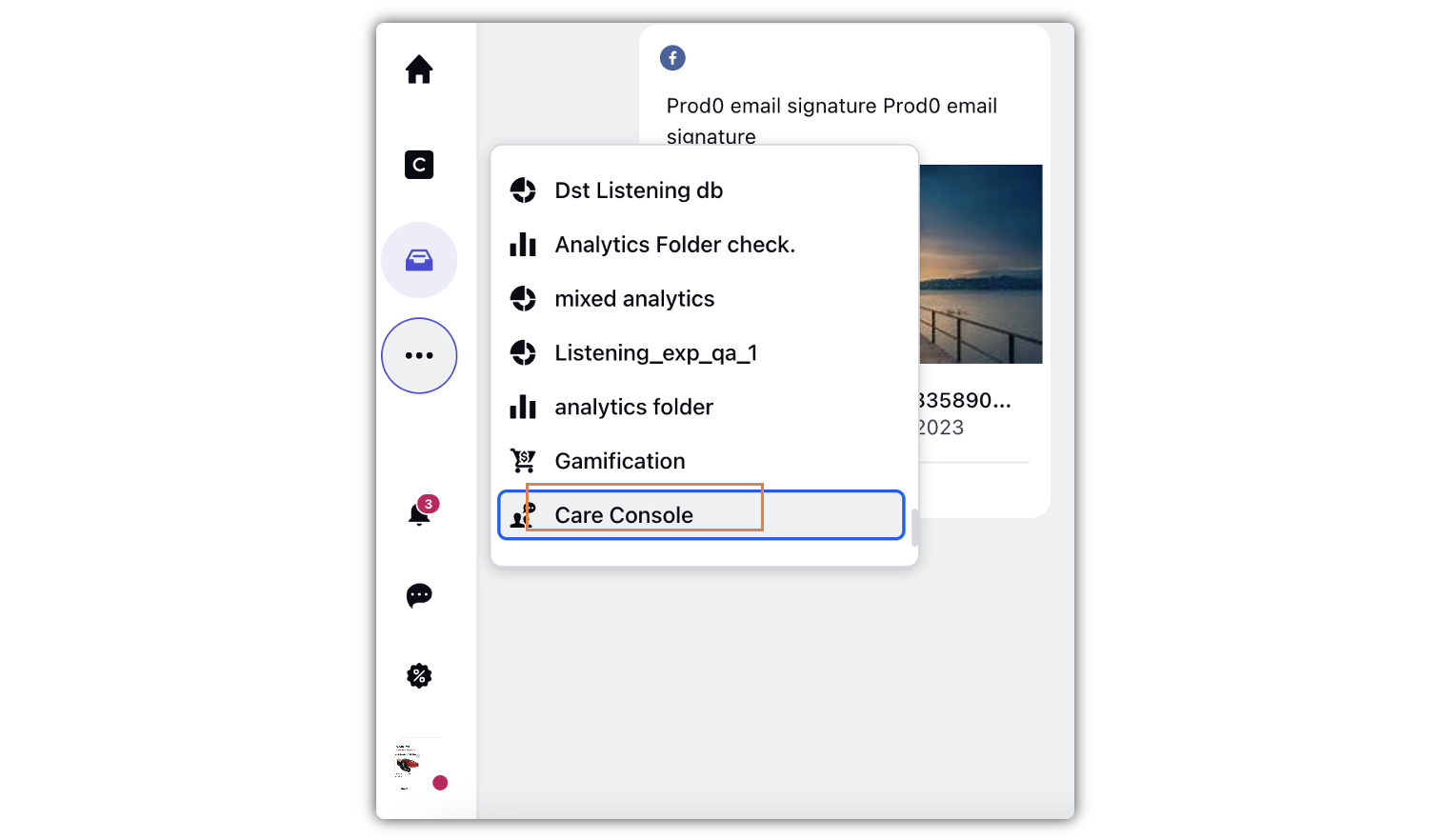
Go to the Care Console tab.
Under Case Queue, select the case that you want to view.
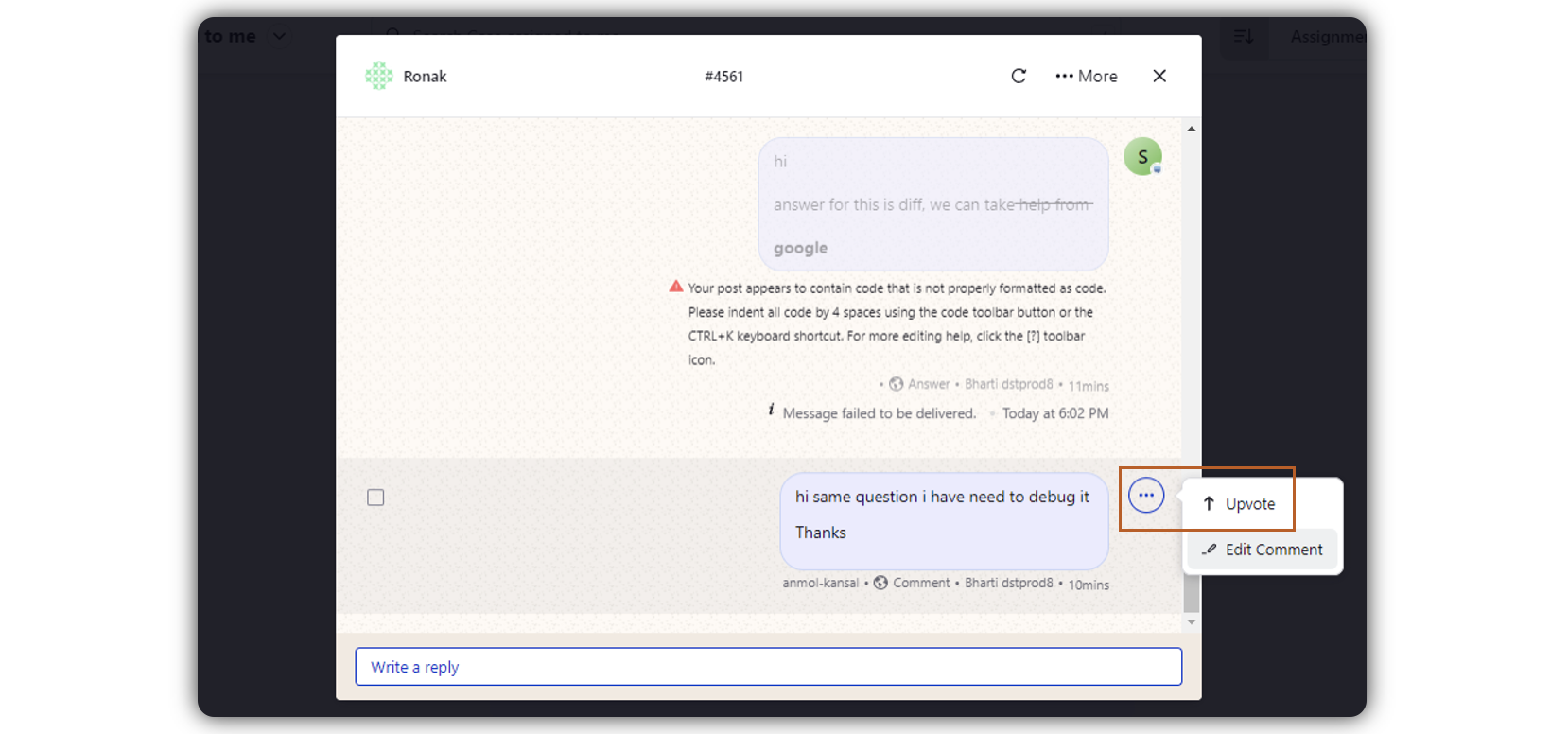
When the case opens in the middle pane, hover over the message. Click the Options icon, and select Upvote.
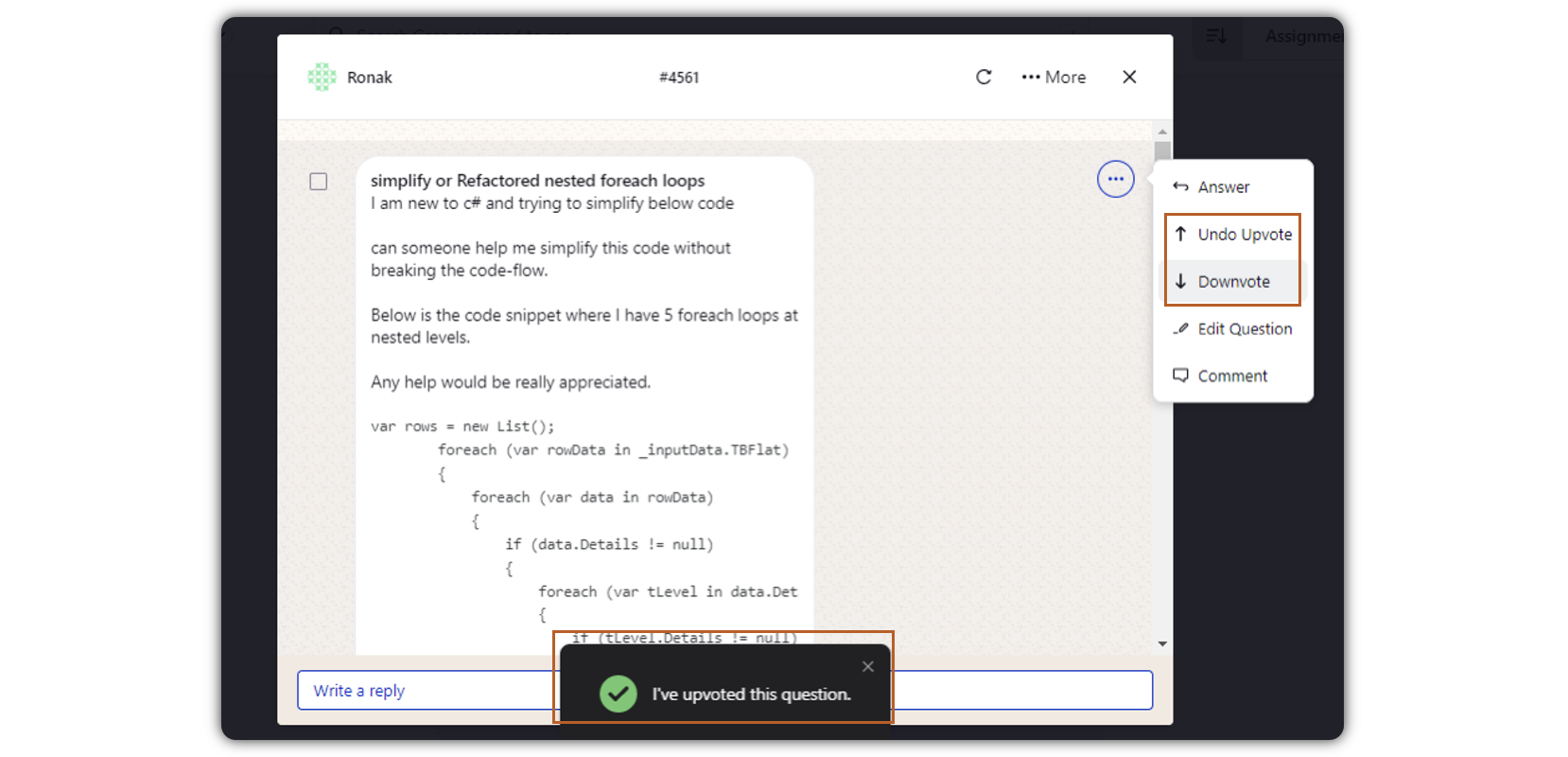
You will view a confirmation notification. You can also Undo Upvote or Downvote the comment.