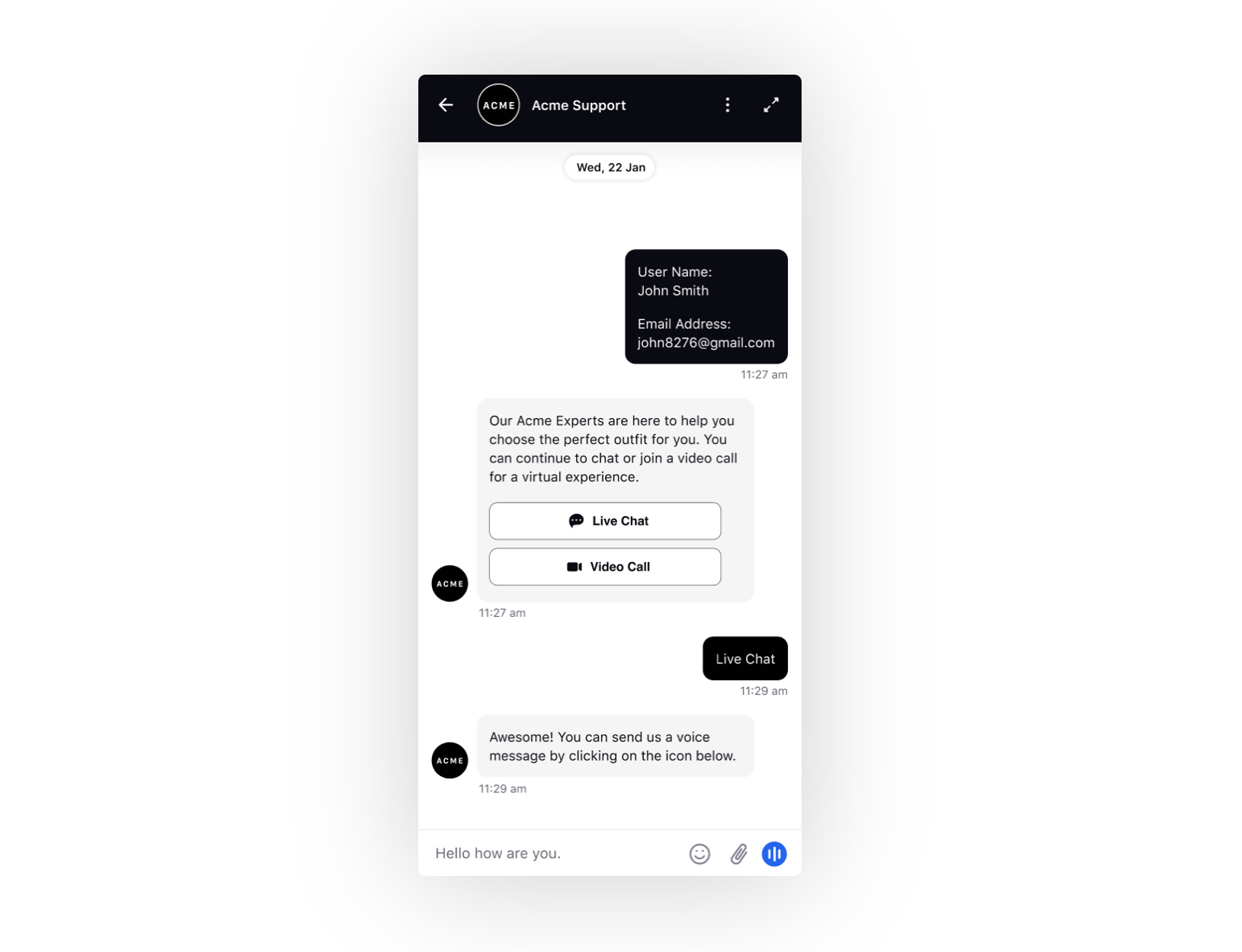
Speech‑to‑Text (STT) in Mobile Live Chat SDK
Updated
The Speech‑to‑Text (STT) feature converts spoken customer queries and requests into written text, providing real‑time transcription with the ability to edit messages before sending. It supports multiple languages, ensuring inclusive communication across diverse customer bases.
 Note: To enable this capability, raise a support ticket at tickets@sprinklr.com with your Live Chat App ID and partner details.
Key Benefits
Accelerating communication: Enabling faster, more efficient customer interactions.
Supporting multilingual engagement: Accommodating varied language preferences to enrich the customer experience.
Improving satisfaction: Streamlining conversations and reducing friction, leading to stronger customer relationships.
Supported Model
The only supported model is Google Chirp. The Google Chirp license must be procured by the brand.
Required Permissions
To enable STT in Mobile Live Chat SDK, include the following permissions:
android.permission.RECORD_AUDIONSMicrophoneUsageDescription
For more details, see the documentation for the relevant framework:
Usage Flow
Initiate transcription: User clicks the microphone icon at the bottom right. Once activated, they can start speaking, and the message is transcribed in real time, appearing in the reply box.
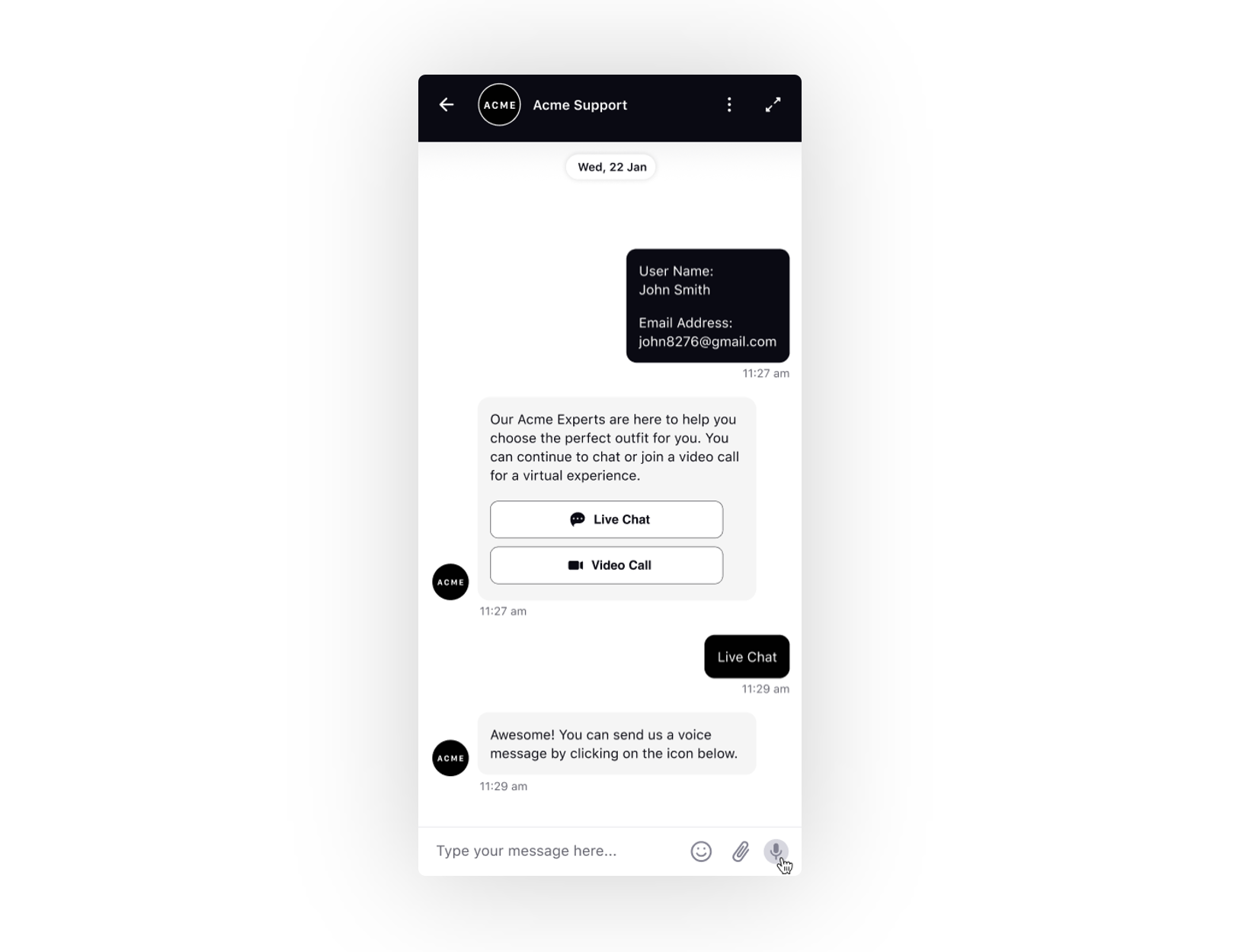
Edit before sending: Users can edit and correct the transcribed text within the reply box before sending.