Co-browsing Overview
Updated
Co-browsing allow agents to view the customer’s screen, enabling them to guide customers through product purchases, complex form filling or confusing information on websites while maintaining privacy and security.
Co-browse View on Web

Co-browse View on Mobile
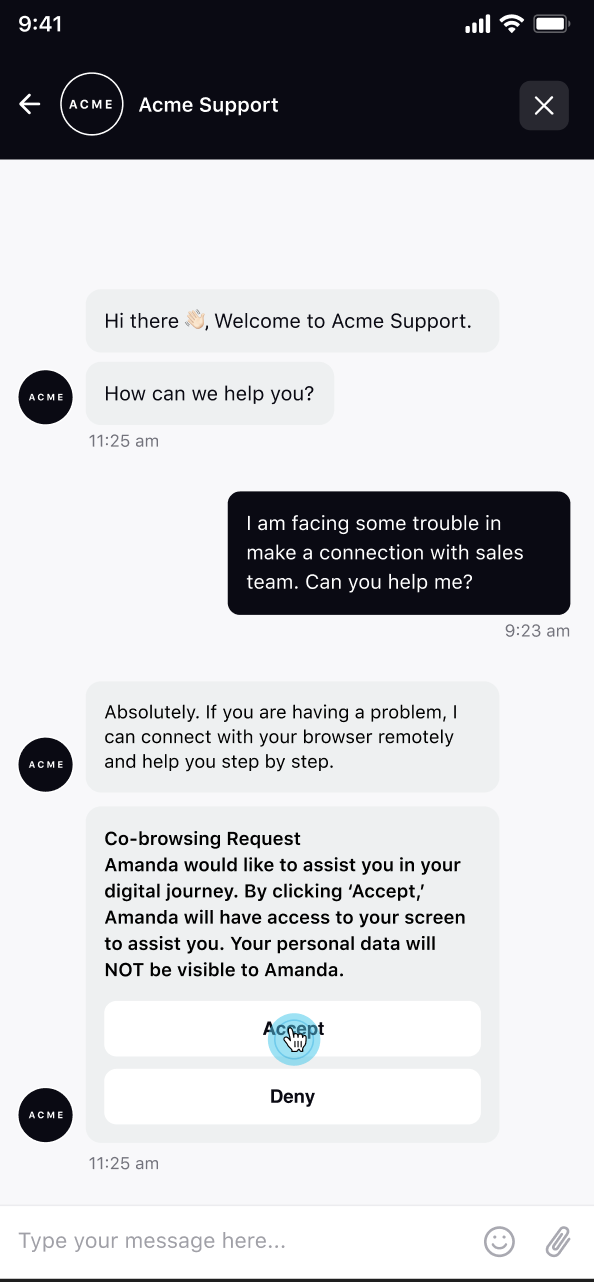
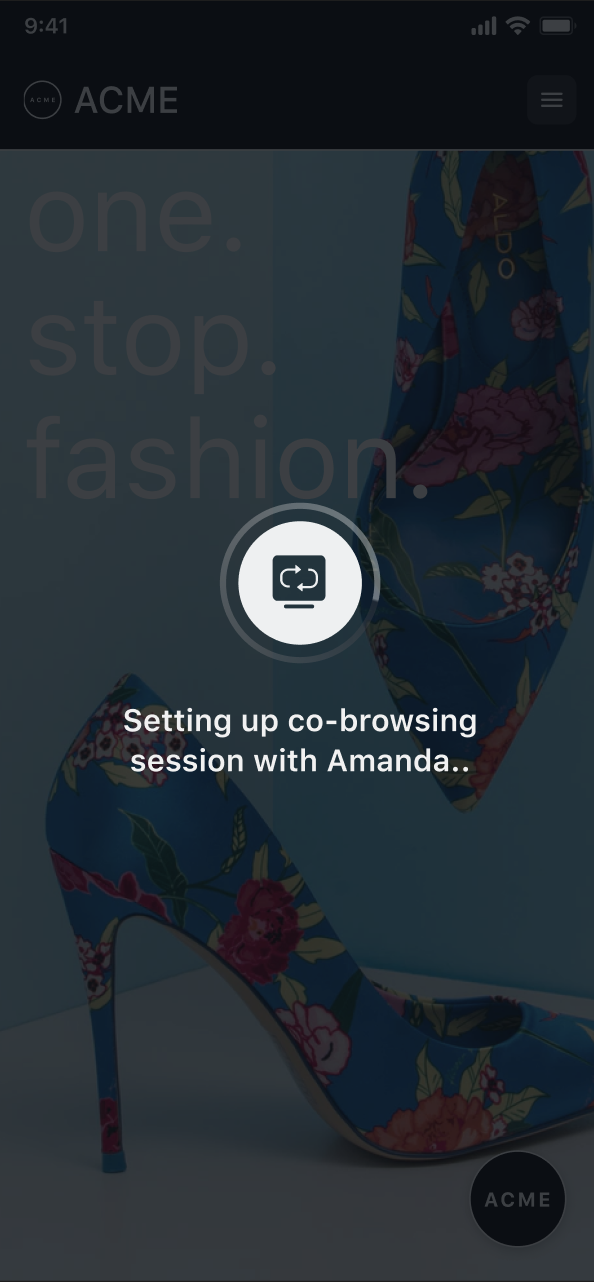

Co-browse View on Care Console

Key Benefits
Sprinklr Live Chat's Co-browsing has the following benefits:
Supported on Web Application and Live Chat Mobile App
No downloads or installations
Allow agents to annotate or Interact with the customer's screen for help in filling out complex forms
Data Masking of sensitive information
Category | Features | Sprinklr Live Chat |
UI | UI Customizable | ✓ |
Device Responsive | ✓ | |
Functionality | Annotation | ✓ |
Screen control- clicks, form filling | ✓ | |
Data Masking (CSS elements) | ✓ | |
Page Masking | ✓ | |
Reverse co-browsing | In roadmap | |
Generic Sprinklr Capabilities | Assignment Engine | ✓ |
Reporting Dashboards | ✓ | |
+ All other capabilities available under Care product | ✓ |
Use Cases
Following are some use cases of co-browsing:
Customer Support: Agents can use co-browsing to assist customers with navigating a website, filling out forms, or making a purchase
Sales and Demostration: Sales representatives can use co-browsing to give live demonstrations of a website or product, and to answer customer questions in real-time
Onboarding and Training: Co-browsing can be used to provide new employees with hands-on training, guiding them through specific tasks and procedures
Technical Support: Technical support teams can use co-browsing to diagnose and resolve problems pn a customers website or web-based application
Market Research: Researchers can use co-browsing to observe and gather information about website visitors behaviours and interactions
Co-browing Capabilities
Agents can initiate a cobrowsing session with a customer after obtaining their permission and opt‑in. This ensures that customers remain in control and consent to sharing their screen. For a step‑by‑step guide on how to enable cobrowsing from scratch, refer to the Standard Co-browse Configuration page.
During the session, agent can annonate on customer's screen to guide them, take control of their screen to assist with navigation as well as allow customer to share their full device. For more details, see Agent-Initiated Co-Browsing.
Sprinklr also allow brands to record co-browsing sessions that can be accessed by agents for training purposes. You can configure Live Chat to mask certain fields on your website so that agents cannot view them during a cobrowsing session. To know more about co-browsing key features and how enable them, see Co-Browsing Key Features.
Sprinklr co-browsing provides a set of reporting metrics that can be used to measure the operational efficiency of agents using this feature. Additional metrics can be configured and added on request.