Follow X Users
Updated
Sprinklr allows you to follow X profiles directly from the profile details pane. Using this feature, your team can follow X profiles from any of your linked X accounts.
Steps to follow X users
Click the New Tab icon
and select Engagement Dashboards under the Sprinklr Social.
Select the desired X Engagement Dashboard.
To open the profile details pane, click the profile name of an X user at the top of an X message in a column.
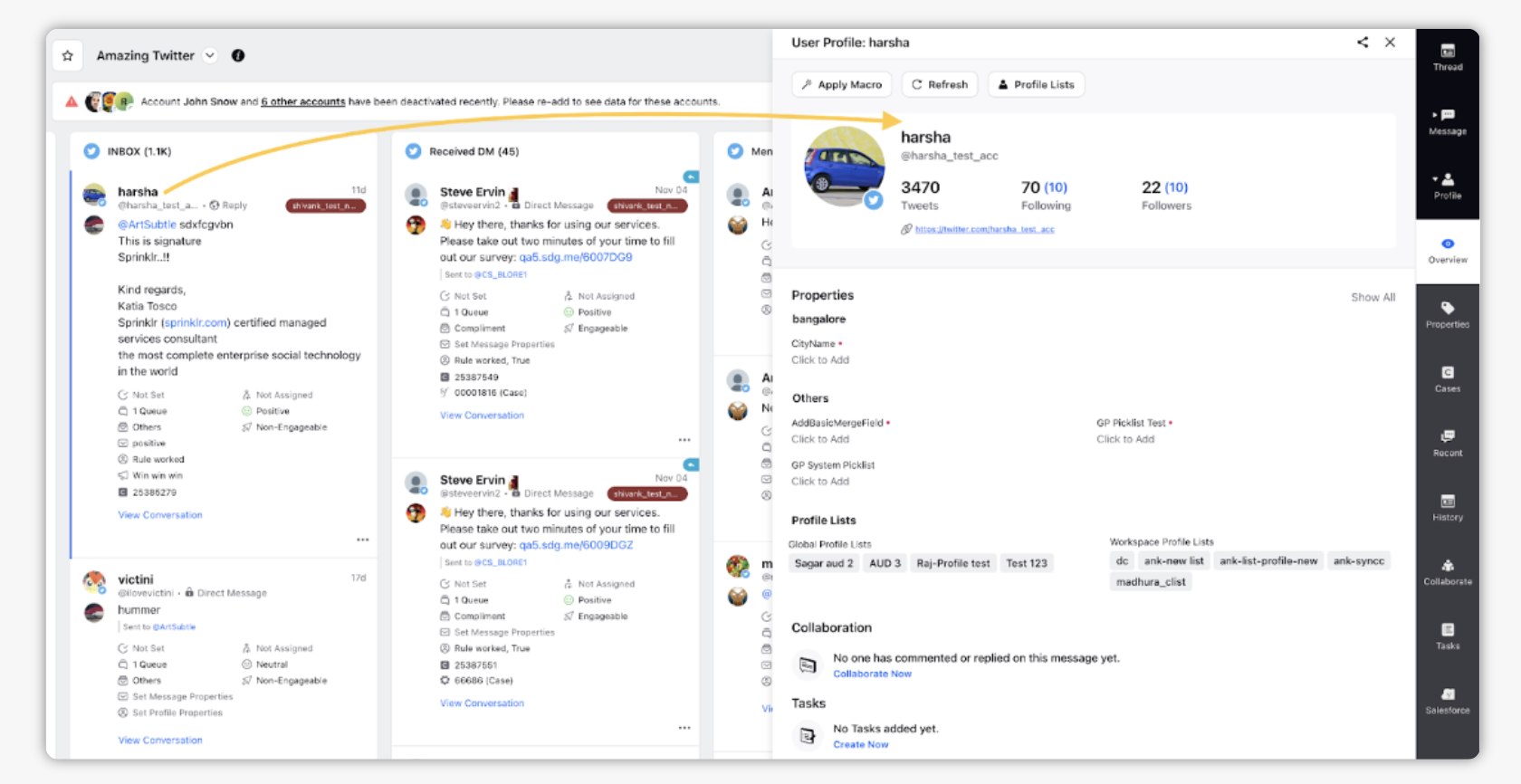
In the details pane, below the user profile name and handle, you'll see details on the user's Tweet history and followers.
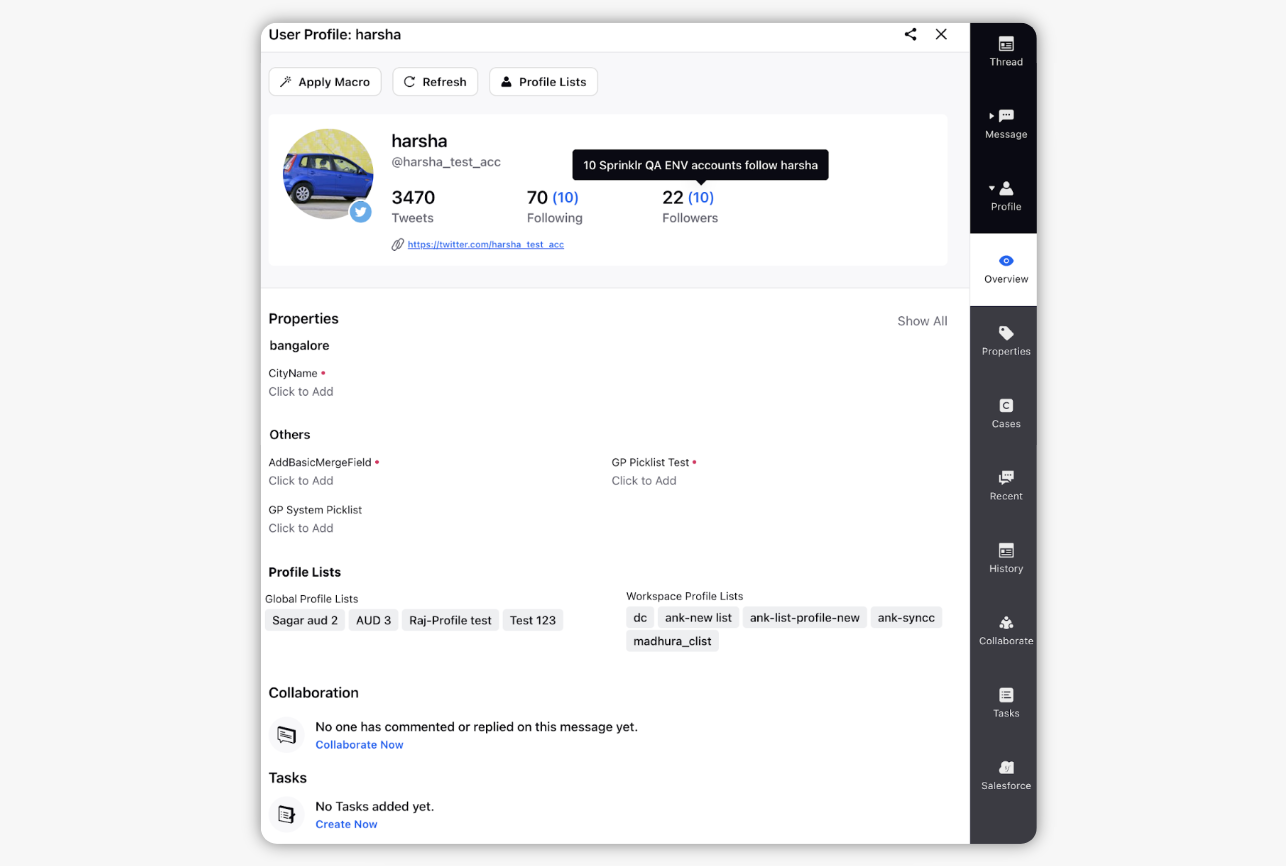
To follow the user, click the number in parentheses above Followers.
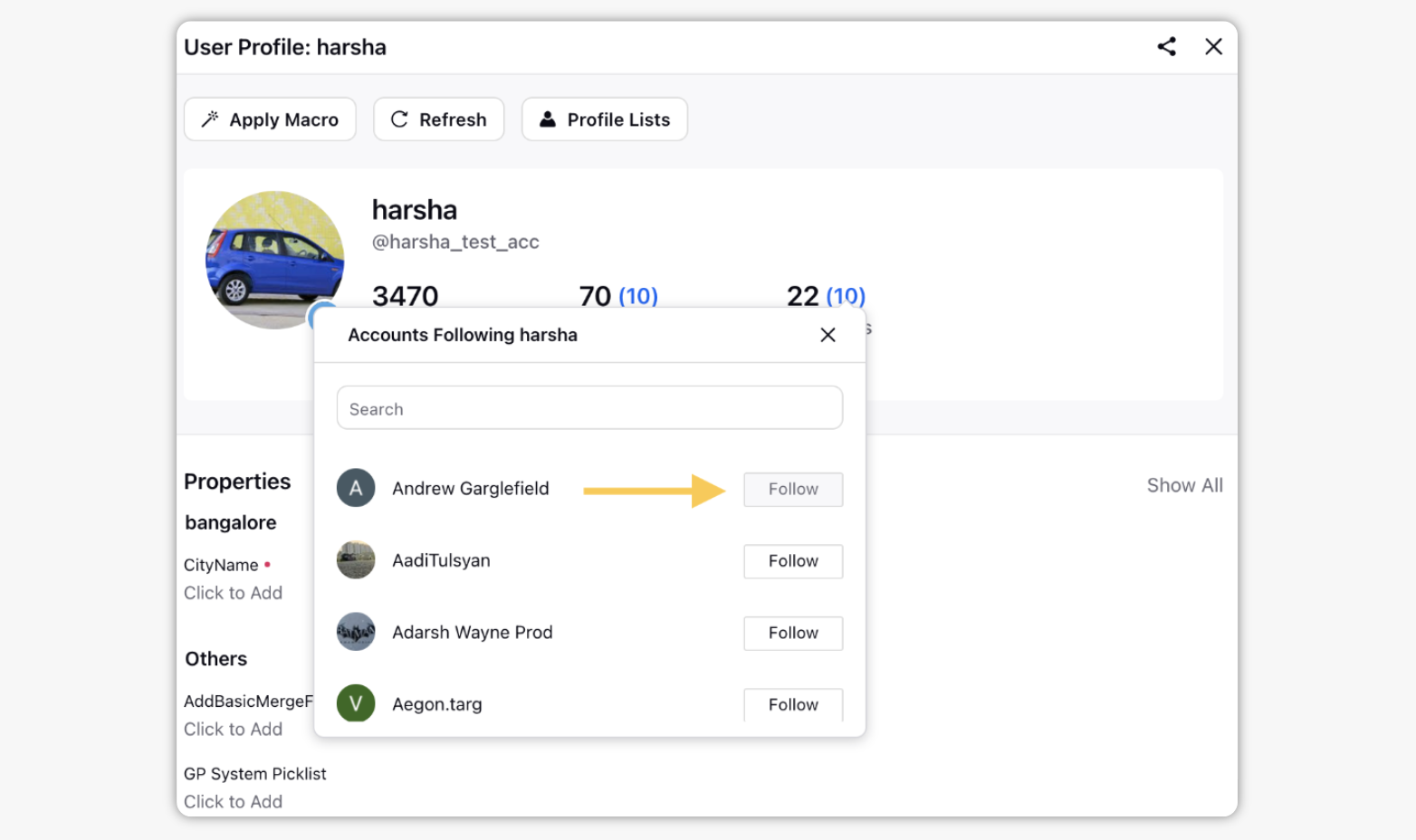
Select from your linked accounts to follow the profile. You may select multiple accounts.
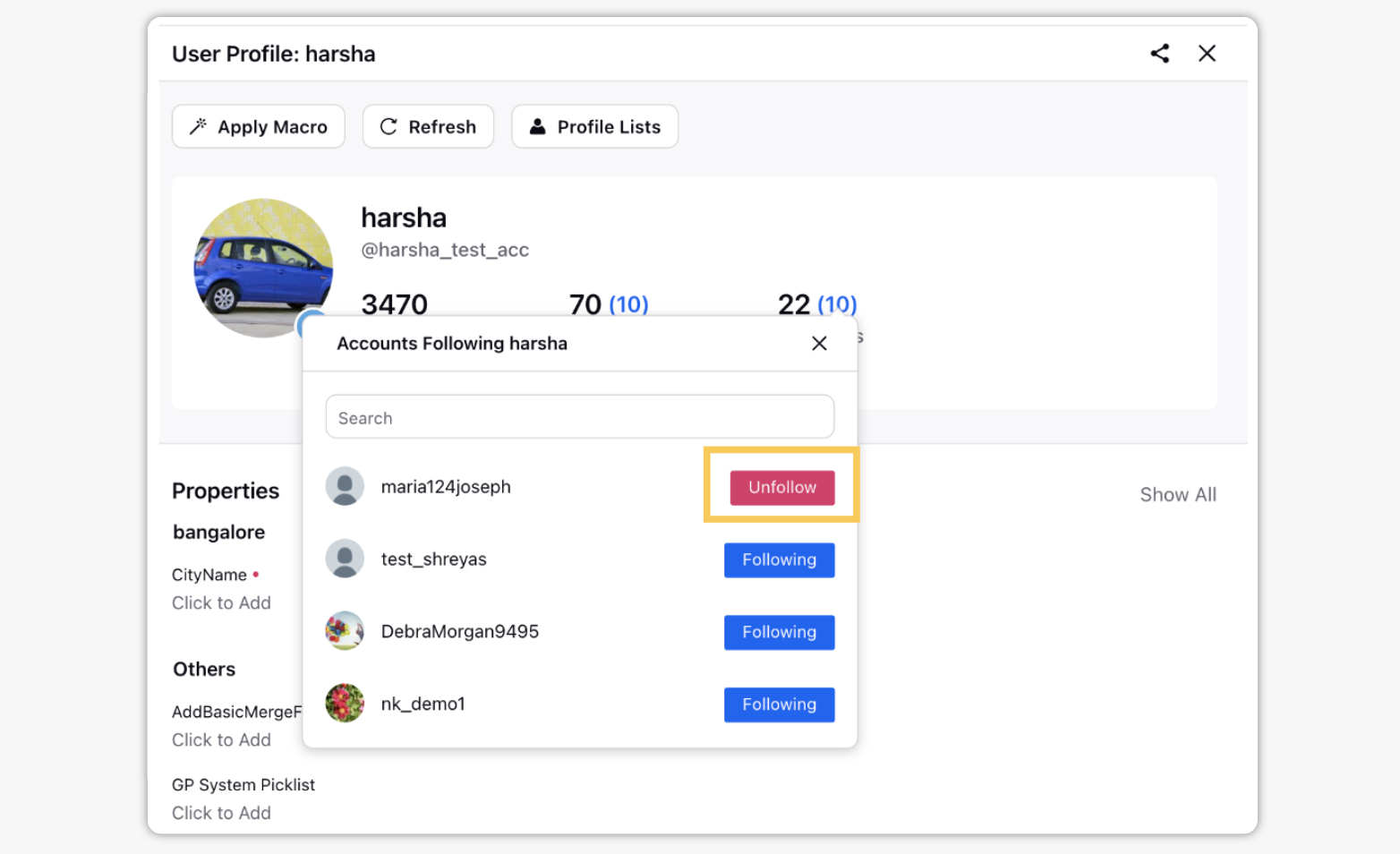
You can re-open this screen at any time by clicking the number in parentheses above Followers for X profiles and Unfollow from any account you'd like to unfollow the profile.