Universal Product Cart Report - Live Chat
Updated
The Universal Product Cart Report provides detailed insights into customer shopping activity, tracking metrics like cart status, creation and modification times, purchase completion, and discounts applied. It helps brands analyze purchase behavior, monitor cart statuses, and evaluate total purchases, enabling optimized cart and checkout experiences to enhance customer satisfaction. The Universal Product Cart Report belongs to the Live Chat Additional Report Group.
Create Universal Product Cart Report
To create the report, follow these steps:
1. Click the New Page (+) icon to open the Launchpad.
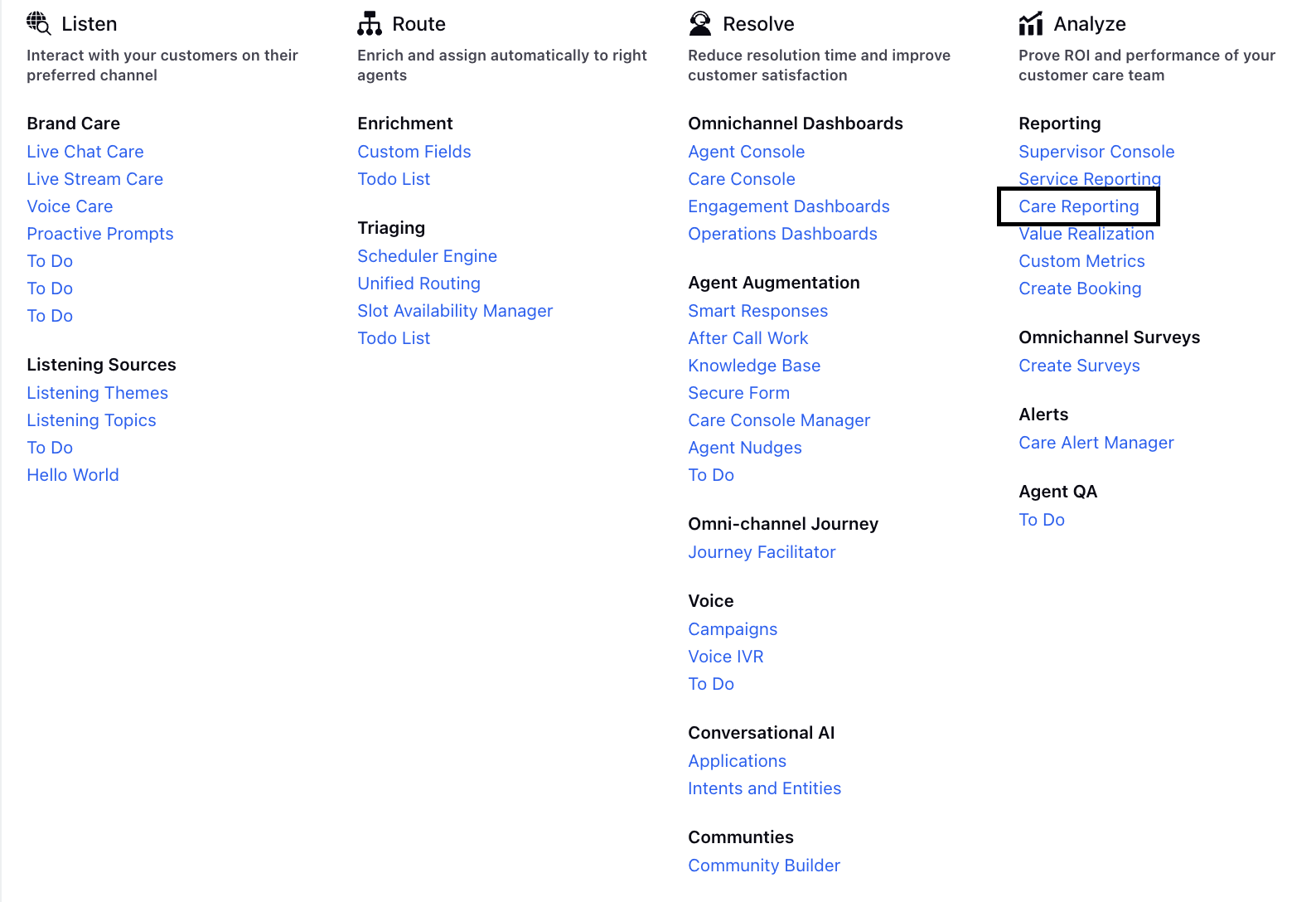
2. On the Launchpad, under Analyze > Reporting, click Care Reporting.
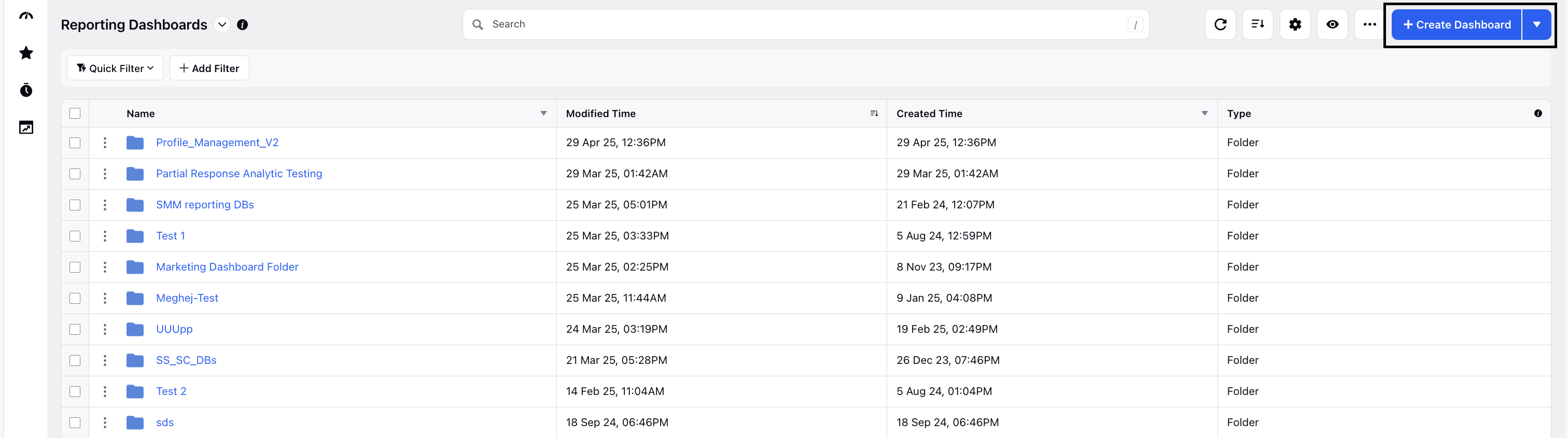
3. On the Reporting Dashboards screen, click Create Dashboard.
4. On the Create Dashboard window, enter the required details and click Create.

5. Next, add and configure a widget to monitor API usage. For detailed steps, see the Widget Configuration in Reporting article.
While configuring the widget, consider the following points:
In the Data Source drop-down, select Service Analytics.

In the What would you like to plot on your widget section, click Bulk add Metrics/Dimensions.
In the Select all Metrics and Dimensions window, expand the Live Chat Additional section in the left pane.
Select from the supported metrics and dimensions. For more details, see the Metrics and Dimensions section.

Metrics and Dimensions
Below are the Metrics and Dimensions available under the Universal Product Cart Report: