






The strategic AI-native platform for customer experience management
Unify your customer-facing functions — from marketing and sales to customer experience and service — on a customizable, scalable, and fully extensible AI-native platform.




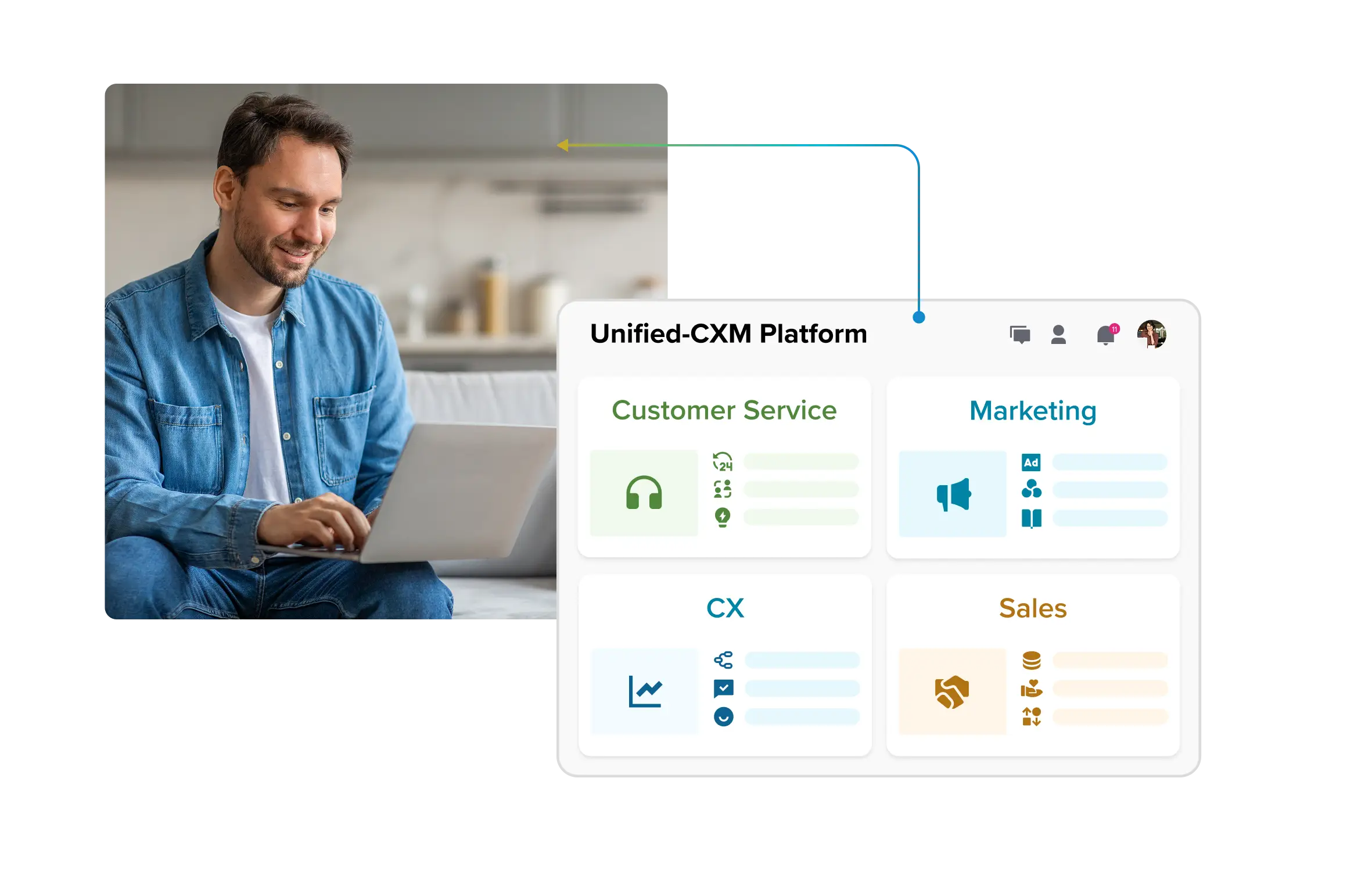
See How Agentic AI Understands Context, Not Just Prompts

See How Agentic AI Understands Context, Not Just Prompts
Agentic AI marks the leap from static chat or content tools to systems that operate with intent. These are systems designed to plan, act, verify outcomes and improve over time. In customer service and social care, that means faster resolutions, fewer handoffs, stronger brand protection and risk managed under human control. This blog is your complete guide: what agentic AI really means, the features that set it apart, how context and memory work, what safe architectures look like and the governance checklist every enterprise needs. We’ll close with a 90-day pilot plan and KPIs to measure whether you’re ready to scale.
- What is Agentic AI? (+Examples)
- Key features of agentic AI you should actually care about
- How agentic AI uses context: Signals, Memory, and Planning
- Designing agentic AI safely with guardrails, governance and KPIs
- Agentic AI architecture for CX & Social — From LLM Models to Orchestration
- Your first 90 Days with agentic AI (Pilot Picks, Playbooks, Proof)
- Why choose Sprinklr as your Agentic AI partner for CX?
What is Agentic AI? (+Examples)
Agentic AI is an enterprise system that plans, takes actions across tools, verifies outcomes and adapts to achieve business goals with oversight. Instead of stopping at providing information, it follows through with concrete actions that close the loop.
What sets it apart from traditional AI is this possession of agency to solve high-cognition problems and interact with external environments (tools, data, humans) beyond the limitations of its initial training data.
From a business perspective, it drives actions that close cases, update systems and create accountability. Chatbots provide responses, copilots assist with tasks and RPA follows fixed rules — agentic AI completes multi-step processes with a measurable end state.
Think of it as an “autonomy ladder.”
· L0 Assist: simple suggestions.
· L1 Guided: AI takes steps under prompts.
· L2 Semi-autonomous: AI completes workflows with checks.
· L3 Guardrailed autonomy: AI acts within boundaries and governance.
Most enterprises today start at L1–L2, where oversight and control are built in.
Consider two cases.
· A retail support system confirms inventory, schedules a replacement shipment, updates the CRM, and notifies the customer — closing the issue without handoffs.
· A financial services system reviews transaction logs, validates customer eligibility, applies a fee reversal and generates an auditable record for compliance.
Each sequence ends with a concrete business change rather than a drafted reply.
Guardrails remain critical: systems must never authorize open-ended refunds or act beyond policy. The strength of agentic AI lies in pairing autonomy with governance to deliver safe, verified outcomes.
Key features of agentic AI you should actually care about
Think of this as a practical checklist, not a technical whitepaper. Each feature is broken down into three parts: what the capability actually does, why CX and social leaders should care and a measurable KPI to hold it accountable. If you’re running a pilot, these are the signals to watch.
1. Planning & reasoning
What it is: The agent takes a customer request and turns it into an ordered plan of steps. For example: “My refund hasn’t come” → check order → check payment → trigger refund → update record.
Why it matters to you: Without planning, AI stays stuck at replies. With planning, it resolves issues end-to-end.
Here’s how to measure it:
Track failure reasons (bad data, missing tool, unclear policy) so you can fix what blocks progress.
2. Tool orchestration
What it is: The agent connects to your CRM, order management, knowledge base or social platform and runs those steps in sequence.
· It needs to handle retries without duplicating actions (idempotency = issuing one refund request doesn’t trigger two refunds if retried).
· It also needs to validate that the data it passes is in the right shape (schema checks = making sure a customer ID or refund amount is in the correct format before sending).
Why it matters to you: If calls wobble, cases loop. Stable orchestration lets the agent actually do work across systems.
Here’s how to measure it:
Track first-attempt vs retry success and mean time between failures per connector.
3. Verification before commit
What it is: A checkpoint before money or risky changes are made. The AI generates a clear packet of context (what it wants to do, why and evidence like transaction logs) for an AI critic or a human approver to sign off.
Why it matters to you: It prevents incorrect refunds, credits, or sensitive data changes from slipping through unchecked. This reduces rework and regulator pain later.
You might also want to track false stop rate to ensure the gate isn’t over-tight.
4. Configurable guardrails
What it is: Tunable limits and “blast-radius” caps (per-case cap, daily budget, SKU restrictions, geo rules), auto-escalation and automatic rollback on failure.
Why it matters to you: Autonomy stays safe only when limits are explicit and adjustable by policy owners.
How to measure it:
Pair it with false block rate. Healthy pilots show triggers catching real edge cases while false blocks trend down as policies are tuned.
5. Audit logs by default
What it is: A human-readable trail of the plan, each action, inputs/outputs, verifier results, approvals and “before/after” state changes — linked to tickets and customers.
Why it matters to you: QA can review quickly, supervisors can coach and compliance can reconstruct events without digging.
Here’ how to measure it:
Also track your audit turnaround time.
* timestamp, step ID, tool, params redacted, result, policy decision, approver, state diff
How agentic AI uses context: Signals, Memory, and Planning
Context is what lets agentic AI move beyond generic replies. It’s the full picture: recent exchanges, account status, service entitlements, customer sentiment, device in use, history of past issues and the trail across channels. Without this fabric of signals, the system can’t plan responsibly.
Memory works on two levels. Short-term memory is what the AI remembers within a session, so the thread doesn’t lose track midway. Long-term memory stores information across interactions, but only within safe boundaries: consent from the customer, expiry dates for sensitive data, and clear policies on what can be remembered. This balance lets the AI stay helpful without breaching trust.
From there, intent turns into a plan. The system breaks the request into steps, picks the right tools, sets verification checks and defines rollback paths if something fails.
Take two examples:
· A customer complains on social about a missing package. The AI verifies identity, looks up the order, schedules a replacement shipment, updates the CRM and sends a confirmation. The process closes with a verified reshipment logged.
· A customer questions a billing fee. The AI checks policy rules, confirms eligibility, issues a credit, updates the ledger and recaps the change to the customer. The process ends with a verified credit entry.
Each example finishes with a committed change, showing how context and planning turn conversations into outcomes.
Designing agentic AI safely with guardrails, governance and KPIs
Agentic AI can only be trusted if it has a strong safety spine. That comes from building clear guardrails, giving teams visibility into every action and measuring performance through the right KPIs.
Policy guardrails set the rules. They define what the AI is even allowed to attempt — refund limits, data access restrictions, escalation triggers. Without them, the system risks drifting outside company policy.
Product guardrails enforce those rules in practice. They cover limits on amounts, require approvals for sensitive changes and provide rollbacks if something fails. These controls make sure that an action is never final until it’s validated.
Process guardrails keep humans in the loop where the stakes are high. That could mean a supervisor reviewing a large refund, a compliance officer approving a regulatory disclosure or an agent confirming a change before it goes live.
Safety also requires observability.
Every action needs an audit log, with human-readable reason traces explaining why the step was taken. Confidence thresholds should be visible, so low-confidence decisions are escalated instead of executed. Blast-radius caps limit how many customers can be affected by a single action. And before going live, new agents should run in shadow mode — planning and simulating actions without committing them.
Finally, KPIs show if the system is behaving as intended.
· Operations: track time to resolution (TTR), first contact resolution (FCR) and containment rates.
· IT: measure latency, API success rates and error budgets.
· Legal & compliance: monitor policy violations, prevent and audit log completeness.
Together, these controls make agentic AI a system you can scale with confidence — not just an experiment running in the dark.
Agentic AI architecture for CX & Social — From LLM Models to Orchestration
When people talk about “agentic AI architecture,” it can sound abstract or overly technical. But in customer service and social care, the architecture is simply the chain of parts that takes a customer’s intent and turns it into a safe, verified change in your systems. Without this chain, you get nice-sounding conversations that never actually resolve anything.
Think of it as seven links that have to work together:
1. Channels (voice, chat, social)
This is where requests arrive. A voice call, a chat window or a social post brings extra signals beyond words — tone, urgency, device, channel.
👉 Why it matters: A public social complaint with frustration carries a different weight than a casual account query over chat. The architecture starts by capturing all of that.
For example, Sprinklr AI agents capture the complete range of customer sentiment and emotion from all channels.
2. NLU/LLM (understand intent and extract facts)
This layer figures out what the customer wants (“my package hasn’t arrived”) and pulls the key details (“order #1234”).
👉 Why it matters: If the intent is misunderstood, everything downstream breaks. This is the comprehension layer.
3. Planner (map the steps) Once the system knows the intent, it plans the route: verify identity → check order → schedule reship → notify customer.
👉 Why it matters: Planning is what shifts AI from answering questions to actually resolving them.
4. Tools and actions (do the work in your systems)
The plan is useless unless the AI can act in your systems, be it CRM, order management, billing, knowledge base, or social APIs. Safe calls here mean:
· If the action is retried, it doesn’t duplicate (idempotency → one refund stays one refund).
· If the data looks wrong, the system blocks or asks for correction (validation → no malformed IDs or negative refunds slip through).
👉 Why it matters: This is where most pilots stumble. If tool calls are brittle, the case never closes.
5. Verifier (check before risky commits)
Before money moves or policy-sensitive actions, the AI must pause. It bundles the intended action with the reason and evidence and passes it through a verifier, either another model or a human.
👉 Why it matters: This stops incorrect refunds, unauthorized credits or bad data changes before they hit production.
6. Memory/store (what the system remembers)
Two kinds of memory keep context intact:
· Short-term: remembers details within the live conversation.
· Long-term: policy-safe, with consent and expiry dates. Useful for things like delivery preferences or recent disputes.
👉 Why it matters: Without memory, every case starts from scratch; with unsafe memory, you risk privacy breaches.
7. Analytics and logs (see and measure what happened)
Every step is logged: the plan, actions, outcomes and approvals. Analytics layer this into metrics like resolution time, first-contact closure, error rates, and policy hits.
👉 Why it matters: If you can’t see what happened, you can’t trust or improve the system.
When to use single vs. multi-agent setups
· Single agent: best when the task is narrow and well-defined—like reshipping an item. Easier to monitor and maintain.
· Multi-agent: useful when roles should be split. For example, a planner lays out the workflow, an executor calls the tools and a verifier checks the risky steps. This separation adds overhead but gives more control for complex cases.
Performance realities
Voice support demands near-instant responses. That means the architecture must keep prompts short, cache common checks and escalate quickly if confidence dips. Chat and social care allow more breathing room — slower by a few seconds is fine if the outcome is correct. Across all channels, the system needs retries, fallback plans and clear escalation when a dependency fails. Customers shouldn’t feel the cracks; they should only see resolution.
Putting it together: two journeys through the stack
Case 1: Social complaint about a missing package
· Customer tweets angrily. Channel captures tone and urgency.
· NLU recognizes “delivery failure” and extracts the order ID.
· Planner maps: confirm identity → check order → create reship → notify.
· Tool calls fetch order data, issue a replacement and update CRM.
· Verifier sees reship is within policy and green-lights.
· Memory stores verified address for 30 days (safe TTL).
· Analytics log shows the case closed in one touch, with a reason trace.
Case 2: Billing dispute in chat
· Customer asks: “Why was I charged this fee?”
· NLU interprets as “fee dispute,” pulls account ID and fee amount.
· Planner sets: review policy → check history → apply credit if valid → recap to customer.
· Tools check billing rules and ledger; the system prepares a credit.
· Verifier flags the amount above the threshold, sends it to the supervisor with a context packet.
· Approved, applied and logged.
· Customer receives a clear summary: “A $15 fee has been reversed.”
This is what “agentic AI architecture” means in practice. Every part exists for a reason: to move from intent to safe, auditable resolution.
Your first 90 Days with agentic AI (Pilot Picks, Playbooks, Proof)
The next 90 days are for learning what works in your environment, showing reliable outcomes on a narrow slice of work and keeping risk under control. Everything below supports that purpose.
Pick one safe pilot (start small on purpose)
Choose one lane so you can see cause-and-effect clearly and fix issues fast.
1. Case triage with disposition drafts
· What it does: Reads inbound messages, classifies the issue, drafts a short summary and proposes next steps.
· Why it’s safe: No direct changes to orders, billing or PII; agents approve the draft.
· What “good” looks like: Clear, accurate routing and summaries that reduce agent back-and-forth.
· What to measure: Time to resolution (TTR), first-contact resolution (FCR), agent rework on summaries and escalation rate.
2. Entitlement checks with appointment scheduling
· What it does: Confirms service entitlement, finds a slot, places an appointment and sends a confirmation.
· Why it’s safe: Actions live inside policy rules (coverage, geography, time windows), with an approval for edge cases.
· What “good” looks like: Fewer handoffs, accurate appointments and fewer no-shows.
· What to measure: TTR, FCR, schedule success rate, reschedule rate and agent feedback on accuracy.
3. Social complaint intake → CRM case + status updates
· What it does: Converts a public post into a CRM case, attaches history and posts progress updates that calm the situation.
· Why it’s safe: The agent creates structured records and posts templated updates; sensitive actions stay gated.
· What “good” looks like: Faster case creation with rich context and steady public updates that reduce pile-ons.
· What to measure: Time to case creation, containment on social (fewer follow-ups), TTR and agent rework on posts.
Guardrails that keep the pilot safe
These limits make outcomes predictable and reviews fast.
· Autonomy level: Cap at L1–L2. The system plans and takes steps, but anything involving money, PII, or policy boundaries requires a verifier.
· Scope: Work inside one domain only (support or billing or social). Mixing domains adds hidden failure points.
· Integrations: Use no more than three tools (for example: CRM + order + knowledge). Fewer links = fewer surprises.
· Rollback: Every workflow must define how to undo a change if a later step fails. No half-finished states.
· Window: Run the pilot workflow for 30 days so patterns emerge and you can tune guardrails.
How to prove it (baseline → A/B → report)
Evidence beats opinions. Collect clean data, then compare like-for-like.
1. Two-week baseline Run the chosen workflow with your current process. Record: TTR, FCR, escalations, rework (extra touches or fixes) and short agent feedback notes on clarity and effort.
2. A/B run with the agent Route eligible cases 50/50: half through the agentic workflow, half through the baseline process. Keep the same hours, team and mix of issues to avoid skew.
3. Report in plain language
· TTR: Did customers get outcomes faster?
· FCR: Did more issues finish in one touch?
· Escalations: Did fewer cases need a supervisor?
· Rework: Did agents spend less time fixing drafts or cleaning up records?
· Agent feedback: Do agents trust the plans and summaries? Are the status updates usable without rewriting?
What “good” risk looks like during a pilot
· Verifier activity: Risky steps go through the verifier; approvals explain why the action is safe.
· Guardrail activity: Limits catch edge cases. False blocks trend down as policies are tuned.
· Logs: Every step has a readable trail—what was done, why it was done, and the before/after state in your systems.
· No policy breaches: Zero unapproved money moves or sensitive changes.
Decision at Day 60–90
· Scale when metrics improve across TTR/FCR, escalations and rework fall, agents report trust, logs are complete and there are no unapproved actions. Expand the same workflow to a larger volume or add a second workflow with the same guardrails.
· Pause and tune when guardrails fire constantly, policy reviews catch too many errors or rework rises. Tighten the plan steps, simplify tool calls, add clearer approval criteria and rerun the same pilot before expanding.
Why choose Sprinklr as your Agentic AI partner for CX?
Agentic AI represents a clear shift: conversations no longer end with replies, but with results you can verify and measure. That’s the heart of what makes it different — and why it matters for CX and social leaders who live and die by resolution, not rhetoric.
The next step is practical. Pick one pilot that feels safe but valuable, apply the guardrails checklist you’ve seen here and make your autonomy ladder explicit so every team knows what level of control is in play.
Those three moves set the foundation for scaling without losing trust. And that’s exactly where Sprinklr AI Agents come in.
Built natively on the Unified Sprinklr Platform, AI Agents turn those principles into practice — running complex, end-to-end processes using your existing automations, rules and workflows.
Every action operates within defined guardrails you can configure through pro-code or no-code workflows. Sensitive data stays protected with AI-powered or keyword-based PII masking. And because every decision leaves a trace, you get real-time dashboards, detailed usage logs and full audit trails — so you can scale autonomy with clarity, not guesswork.
CTA BUTTON: LET’S TALK AGENTIC
FAQs
1. Can agentic AI operate safely with customer PII under GDPR/CCPA/HIPAA?
Yes, if privacy is built in. Keep only essential data, encrypt it, mask PII in logs and set clear retention windows. Always collect consent when required and record every action for audit. With strict guardrails and human oversight on sensitive steps, agentic AI can run safely under these laws.
2. Do agentic AI pilots differ for internal ops vs customer-facing use cases?
Yes. Internal pilots are lower risk, since they deal with workflows behind the scenes — great for testing triage or routing. Customer-facing pilots demand stronger safeguards: approved templates, escalation paths and verifiers for risky moves. Both need guardrails, but customer-facing work carries higher stakes for brand reputation and compliance.
3. How should teams set autonomy levels for agentic AI?
Treat autonomy like a ladder. Start at L0 with suggestions, move to L1 where actions require confirmation, then to L2 where workflows run with checks, and eventually L3 for safe, rule-bound autonomy. Map tasks to levels based on risk and adjust only when pilot data proves stability.
4. What architectural pattern works best to deploy agentic AI at scale?
A layered stack works best: capture requests, parse intent, plan steps, call tools, verify risky actions, store memory safely and track everything with logs. Start with one agent for simplicity, then add roles like planner and verifier for complex workflows. Always design for retries, rollbacks and human-readable traceability.
5. Which industries are adopting agentic AI fastest, and why?
Retail, telecom, banking, travel, and healthcare administration are moving quickly. They handle high case volumes, depend on clear rules and face pressure on cost and speed. Agentic AI helps automate repeatable requests (reshipments, billing disputes, plan changes) while still giving humans control. Industries with structured workflows and high demand gain first.
Explore Agentic AI